音声と動画の記録
Note
このドキュメントは、AIを活用した機械翻訳によって翻訳されました。翻訳内容は「現状のまま」提供されており、その正確性については一切保証いたしません。このコンテンツの英語版が公式かつ権威ある情報源となります。
教員はフィードバックとして表示されるよう、学生に対して追加したテキストと共に記録を含めることができます。あなたの教育機関がVideo Studioのライセンスを取得していなくても、評価のフィードバックを提供したり、柔軟な採点を行ったりする際に、Video Studioのワークフローをすべて使用することができます。これにより、フィードバックエディターで直接ビデオや音声を録音またはアップロードすることができ、キャプション、文字起こし、編集などの機能を使用して、明確でパーソナライズされたコミュニケーションを提供することができます。
注記
教育機関がVideo Studioのライセンスを取得していない場合、フィードバックの録音は5分間に制限されます。Video Studio のライセンスがある場合、制限は 20 分です。
オーディオ/ビデオフィードバックツールで作成されたビデオおよびオーディオ、またはオーディオ/ビデオフィードバックツールにアップロードされたビデオおよびオーディオは、教育機関のBlackboardストレージ割り当てにはカウントされません。
フィードバックの記録
インストラクターのフィードバックパネルで[音声/ビデオ]を選択します。
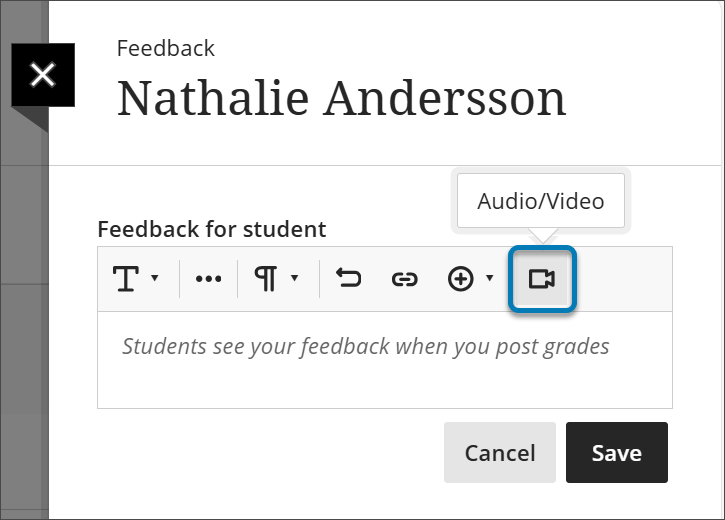
カメラ、音声、画面、音声と画面、カメラと画面のいずれを録画するかを選択します。
フィードバックの録音が終わったら、録音を停止ボタンを選択します。ビデオの処理が開始されます。
Title ボックスに動画のタイトルを、Description ボックスに説明を入力します。
アクセスオプションを選択します。閲覧のみでは録画の閲覧のみ可能で、閲覧およびダウンロードではダウンロードも可能です。
再生ボタンを選択して動画をプレビューします。
問題がなければ、[ビデオを保存]ボタンを選択します。ビデオを破棄したい場合は、X を選択します。
If you are satisfied, select the Save Video button. If you want to discard the video, select the X.
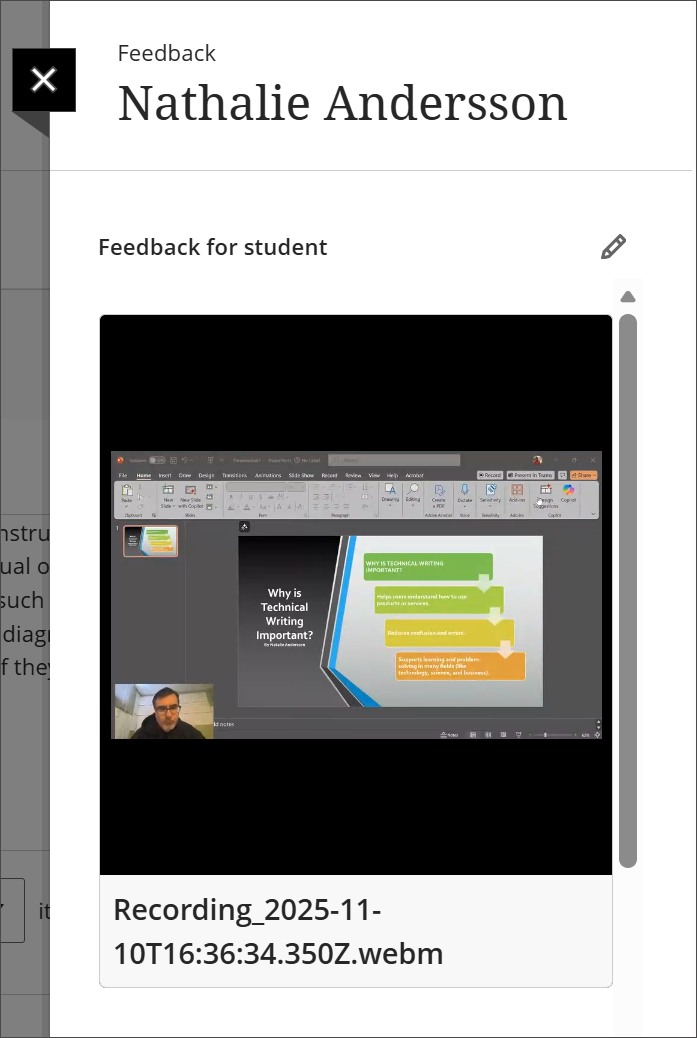
ビデオスタジオの録画はインストラクターのフィードバックパネルに埋め込まれ、学生が表示できるようになりました。
Video Studioでできることの詳細については、Video Studioページをご覧ください。