Marco del tablero de control
Note
Este documento se ha traducido mediante traducción automática asistida por IA. Las traducciones se proporcionan «tal cual», sin garantía alguna respecto a su exactitud. La versión en inglés de este contenido es la fuente oficial y con valor normativo.
El Marco del cuadro de mando (SIT V3) proporciona a las instituciones cuadros de mando personalizables para estudiantes, profesores y administradores con visualizaciones de datos. Estos cuadros de mando pueden desarrollarse para casos de uso personalizados más allá de los ya disponibles en Anthology Illuminate. Algunos ejemplos son los paneles que destacan indicadores clave como el progreso, la participación y la finalización, con la capacidad de presentar vistas y perspectivas específicas de cada función.
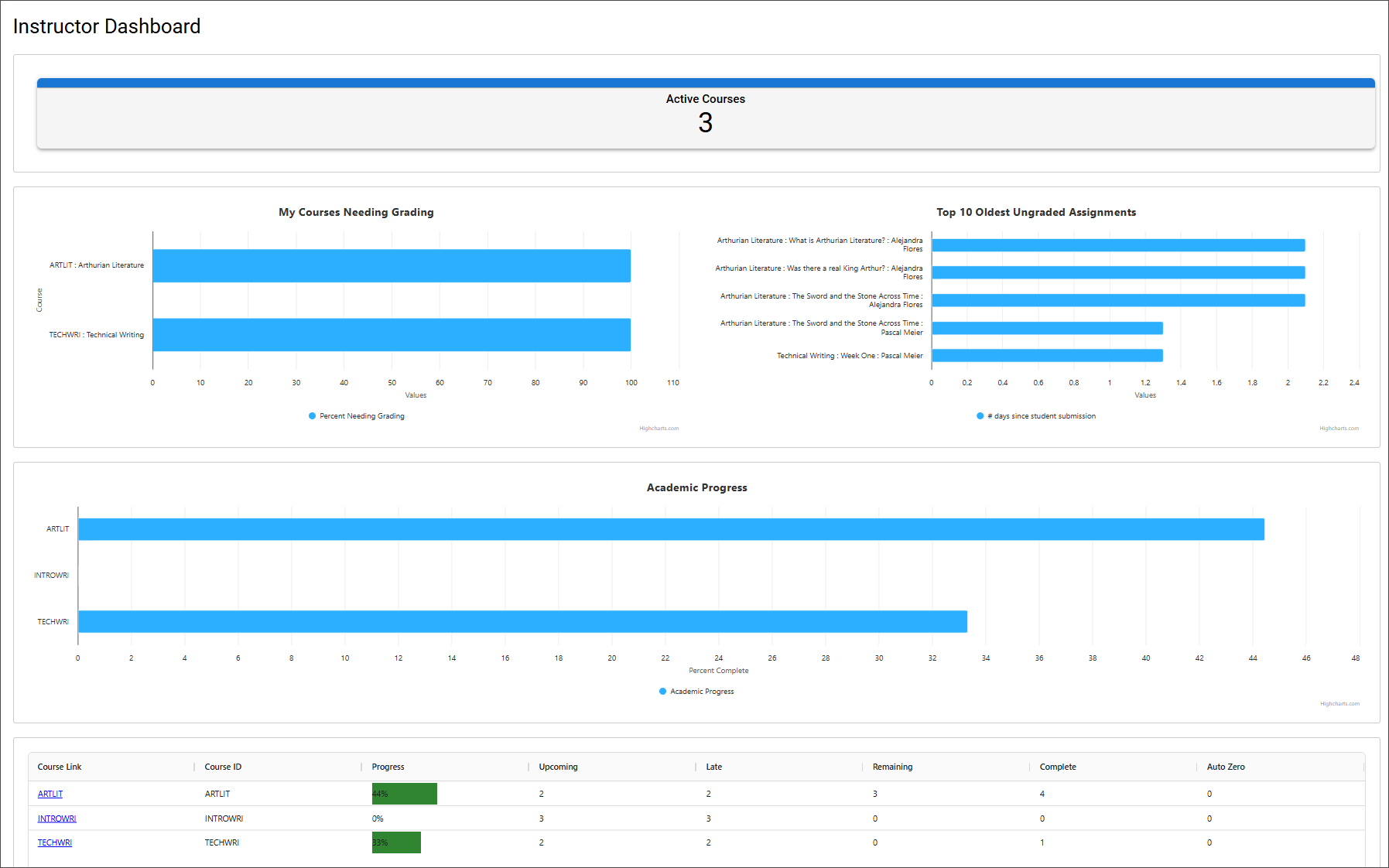
Lo que puede crear
Los cuadros de mando pueden incluir una amplia gama de componentes de visualización.
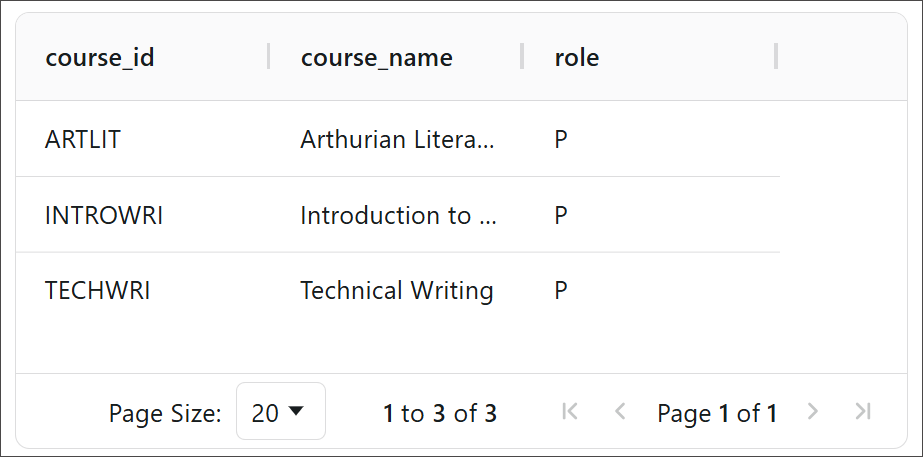
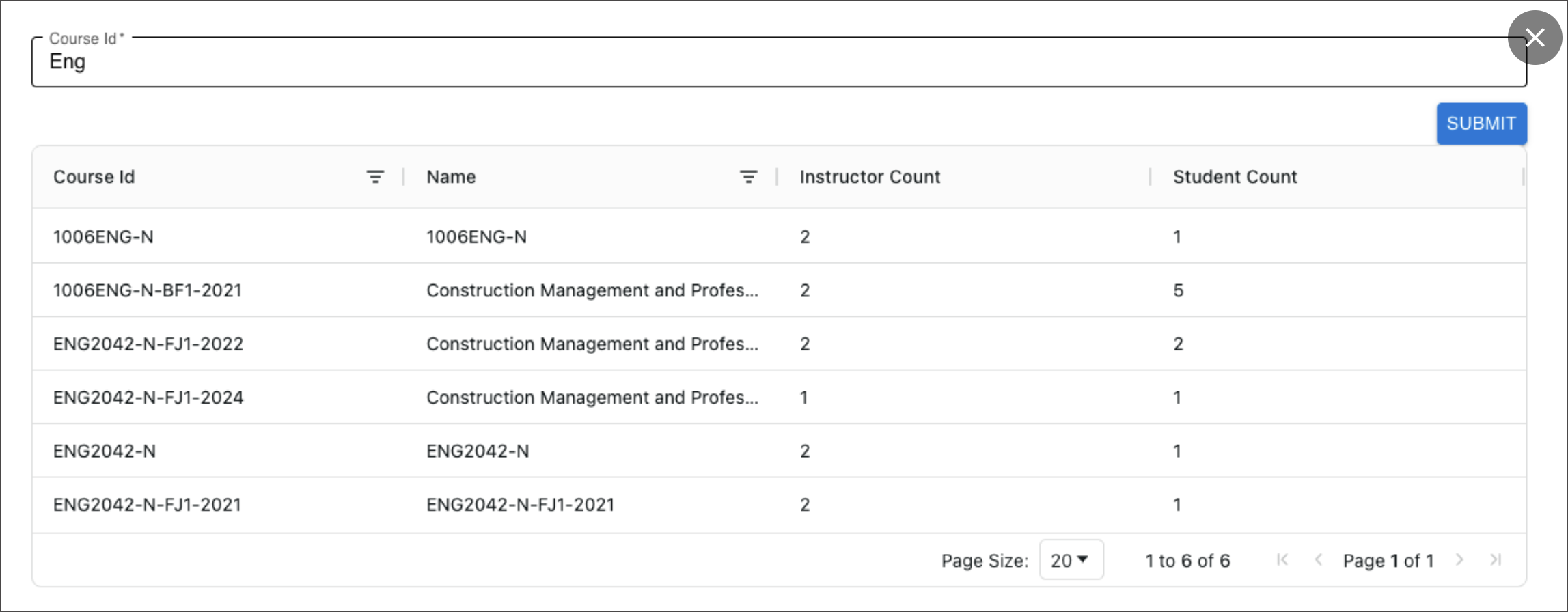
Tabla
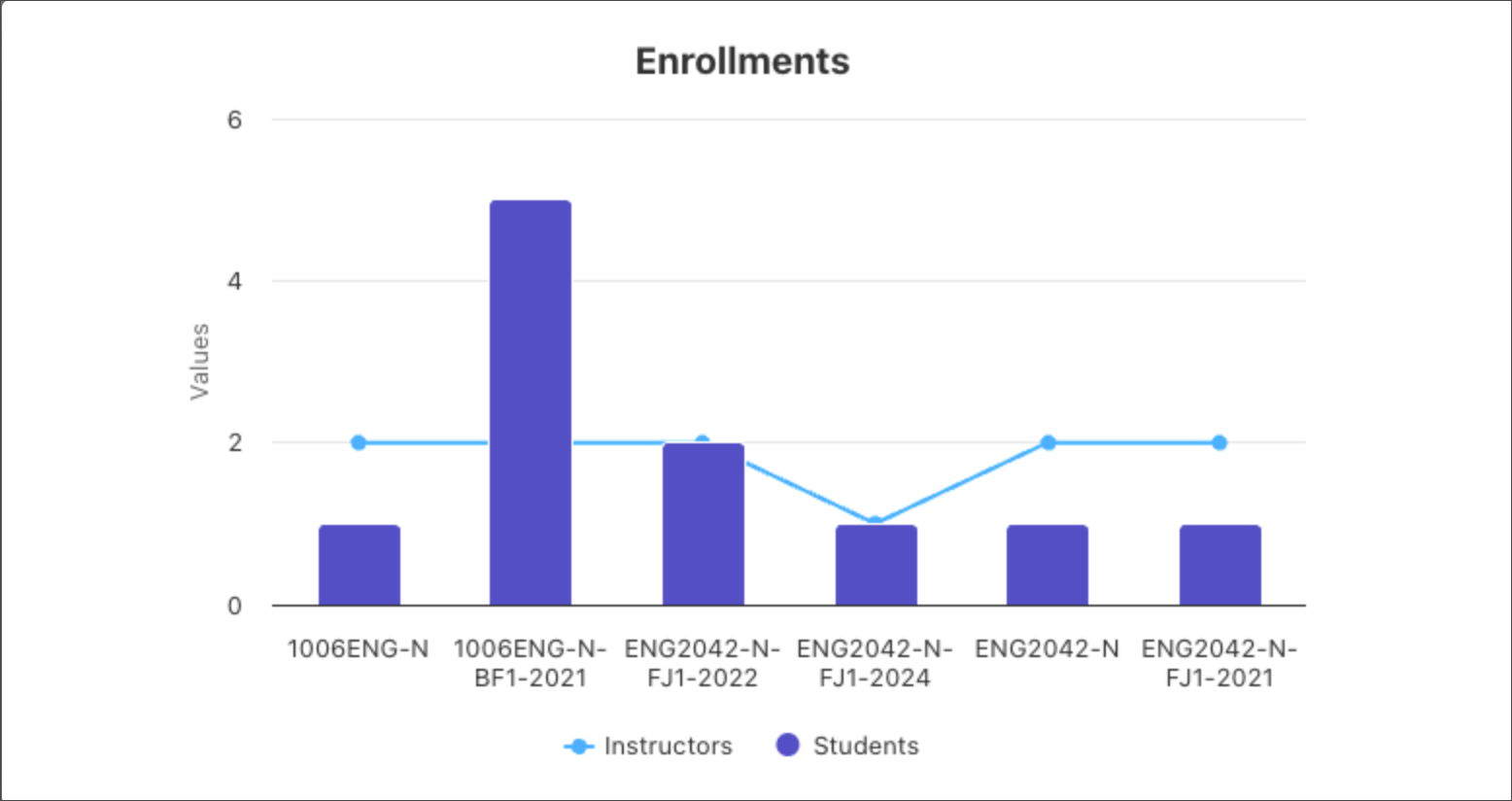
Gráfico
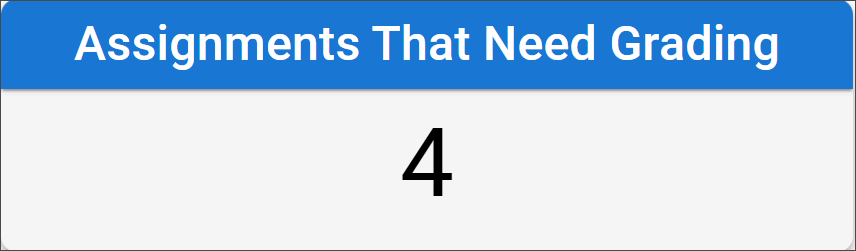
Estadística única
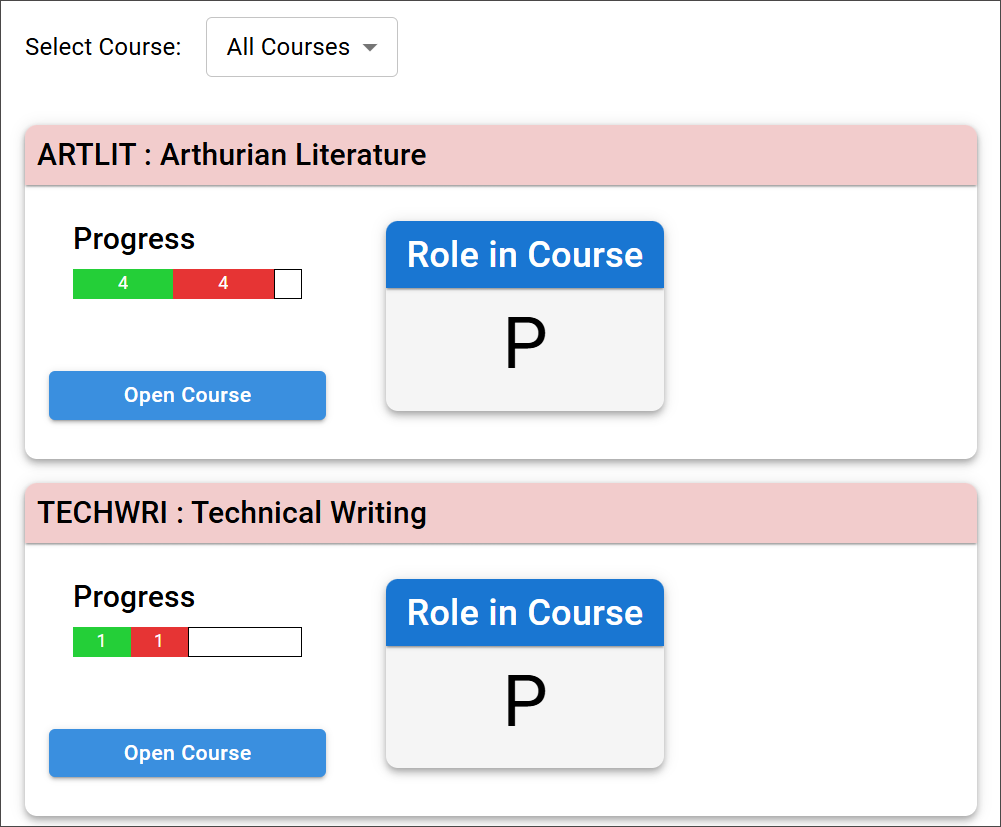
Tarjeta
Parámetros con una tabla
HTML
Botón

Imagen

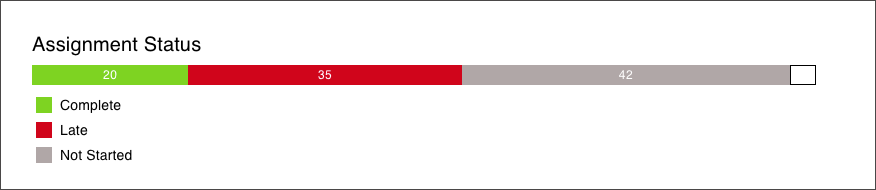
Barra de progreso
Ejemplos de casos de uso
Tableros del profesor que destacan la carga de trabajo del curso y los elementos de acción (por ejemplo, elementos que necesitan calificación).
Tableros del estudiante que muestran el progreso académico y el estado de finalización de un vistazo.
Paneles administrativos que proporcionan visibilidad a nivel de programa/período de los marcadores de participación y finalización.
Enfoque de la aplicación
Las instituciones trabajan con Anthology Professional Services para desarrollar visualizaciones y tableros personalizados, con resultados definidos por el alcance del trabajo. Una vez creadas las visualizaciones, los equipos pueden ensamblar nuevos tableros usando esos bloques de construcción de visualizaciones existentes.
Dashboard Framework proporciona una base repetible de paneles que admite múltiples audiencias, destaca las métricas que importan y permite la creación continua de paneles mediante visualizaciones reutilizables, sin tener que empezar desde cero cada vez.
La ayuda completa de Dashboard Framework se encuentra en el anexo. Para empezar a utilizar Dashboard Framework, póngase en contacto con su representante de cuenta.