记录音频和视频
Note
本文档采用 AI 辅助机器翻译。译文仅供参考,不保证准确性;此内容的英文版为官方权威版本。
您可以包括反馈的录制内容,以便与您为学生添加的任何文本一同显示。即使你的机构没有授权 Video Studio,你也可以在提供评估反馈或进行灵活评分时使用完整的 Video Studio 工作流程。这让你能够直接在反馈编辑器中录制或上传视频和音频,并使用字幕、转录和编辑等功能,提供清晰且个性化的沟通。
注意
如果你的机构没有 Video Studio 的许可,你的反馈录音将被限制在 5 分钟以内。如果有 Video Studio 授权,限制是 20 分钟。
使用或上传到音频/视频反馈工具中的视频和音频不计入机构的 Blackboard 存储权限。
记录反馈
在教师反馈面板中选择音频/视频。
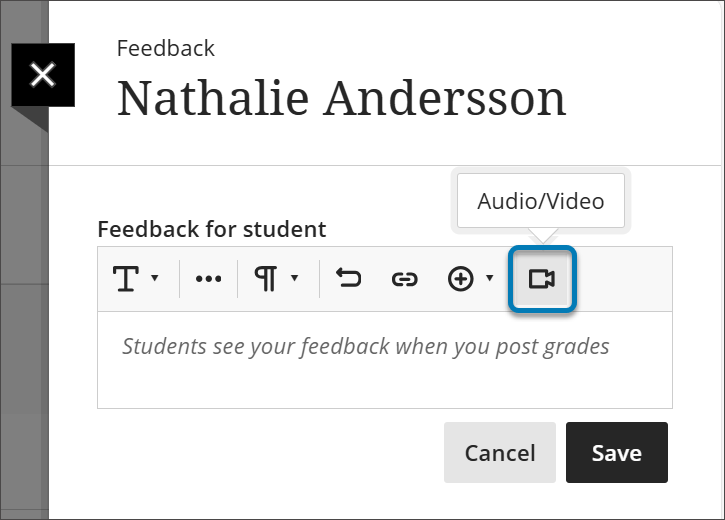
选择您要录制相机、音频、屏幕、音频和屏幕,还是相机和屏幕。
录制完反馈后,选择停止录制按钮。你的视频将开始处理。
选择 访问选项 。仅观看允许学生仅观看录制内容,查看与下载则允许他们下载。
选择播放按钮以预览您的视频。
如果您满意,请选择保存视频按钮。如果你想丢弃视频,请选择X。
Select the Play button to preview your video.
If you are satisfied, select the Save Video button. If you want to discard the video, select the X.
视频录音室录制现已嵌入讲师反馈面板中,供学习者观看。
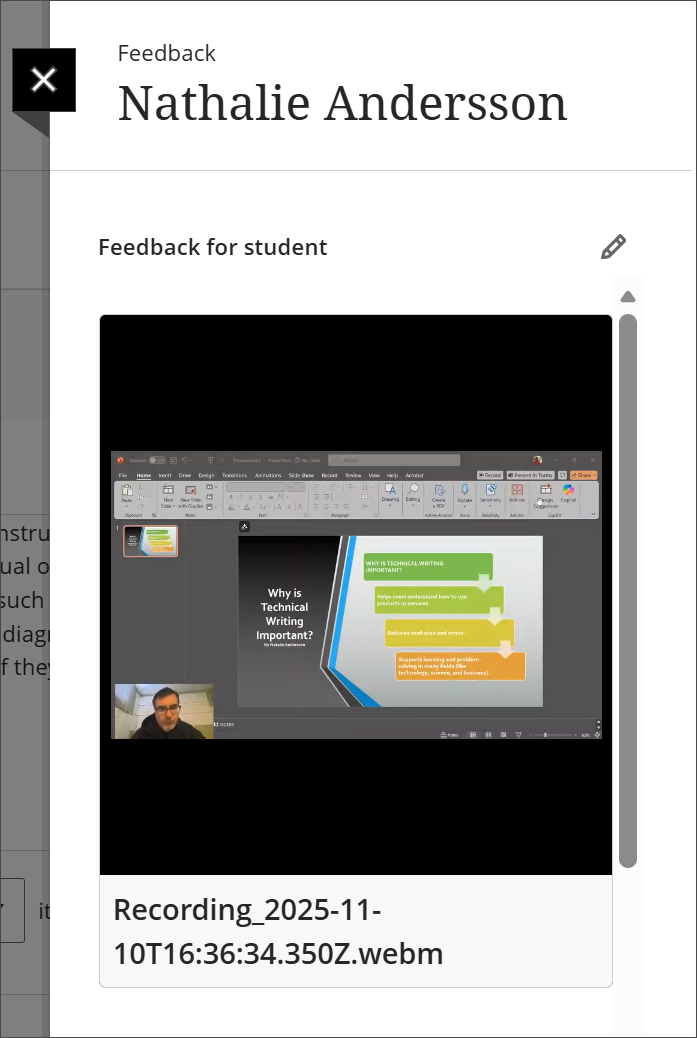
有关 Video Studio 功能的详细信息,请访问 Video Studio 页面。