学习对象存储库
Note
本文档采用 AI 辅助机器翻译。译文仅供参考,不保证准确性;此内容的英文版为官方权威版本。
学习对象存储库是一个机构存储库,用于集中管理所有课程和组织之间的机构资源。管理员可以将对象上传到学习对象存储库,供您下载到课程中。存储在学习对象存储库中的对象的更新会对使用该对象的所有课程和组织进行更改。所有使用该对象的课程和组织中的版本都相同。
对对象的更改不仅在课程结束或标记为已完成时应用。我们通过查看课程结束日期或学期结束日期(如果课程是学期的一部分)来判断课程是否已结束。
目前,只能将文档和文件存储在学习对象存储库中。
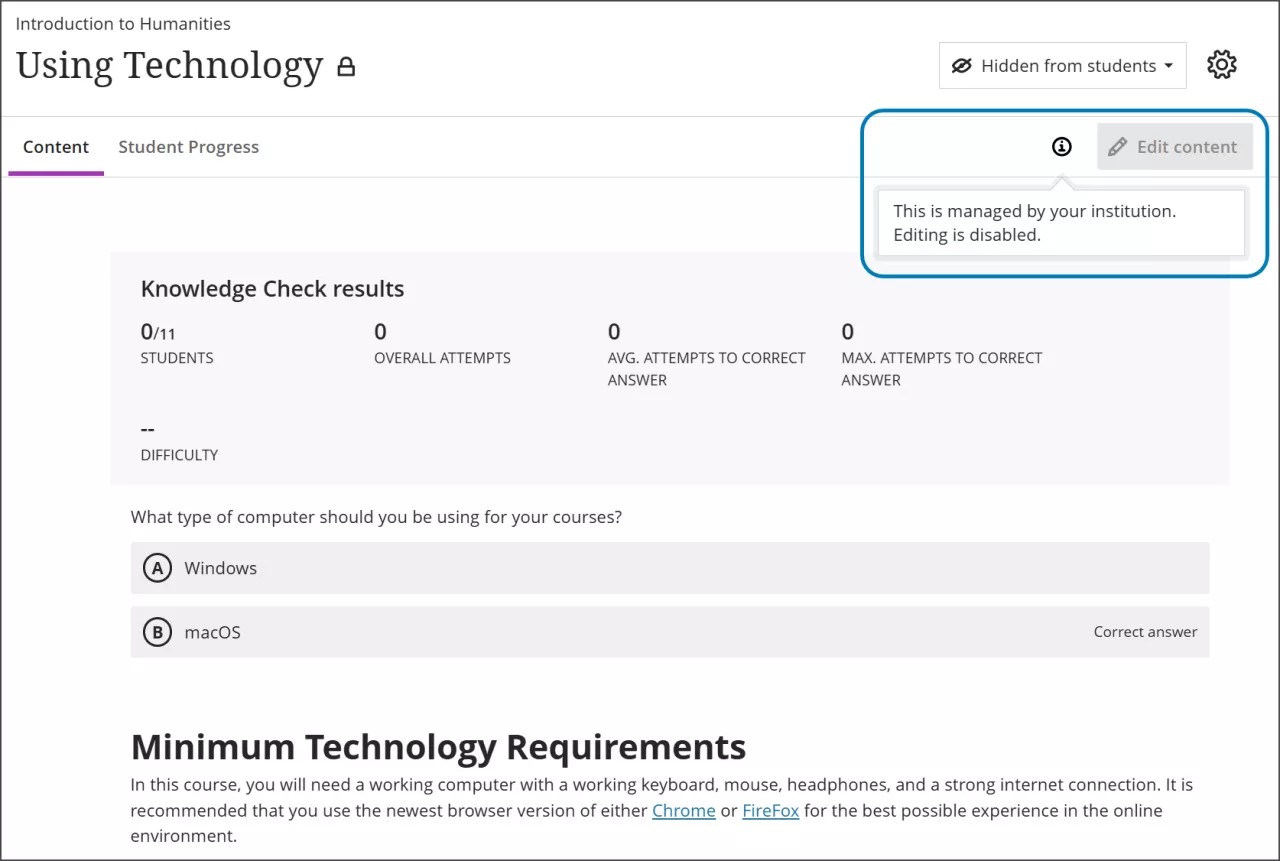
插入的对象具有锁定特性
学习对象存储库中的对象由您的机构管理。因此,您无法编辑对象的某些属性。例如,您不能编辑插入到学习对象存储库中的文档标题、描述或正文。
在“课程内容”页面插入学习对象
要在课程内容页面创建新项目,请将鼠标悬停在要添加内容的位置上的加号按钮上,然后选择加号按钮以打开选项菜单。
选择学习对象资源库。
选择存储在学习对象存储库中的一个或多个对象。你可以从列出学习对象存储库中所有对象的页面中选择对象,或使用搜索字段。
注意
如果您访问多个存储库,将显示一个存储库列表。选择您要选择项目的库,然后选择您的项目。
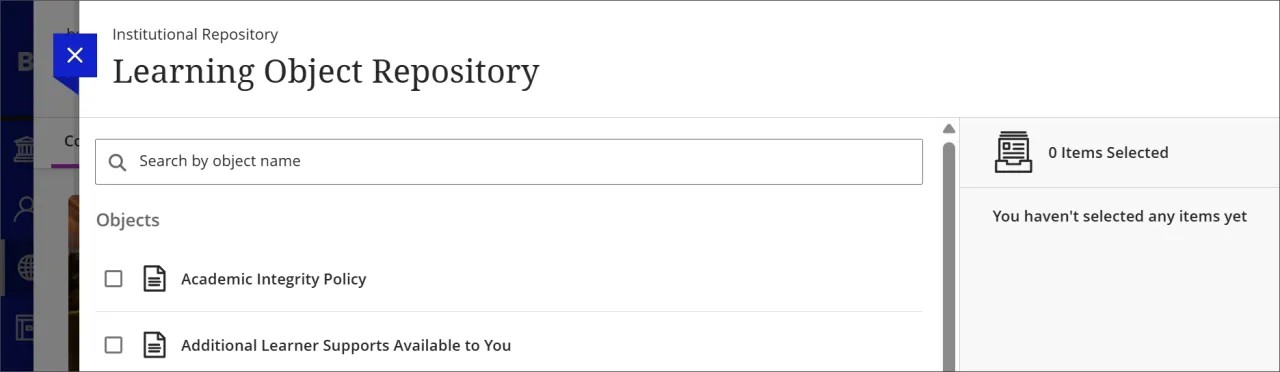
选择插入对象。
将项目添加到从学习对象库插入的学习模块和文件夹中
你可以将项目添加到从推荐内容中插入的学习模块或文件夹中。您添加的项目始终会放置在列表底部。LOR 订单中的物品仍处于锁定状态。你添加的任何内容都可以完全编辑,并且与标准课程内容一样。
从推荐内容中添加学习模块或文件夹。
展开学习模块或文件夹。
选择加号以打开内容菜单。如果你在 LOR 拥有的物品之间悬停并选择加号,你的新物品仍会被添加到底部。
将所需内容添加到学习模块或文件夹中。