超马成就
Note
本文档采用 AI 辅助机器翻译。译文仅供参考,不保证准确性;此内容的英文版为官方权威版本。
Turn on achievements
教师利用成就来激励和奖励学生完成课程。成就页面始终对教师可见,但你可以控制学生成就的可见性。
On the Administrator Panel, in The Ultra experience is here! module, select Configure.
On the Ultra Experience Management page, go to the Available Features section.
Select Achievements in Ultra to expand it, and then set the Enable Achievements in Ultra toggle to On.
Select Save.
成就的可视化控制
要控制成就的可见度,请访问管理员面板中的“超体验管理”。进入可用功能部分,进入检查学生成就标签的可见性。
On the Administrator Panel, in The Ultra experience is here! module, select Configure.
On the Ultra Experience Management page, go to the Available Features section.
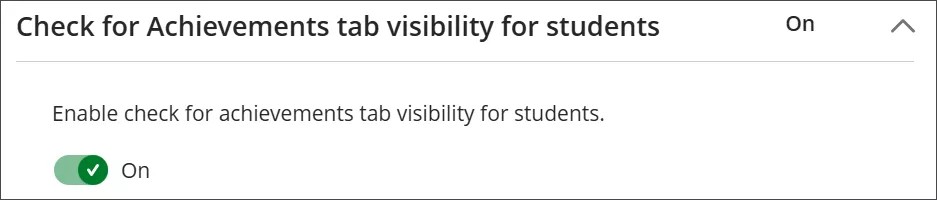
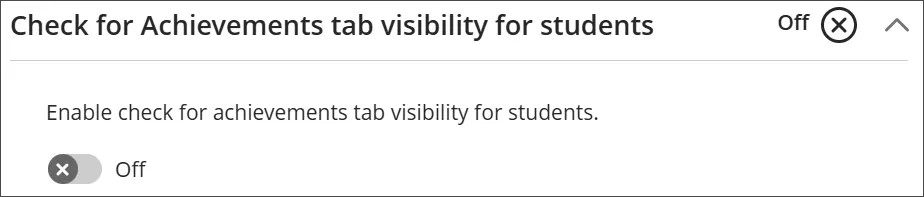
Select Check for Achievements tab visibility for students to expand it, and then set the toggle:
:只有当学生至少有一项已发布的成就时,该标签页才会开放。
关闭:无论是否有成就发布,学生始终可访问该标签页。
Select Save.
限制成就管理
你可以限制谁能管理成就。在管理员面板,前往课程角色或系统角色配置。
权限包括:
添加/编辑原始和超级成就
查看原创和超级成就