Encompass Release Notes: January 30th, 2024
Please note the product releases for the environments are scheduled as follows:U.S. = January 30th, Tuesday Evening | Canada = January 30th, Tuesday Evening
| Australia = January 31st, Wednesday Morning
Enhancement
Ambassador Challenge: Added LinkedIn, WhatsApp, and Reddit Sharing
Added LinkedIn, WhatsApp, and Reddit Sharing functionality to share donation pages and progress indicators allowing users to share the information directly on social media.
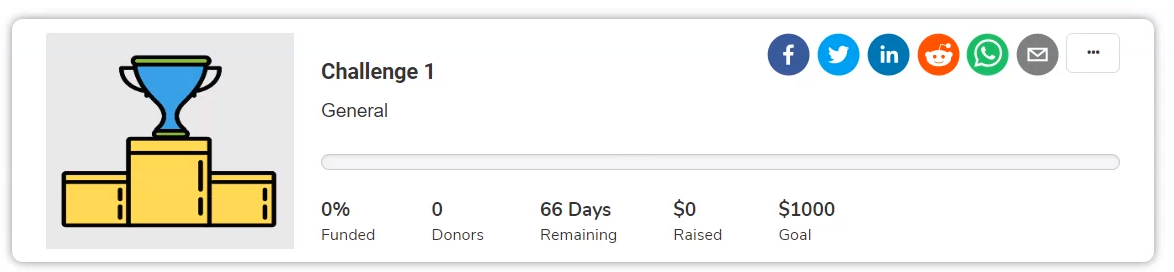
When a user clicks the LinkedIn, WhatsApp, or Reddit icon on the challenge they wish to share, the post window opens with the subject line, name of the challenge, and the link to donation pages. Users can customize their messages and share the details. The donation made through the shared link will be reflected in the donations associated with the challenge.
Ambassador Challenge: Added Email Sharing Option
Added the functionality to share donation pages and progress indicators via email, enabling donors to directly involve friends and family.
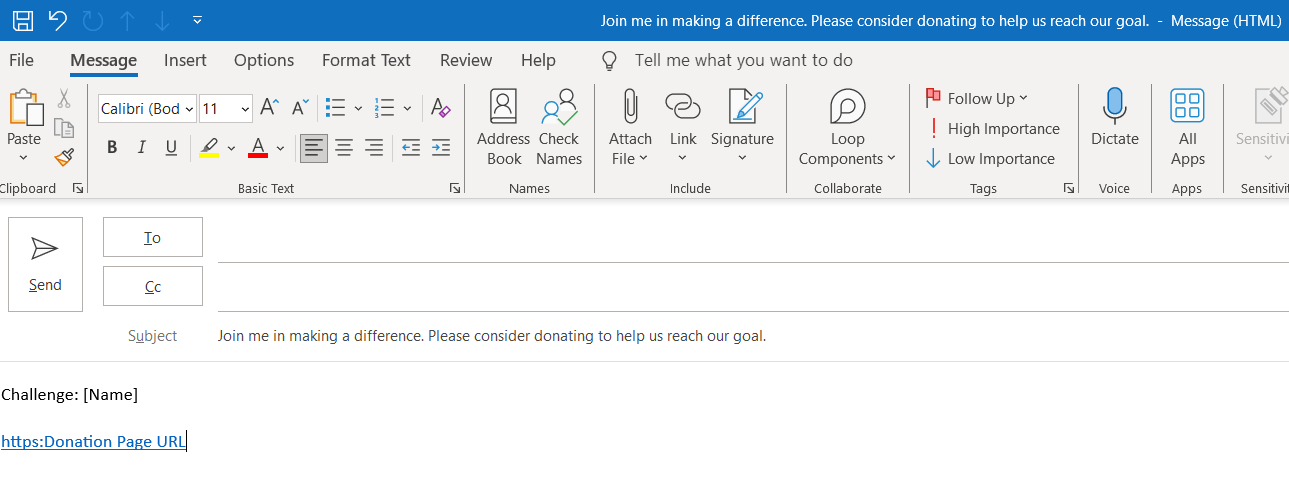
When a user clicks the email icon on the challenge they intend to share, the email window opens with the subject line, name of the challenge, and the link to donation pages. Users can then type in the message and share the information. The donation made using the link will be reflected in the donations associated with the challenge.
Enhanced Attendee Check-in Search Functionality
To enhance attendee search efficiency for administrators or users, we have expanded search capabilities by incorporating additional options in the search criteria. Users can now search using Email and First and Last Names. The search functionality has been implemented and tested for Activity-driven events, RSVP events, and Form-driven events.
Accessibility Improvements
Class Notes Search Categories
Implemented the Class Notes Search Categories with the specified design patterns:
Descriptive Date Input Fields: Each date input field is accompanied by a descriptive label, such as "Start Date" and "End Date".
Descriptive Calendar Icons: Calendar icons associated with the date inputs have descriptive labels.
Focus Management: Proper focus management is implemented, ensuring that users can navigate through the form using keyboard controls and are aware of their current position within the form.
User Instructions: Considerate instructions are provided to guide users on how to use the date inputs and calendar icons.
Resolution
Functional Area | Reference | Description |
Email Marketing | 236525 | The exported recipient file from email history did not match the actual results of the sent export list. Updated the system to resolve the discrepancy in the reporting. |
Foundation | 213628 | Duplicate records in the Progress Indicator Settings intermittently caused the entire page to go white-screen-of-death (WSOD), necessitating manual deletion. Prevented the creation of duplicate records in the Progress Indicator Settings. |
Foundation | 2247381 | Recurring payments were not processed successfully in Beanstream/Bambora when making the billing address mandatory or optional. Now, recurring payments are processed successfully in Beanstream/Bambora when the billing address is made mandatory. |
Foundation | 2165870 | The column header position for Leaderboard Ambassador challenges was incorrect. |
Foundation | 242775 | The URL perpetual payment customization was not working. Now, following customization, the transactions are successful, and member emails are being sent with the correct details. |