All Email List
Accessing
From the Email menu, choose Email Reporting.
Fly Out Navigation
The flyout navigation is accessed through an icon of three parallel bars -
 located in the upper left on the email reporting landing page.
Flyout Navigation:
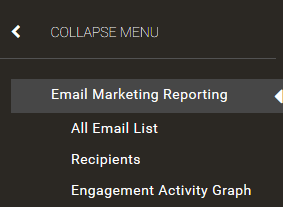
Select All Email List.
All Email List Page
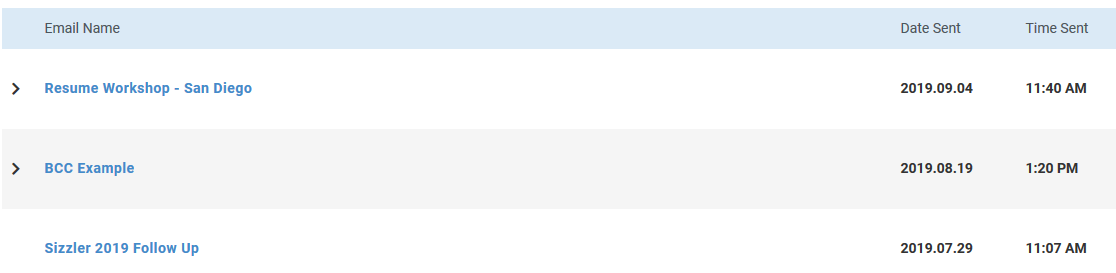
In near-real time without refreshing the page, newly sent emails will appear in the list.
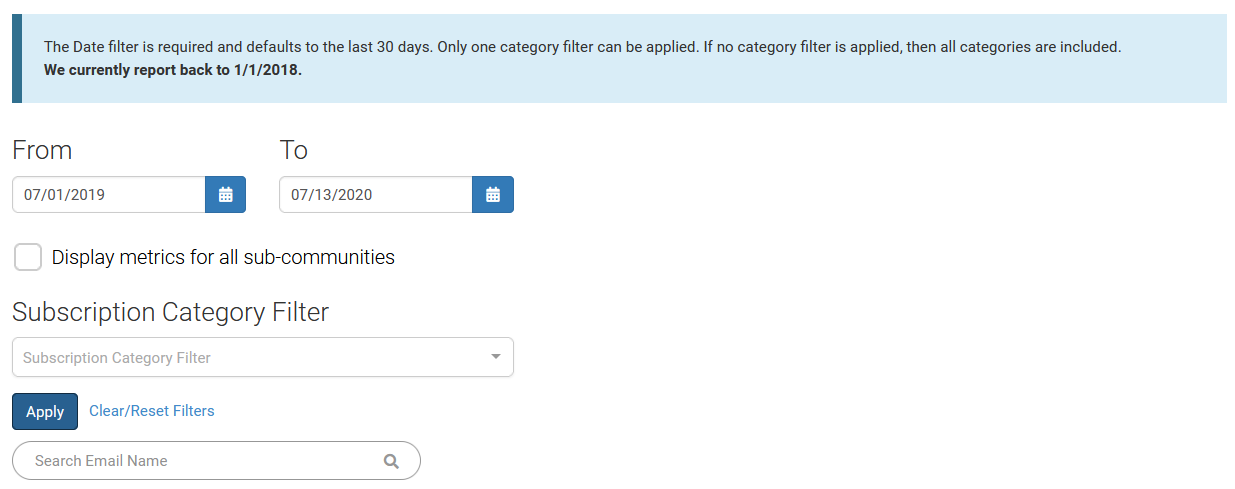
Admins can use the date range, subscription category, or search box to find an email in order to view metrics on it.
The "Display metrics for all sub-communities" checkbox will only display at the GID 1 or the top-level community/site.
The subscription category filter auto-completes and you can only select one category filter at a time.
Note
This filter will not display if the "Display metrics for all sub-communities" box is checked.
Click the Apply button in order to utilize the filter selections.
Recurring emails will display with a > next to them. Clicking on the name will move you to a roll-up report of metrics for the recurring email. Clicking on the > will expand the campaign and show the instances it was sent. Each date will be clickable.
Click an email name to view detailed metrics for that message.