Subject Line Test - A/B Testing Campaign
The information below discusses the Subject Line testing variable. The rest of the details are covered in the A/B Testing Campaign Details article.
Note
The subject line is limited to 70 characters.
It cannot contain the Webview token or the Unsubscribe token.
You will need to set the two Subjects (A and B).
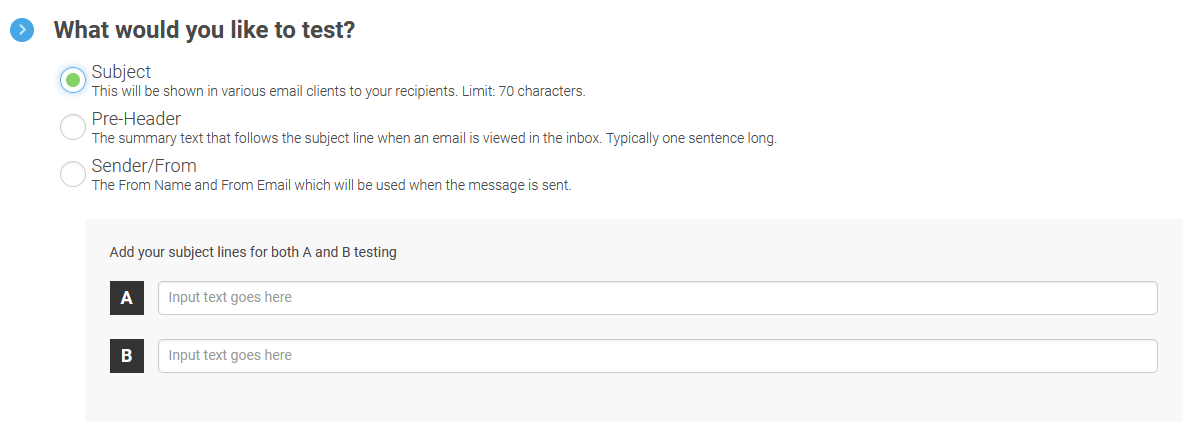
Since this is the testing variable, please make sure they are different.
You can change the Subjects until the message is within 5 minutes of the scheduled date/time of send.
You may also be interested in the Best Practices for A/B Testing Campaigns.