Edit Content - Segmented Campaign
From Segmented Campaign Home, click Edit Content in the Content column for the version you want to edit.
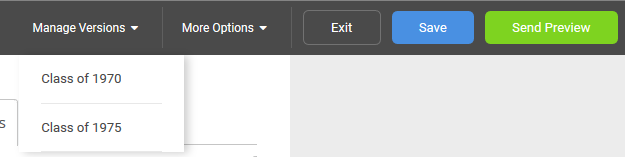
Admins can move between versions for easy editing by using the Manage Versions dropdown in the upper right. Click on a version name to have that version display in the editing area.
Note
Save before moving to a different version so you don't lose any of your work.
The content editing functionality is the same for Segmented Campaigns and General Campaigns.