Summary - A/B Testing Campaign

The Summary page provides a summary of the A/B Testing Campaign settings.

Edit buttons are available for each area so admins can easily navigate to an area they need to work with.

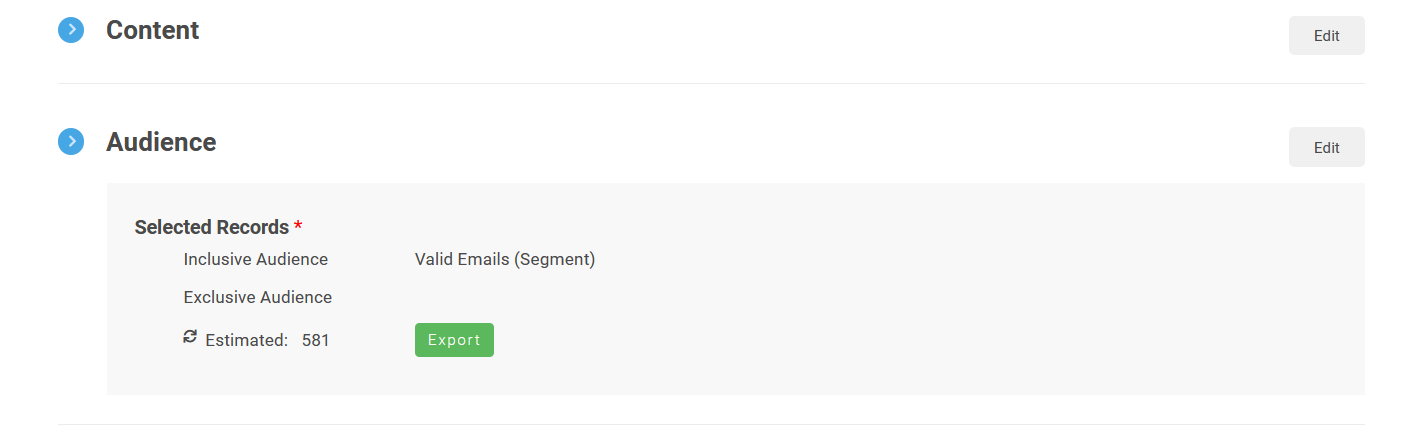
If the Audience and Subscription Category have been set, admins will also be able to export the estimated recipients.

Admins can also release the A/B Testing Campaign from this screen. The campaign can also be released from the gear icon on Email Home.
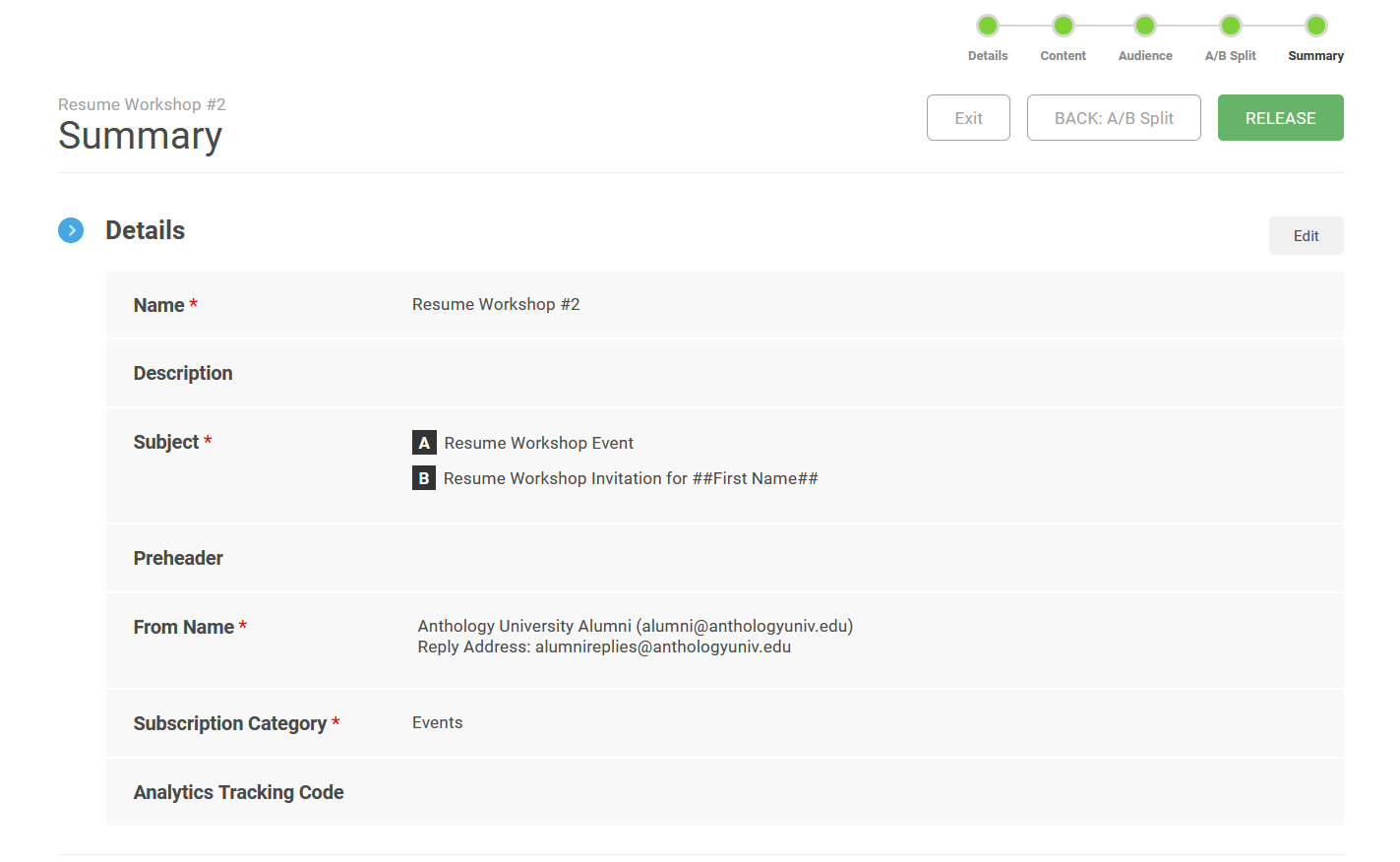
The Details section of the Summary screen, with an Edit button, showing the name, the A and B subjects, the Preheader, the From Name, the Subscription Category, and the Analytics Tracking Code. The Navigation bar is across the top, as well as an Exit button, a BACK: A/B Spilt button, and a RELEASE button.
The Content section, with an Edit button, which is blank, and the Audience section, with an Edit button, showing the Selected records. Both the Inclusive Audience and Exclusive Audience are shown, with an Estimated total and an Export button.
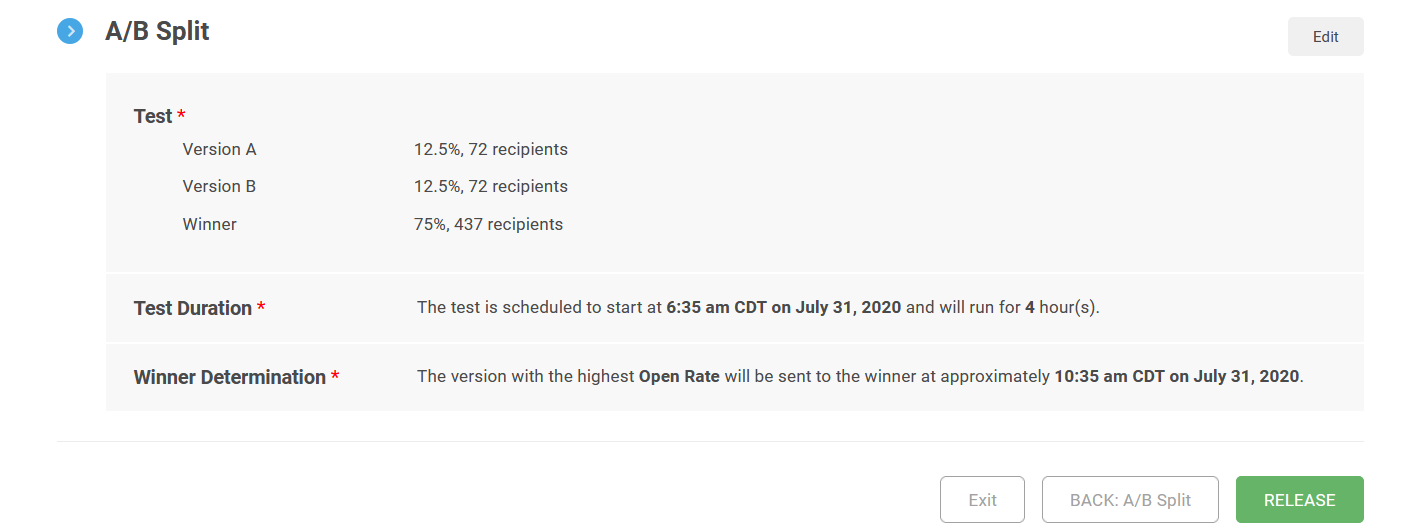
The A/B Split section, with an Edit button, showing the number of recipients of Version A, Version B, and the Winner, the Test Duration, and the Winner Determination. There is also an Exit button, a BACK: A/B Split button, and a RELEASE button at the bottom.