Deleting an Old Item in a Listing
To delete an old event, you need to find where it is archived.
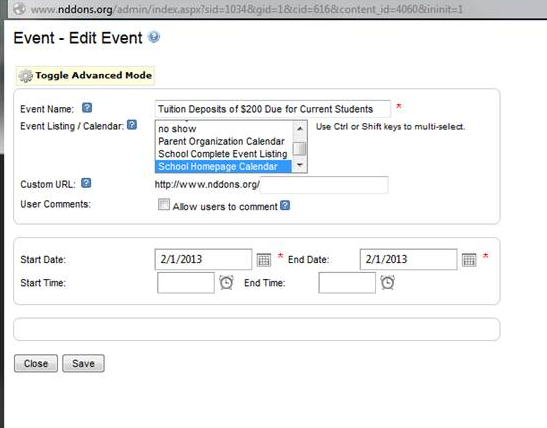
If you look in the content properties, this event lives in the “School homepage Calendar”.
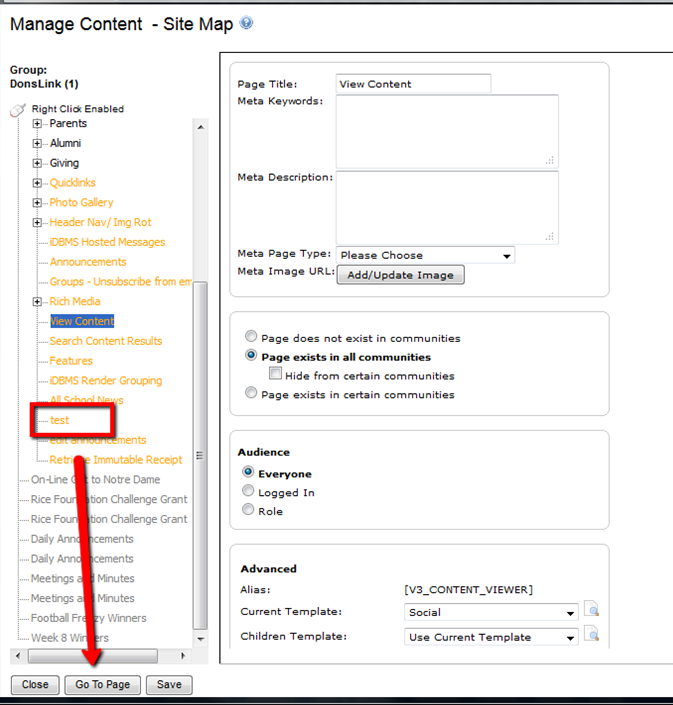
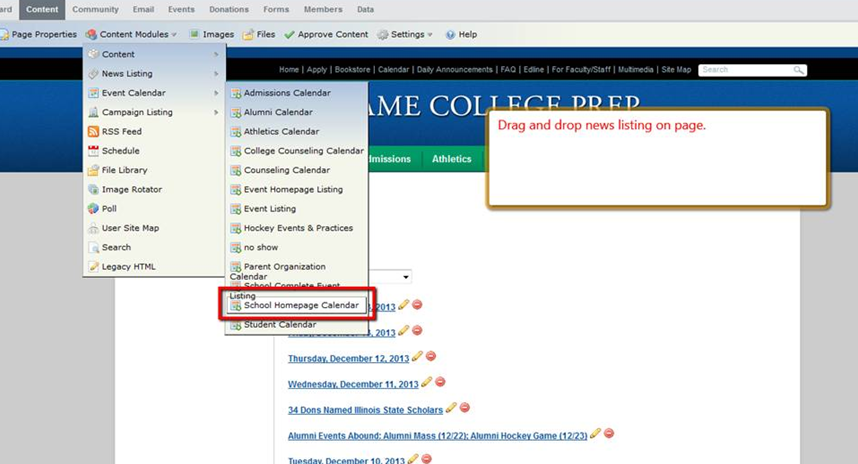
So we will need to drop an Event Listing module on a test page.
Next, you will need to turn on the archive filter for that event listing in the edit control.
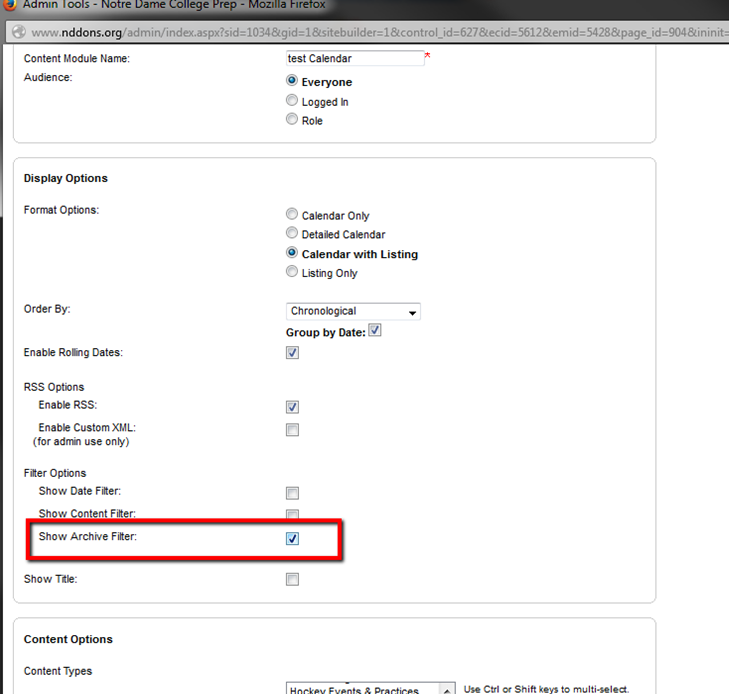
Then change the filter setting to Archive.
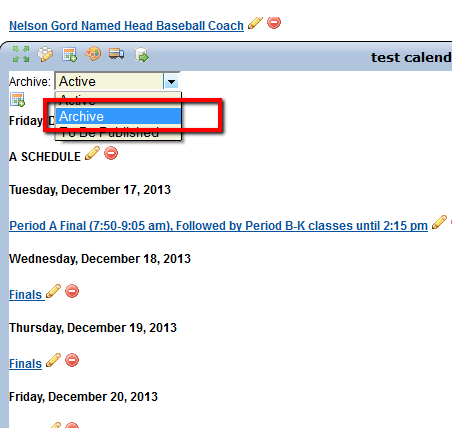
And now you can delete the event or news item you like to remove.
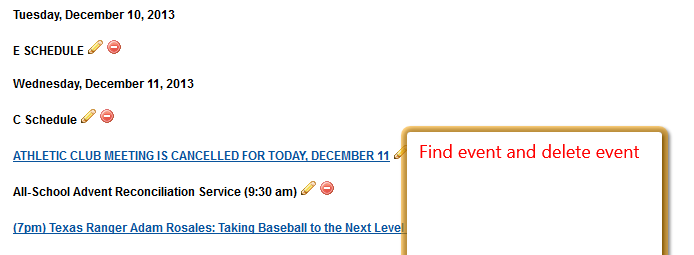
Then, you can delete the module and/or the test page if it they are no longer needed.