Build From Template - A/B Testing Campaign
Accessing
1. From Email Home, choose Template.
2. If a template hasn't been chosen yet, click Content in the navigation or Next: Content.
Selection
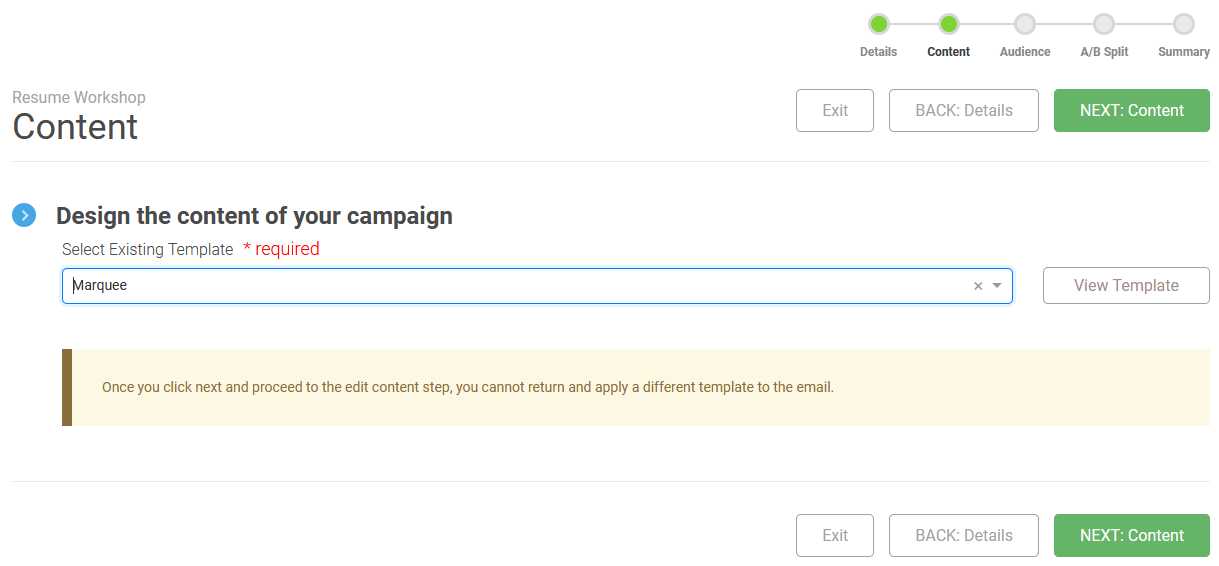
Choose the template from the dropdown list. If you would like to see what the template looks like, click View Template. Use the navigation or button to move on and work with the message body.
Note
Once a template is chosen and you proceed to the Content step, you cannot choose a different template.