Audience - A/B Testing Campaign
Selecting the Audience for A/B Testing Campaigns is the same as General Campaigns and Segmented Campaigns.
Accessing
There are a few different ways to get to the Audience area.
1. Click Audience in the navigation from any step of the A/B Testing Campaign process.

2. Use the Audience link on Email Home.
3. Use the Next: Audience button when working with the message body.
4. From the Summary step, use the Edit button.
Note
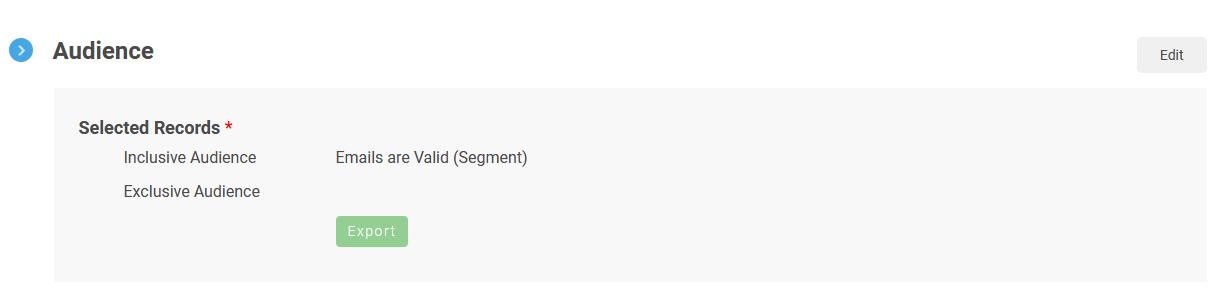
If the Audience has been selected, information will be provided in the Inclusive Audience and Exclusive Audience areas.