Pre-Header Test - A/B Testing Campaign
The information below discusses the Pre-Header testing variable. The rest of the details are covered in the A/B Testing Campaign Details article.
Note
The pre-header cannot contain the Webview token or Unsubscribe token.
You will need to set the two Pre-Headers (A and B).
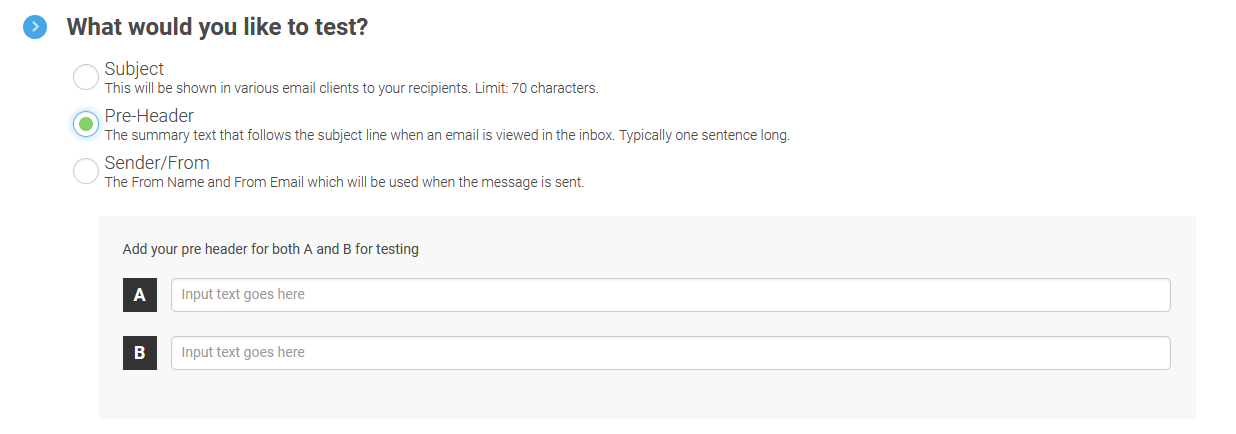
Since this is the testing variable, please make sure they are different.
You can change the Pre-Headers until the message is within 5 minutes of the scheduled date/time of Send.
You may also be interested in the Best Practices for A/B Testing Campaigns.