Blackboard Support - Creating a New Ticket
Log in to Course Evaluations as a Manager User
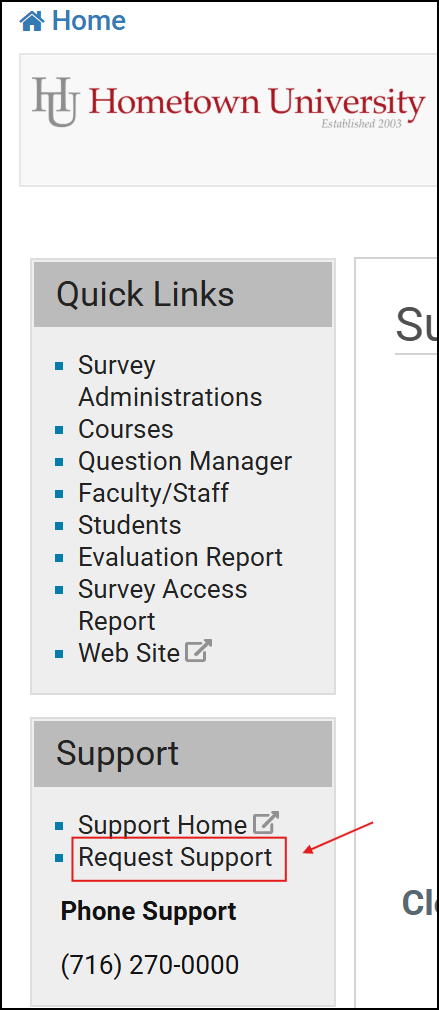
On the Home page, under 'Support' on the left-side, click 'Request Support'
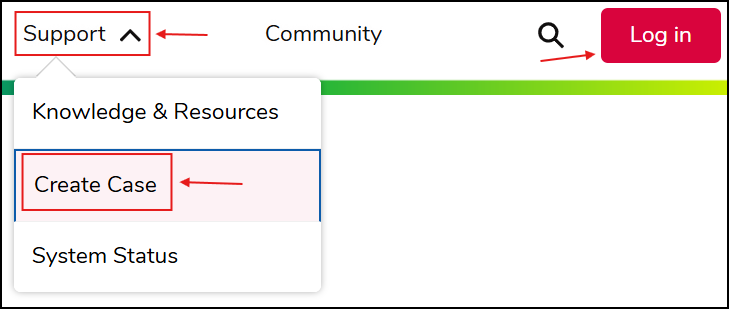
Click the 'Support' dropdown and then select 'Create Case', to add a support case as a guest
NOTE: If you already have an account for support, click 'Log in' on the top-right