Supported Browsers
Course Evaluations is compatible with most internet browsers, but we support and test functionality with the current versions of the following browsers:
Apple Safari
Google Chrome
Microsoft Edge
Microsoft Internet Explorer
Mozilla Firefox
NOTE: Older browser versions and non-major browsers may work, but they are not tested and may result in instability.
Known Browser Issues
1.Blank Login Screen
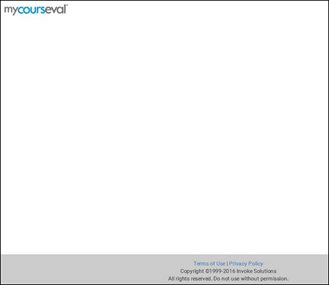
Recently, we have found that some older versions of browsers, specifically Internet Explorer, may be configured for 'Compatibility View/Mode' that turns off HTML5 functionality. HTML5 is required for Course Evaluation's responsive interface.
This is how to fix the above IE issue:
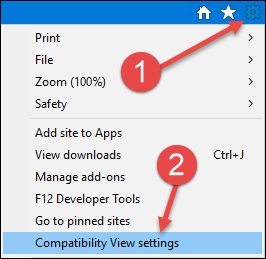
Go to the Tools 'Gear' icon in Internet explorer
Select 'Compatibility View Settings' from the menu
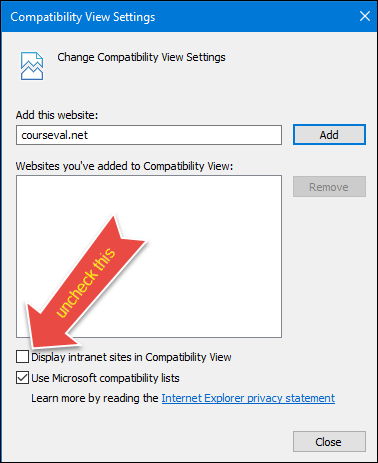
Un-check 'Display Intranet sites in Compatibility View'