Manage Accommodations
View accommodations
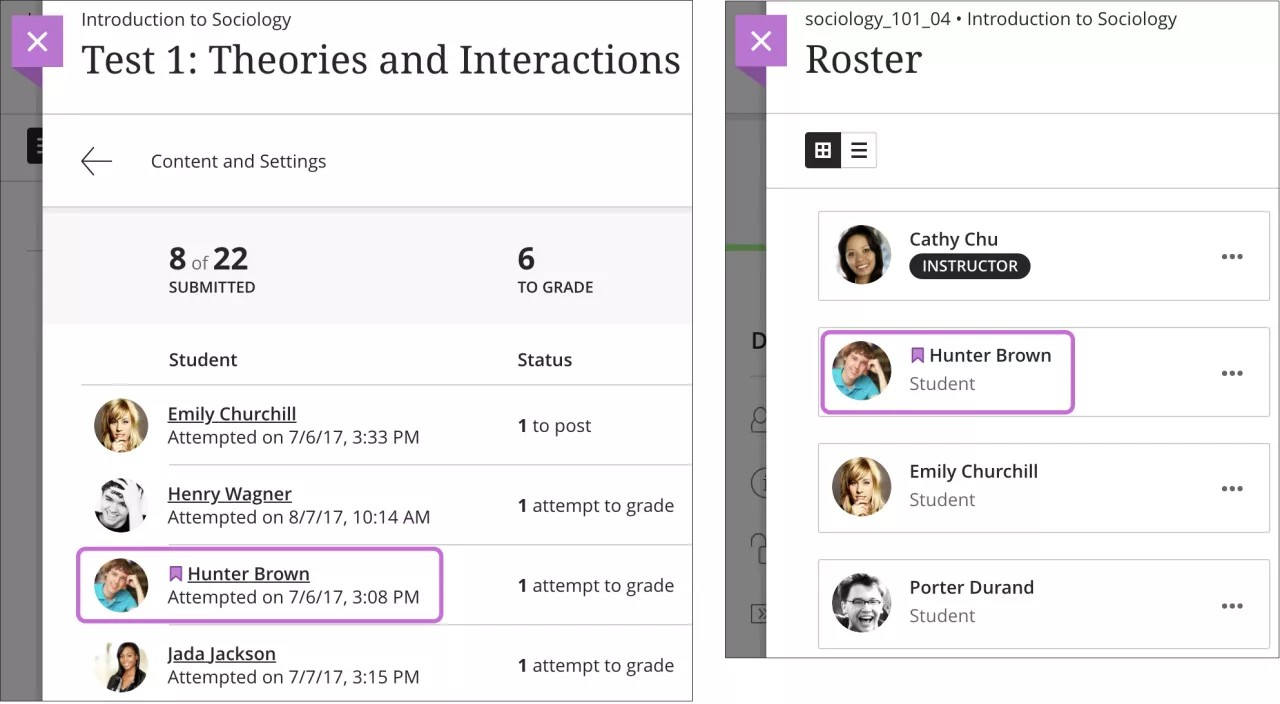
For instructors, students with accommodations appear in the gradebook and roster with an indicator next to their names. When students view the roster, they cannot see who has accommodations.
When you choose to grade with student names hidden, their accommodations are hidden too.
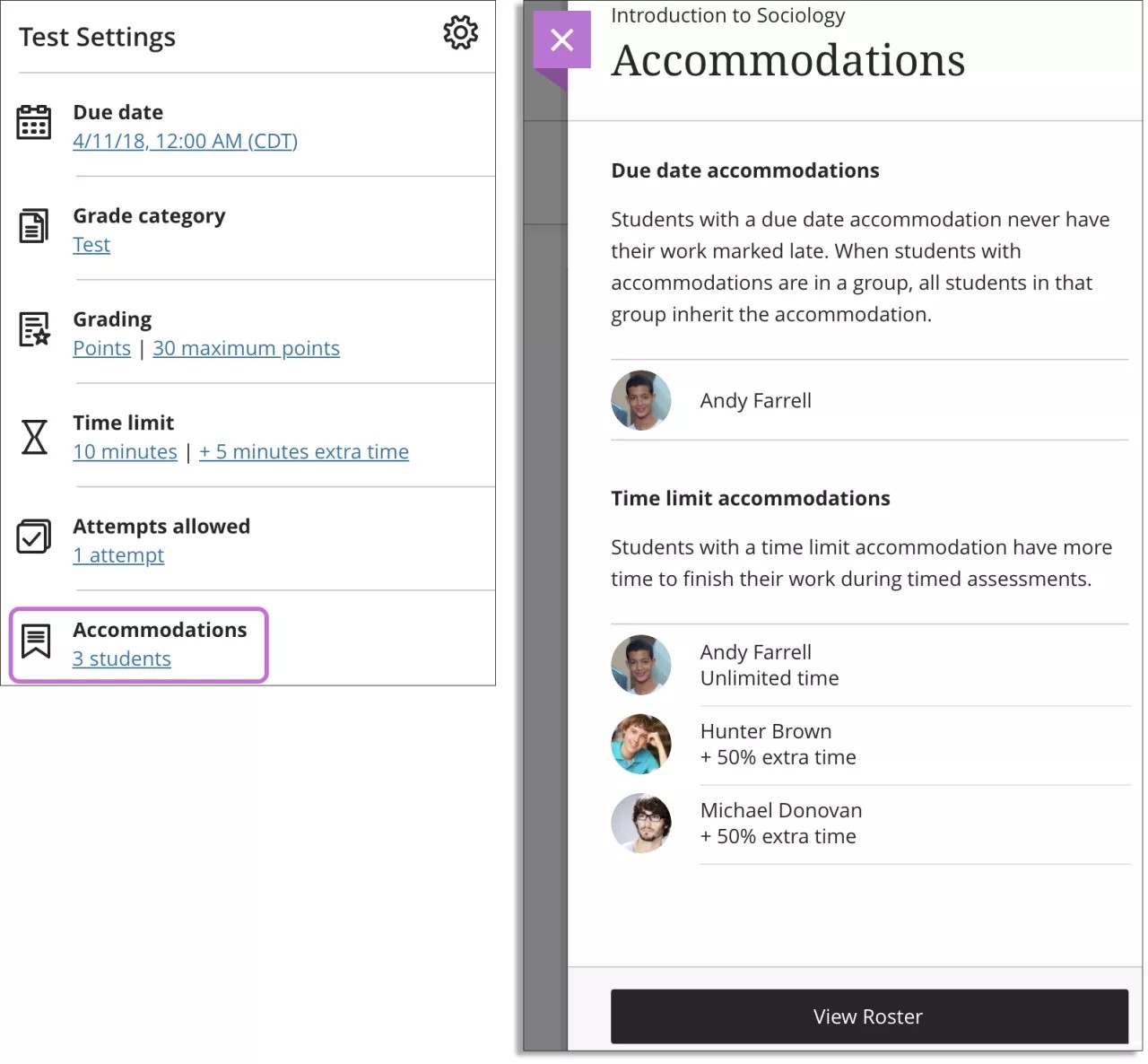
To view the number of accommodations you've made for a course, select the settings button for the assessment. Select the link to view the accommodations. Select View Roster to make changes.
Remove accommodations
Time limits — When you delete a time limit accommodation, previously submitted work for timed assessments may then be marked late by the system.
Due dates — If you delete the due date accommodation for a student and the due date has passed for an assessment, the late label is applied.