Entering Results for an Assessment
To enter results, users must first have created an outcome and must have added an assessment to that outcome.
Click the name of the outcome.
Identify the assessment to add results to.
Select Add Results located to the right of your assessment.

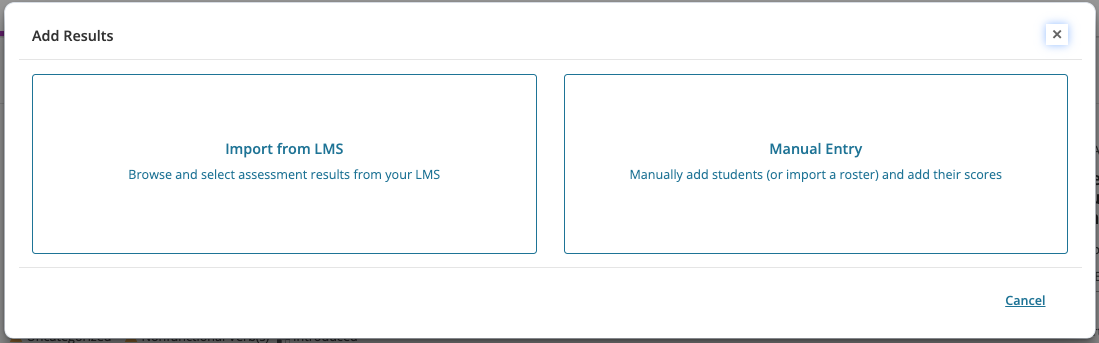
Click on the desired method to enter results.
Import from LMS is only available on assessments that have a result type of Individual Student Scores.
If a user does not see one of the below options, this may mean that the option has not been enabled for your institution.
Resources
For more information on adding results in these three ways please refer to these resources.
Import from LMS - Using Blackboard LMS Integrations
Import from LMS - Using Canvas LMS Integrations
Manual Entry - Entering Results - Total Achievement Levels
Manual Entry - Entering Results - Individual Student Scores