Copying Outcomes, Connections & Assessments
To set up your site for a new year of data collection, site administrators can bulk copy all outcomes in the site, as well as their connections (assigned and related), and assessments (not results) from one time period to another at the click of a button.
Note
If updates to the Results Scale need to be made for the new year, these should occur BEFORE completing the bulk copy process.
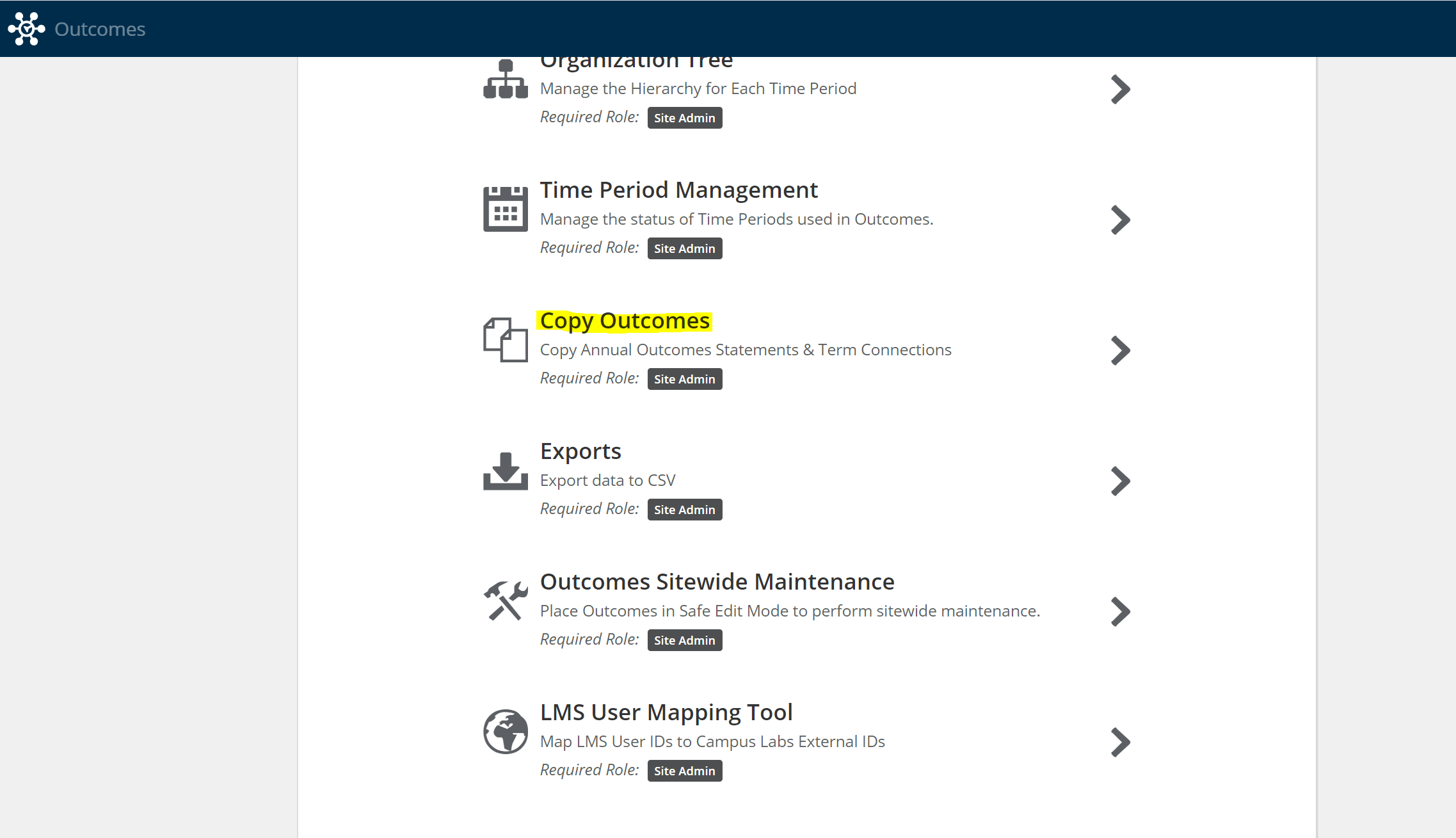
Go to Settings > Copy Outcomes.
Select the time period you'd like to copy from and the time period you'd like to copy to.
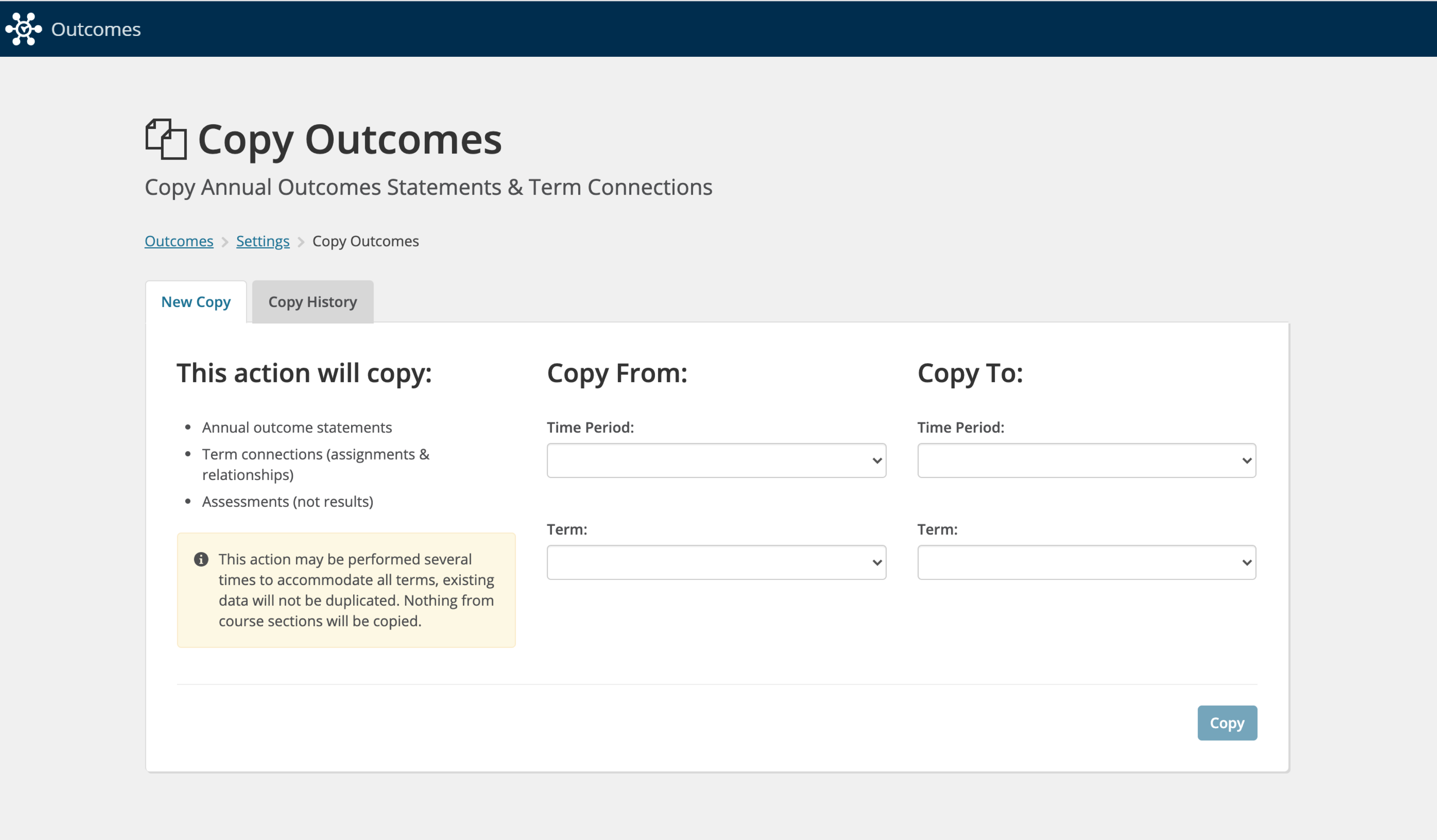
Select Copy to copy all outcomes, connections (related and assigned), and assessments from the institution level down to the course level into the new time period.
Section-level outcomes, connections and assignments will not be copied in this process, as they are unique to each term
Site administrators can perform this action at any time
This bulk copy can take a significant amount of time. You should expect the process to take multiple hours if you are copying thousands of outcomes, connections and assessments.
This action can be performed multiple times as new outcomes are added to the site and new connections are made. Outcomes and connections that have already been copied will not be duplicated.
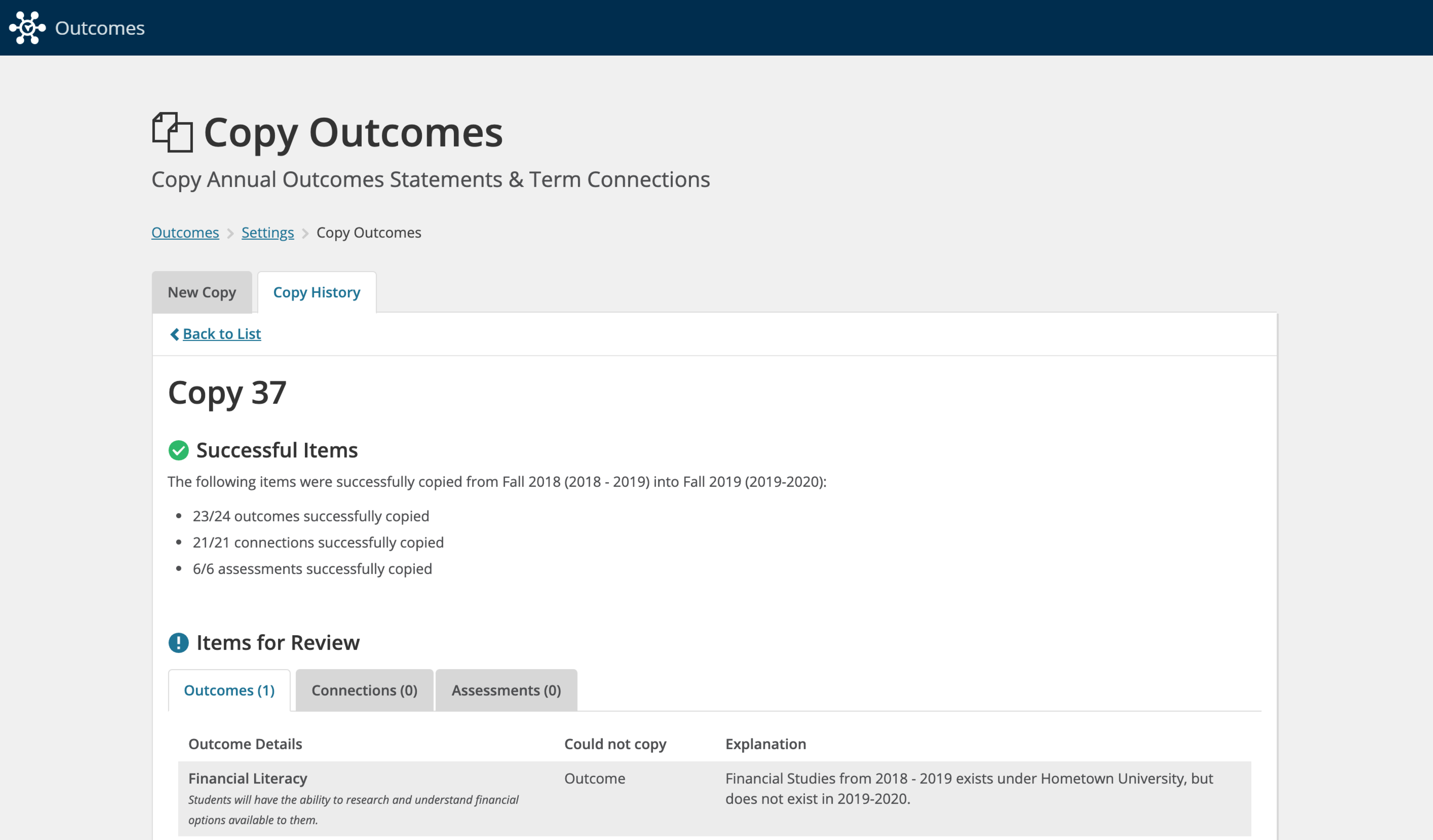
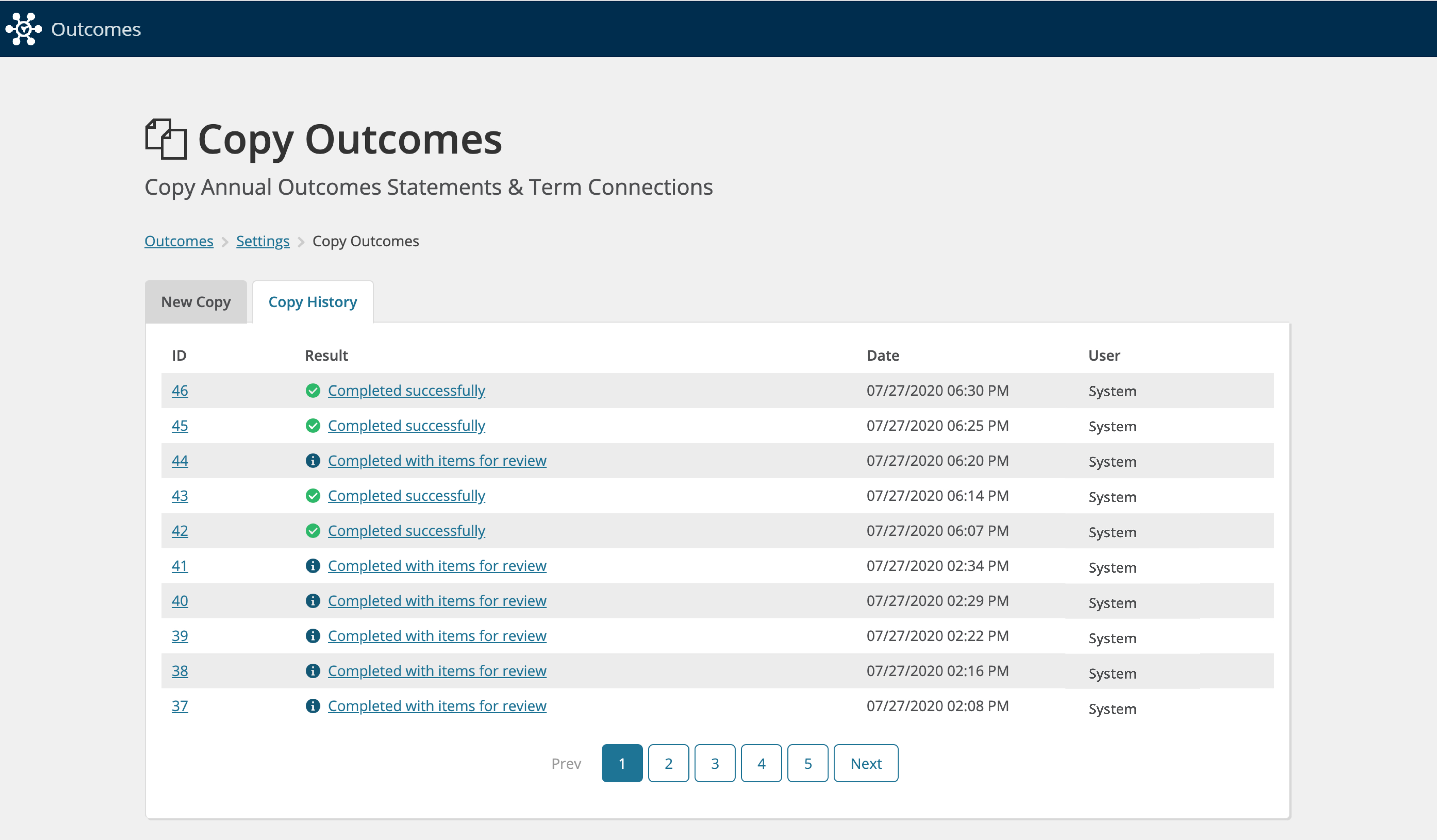
On the Copy History tab, you will be able to see a record of successful copies. For copies that have items to review, click on the link under Result to review details.
You will then be able to review explanations for outcomes, connections, and assessments that failed to copy.