Entering Results- Total Achievement Levels
This method of entering results allows users to enter the raw total of students who fit into each category on the Results Scale. Users manually enter the total number of students for each category on the scale. They do not enter individual grades or import any information from other platforms.
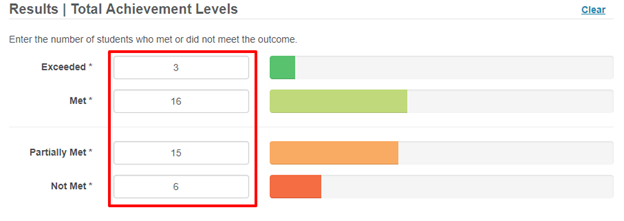
Tip
If your assessment uses the Total Achievement option for entering results it is important to note that only whole numbers may be entered. If you attempt to enter a float or number with a decimal point you will not be able to submit your results. This will be indicated by a red outline and an asterisk around the results section that needs to be changed to a whole number.
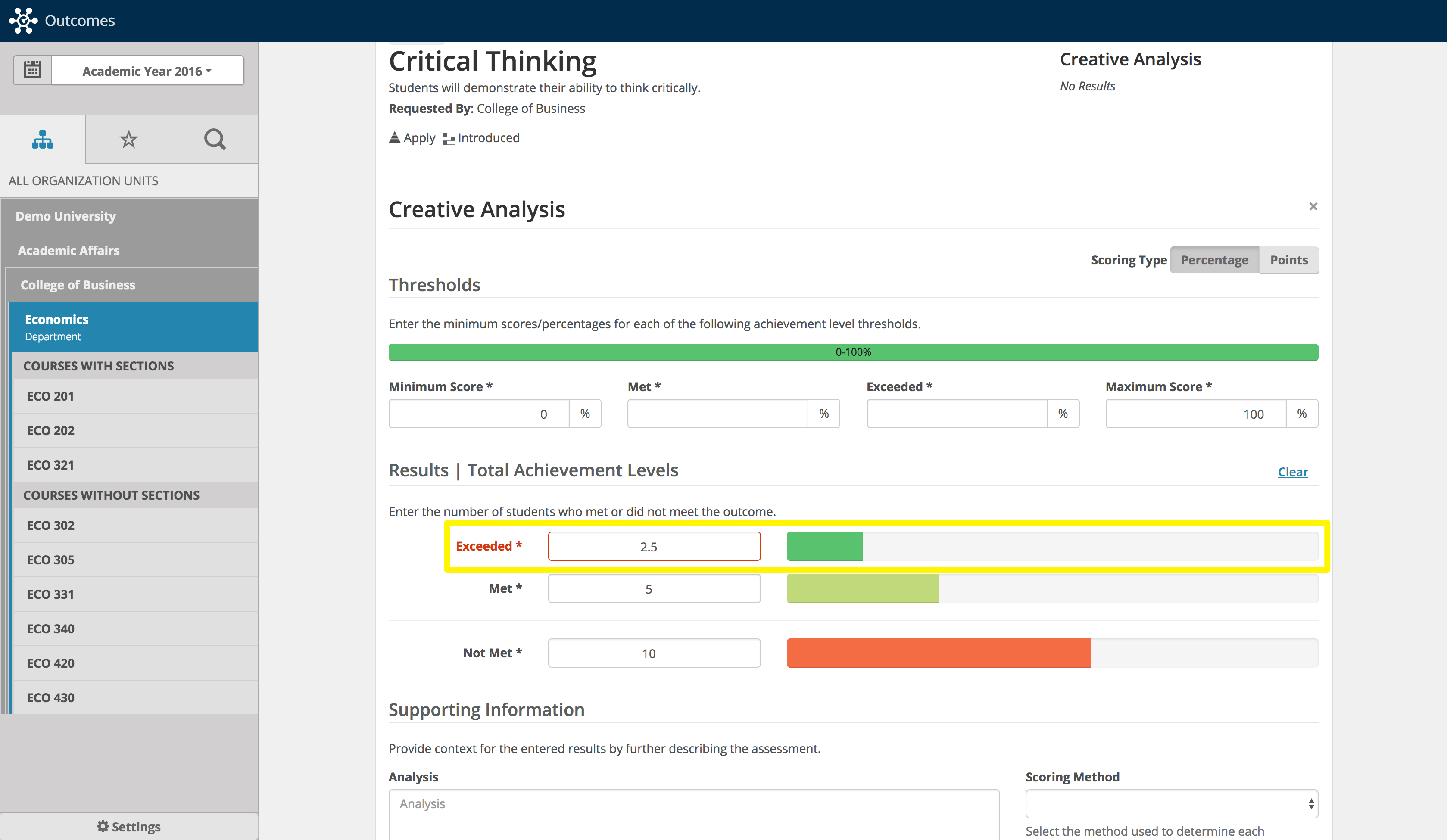 |
From here, a user would be able to populate the other fields in the Results Template. Results are not saved until users select Submit.
Note
If you are using thresholds, your highest threshold cannot be the same as your maximum score.
Resources
For more information on adding results, refer to the following resources.