Individual Bloom's Analysis Setting
Refer to the Bloom's Taxonomy Individual Analysis resource to learn about the analysis output. This is an institution-wide setting and will not affect possible reporting options in the Bloom's Taxonomy Report
Procedure. Select the desired setting for the individual Bloom's Taxonomy categorization
Site administrators perform this task.
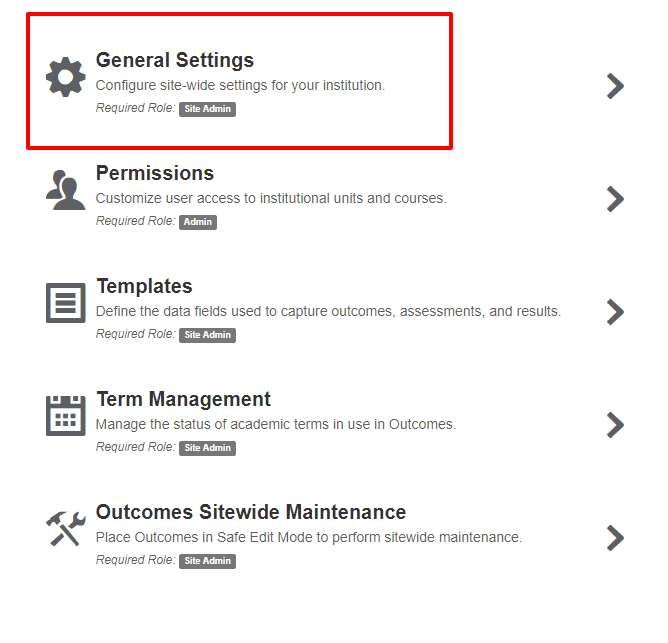
In your Outcomes site select Settings > General Settings.
In the Taxonomy Display section, locate the Taxonomy settings.
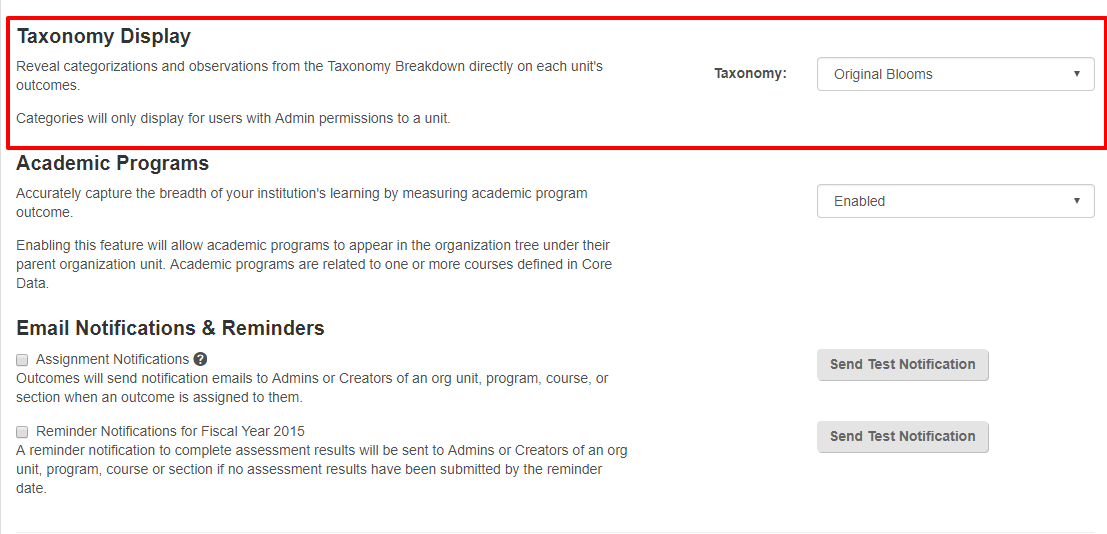
Use the drop down menu on the right to select the appropriate type of Bloom's Taxonomy to use. Site Administrators can chose from the following options:
Original Bloom's Taxonomy
Revised Bloom's Taxonomy
Meta-Bloom's Taxonomy
None (disable classification)

Select Save.