New Content Editor (Beta)
A modernized Content Editor is available for Blackboard Documents through an Early Access program beginning with the August 2026 release. Instructors will have the option to choose the beta editor or the classic editor when they create content blocks in Documents. The new editor improves content authoring consistency and efficiency with these enhancements:
A simplified authoring experience—reorganized menus and a streamlined toolbar make it easier to find and use editing tools.
More powerful content formatting—enhanced list and table capabilities provide greater control and a more familiar authoring experience.
Improved accessibility and future-ready foundation— better keyboard navigation and modern shortcuts make content easier to create, and a new architecture supports continued innovation.
The new editor will continue to be improved and will receive updates through the beta period from August to November.
Note
The Early Access period ends in December, at which time the new editor will be rolled out for all customers and will no longer be opt-in. At that time, the new editor will be available to students and instructors everywhere the Content Editor is used.
A First-Time User Experience guide walks instructors through the new interface on first open. Instructors can submit feedback on bugs or usability concerns directly from within the editor. Input from participating institutions will shape the editor's development before broader adoption.
Because this is an Early Access release, instructors may encounter bugs, missing functionality, or workflows still in development. Refer to the Content Editor Comparison Table for a side-by-side view comparing the features of the two editors.
Turn on the beta Content Editor
You must turn on a feature flag to opt-in to the Early Access program.
In the Admin Panel, select Configure in the The Ultra Experience is Here module.
Turn on the New Content Editor for Blackboard Documents (Beta) feature flag.
The first time user experience
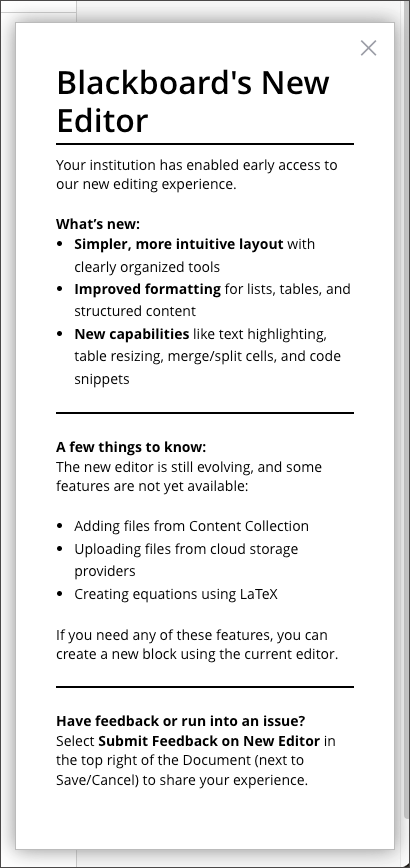
When a user opens the the beta Content Editor for the first time, a popup window appears that highlights some of the changes in the editor and explains how they can submit feedback.
Submit feedback about the beta Content Editor
Users can send feedback about the editor directly to Blackboard.
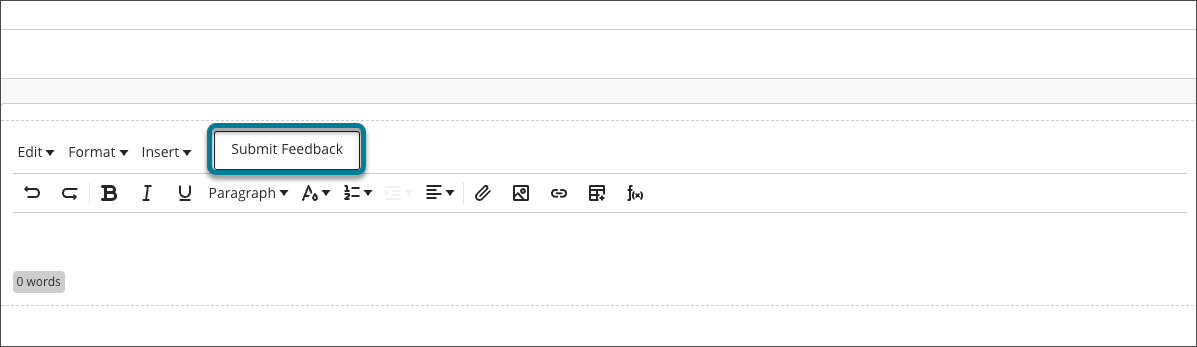
Select the Submit Feedback button next to the Insert menu to open the feedback form. The form automatically collects information about where you are in the application when you submit it.
Enter your feedback.
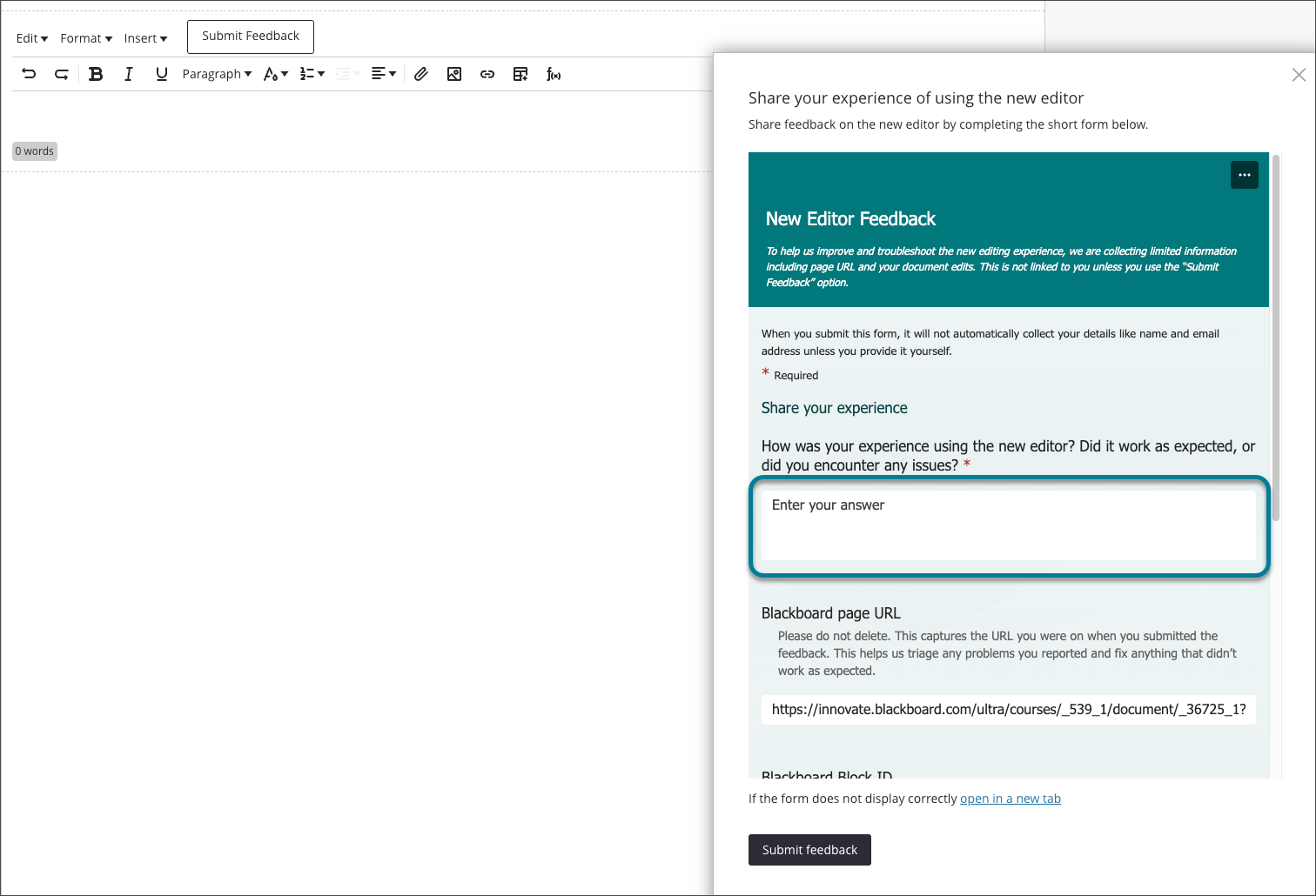
Select the Submit feedback button on the form.