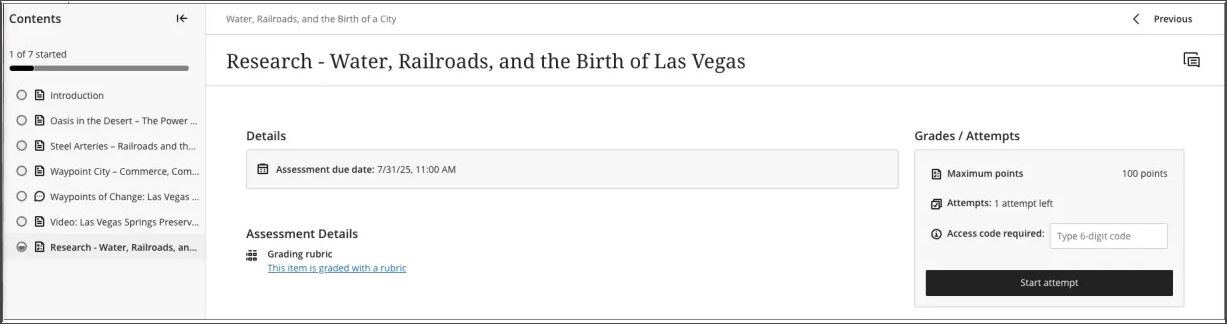
Leermodules
Note
Deze documentatie is vertaald met behulp van AI-ondersteunde machinevertaling. Vertalingen worden geleverd 'zoals ze zijn', zonder garantie van de juistheid ervan. De Engelse versie van deze inhoud is de officiële en leidende versie.
Een leermodule is verzameling van georganiseerde cursusinhoud. Modules zorgen ervoor dat studenten zonder afleiding of extra klikken van het ene naar het andere inhoudsitem kunnen navigeren. Met een leermodule blijf je gericht op de les of het concept dat je aan het leren bent. Als je cursus gebruikmaakt van een tekstboek, kan je cursusleider modules gebruiken om inhoud te groeperen en af te stemmen op deze materialen.
Een leermodule ziet er op de pagina ‘Cursusinhoud’ uit als een map. Klik op de titel of de pijl om de leermodule te openen en de inhoud ervan te bekijken.
Leermodules kunnen het volgende bevatten:
Teksten en bestanden
Beoordelingen (opdrachten en toetsen)
Groepsprojecten
Discussie- en samenwerkingshulpmiddelen
Je kunt alle zichtbare inhoud binnen de leermodule bekijken, inclusief de einddatums.
Navigeren in een leermodule
Wanneer je een leermodule opent, wordt er een inklapbare inhoudsopgave weergegeven in het zijpaneel van je scherm. Dit paneel toont alle inhoudsitems in de leermodule en helpt je snel inzicht te krijgen in de omvang en indeling van de inhoud.
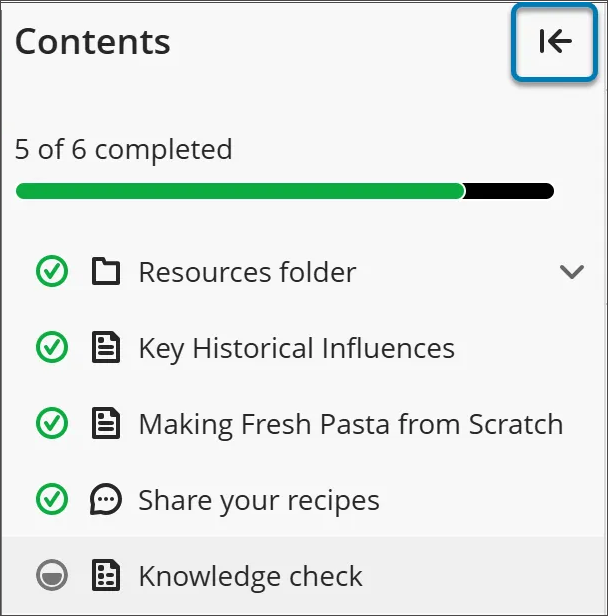
Selecteer een item in het deelvenster inhoudsopgave om het direct te openen (tenzij je cursusleider een specifieke volgorde heeft opgelegd).
Als je de inhoudsopgave wilt verbergen, klik je op de pijlknop in de bovenhoek van de inhoudsopgave.
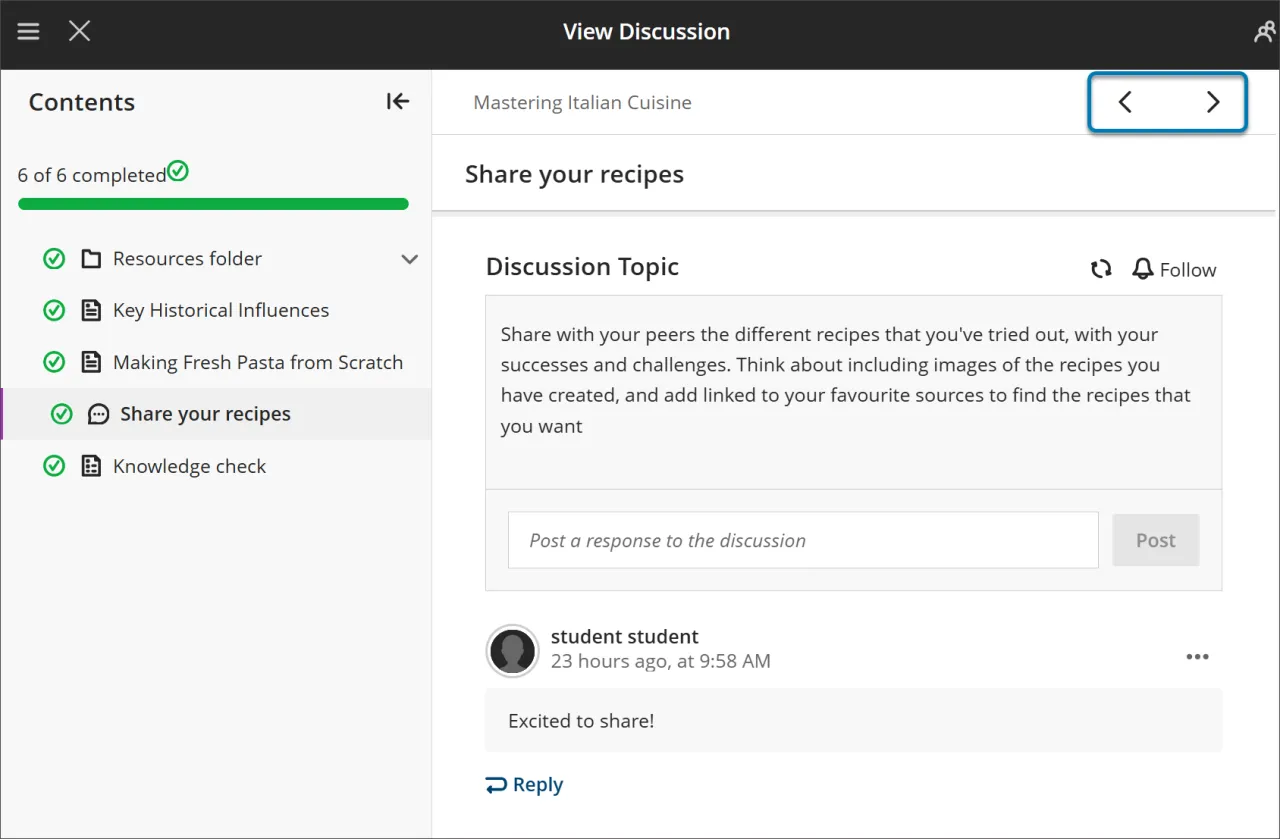
Gebruik de knoppen Volgende en Vorige rechtsboven om in volgorde door de inhoud te gaan. Als je docent de verplichte volgorde heeft ingeschakeld, zul je merken dat het volgende item is vergrendeld.
Je moet aan bepaalde voorwaarden voldoen voordat Next en het volgende item in het menu Inhoudsopgave beschikbaar worden. Je kunt nog steeds alle eerder ontgrendelde items opnieuw bekijken.
Geforceerde volgorde
Als je docent vereist dat onderdelen van de leermodule in een bepaalde volgorde worden voltooid, verschijnt er een bericht. Er kunnen ook andere voorwaarden van toepassing zijn, zoals toegangsdata of vereisten.
Als de leermodule mappen bevat, navigeer je er op dezelfde manier doorheen als door andere inhoud. Je cursusleider kan vereisen dat je de inhoud in een map voltooit voordat je verder gaat.
Je voortgang bijhouden
Je kunt een leermodule afsluiten voordat je deze hebt voltooid. Als je terugkomt, worden er pictogrammen naast de inhoud weergegeven om je voortgang aan te geven, zodat je verder kunt gaan waar je was gebleven.

Er zijn vier soorten voortgangspictogrammen:
Een groene cirkel met een vinkje geeft aan dat de inhoud volledig is.
Een gedeeltelijk gevulde grijze cirkel geeft aan dat de inhoud momenteel wordt verwerkt.
Een lege cirkel betekent dat je nog niet aan de inhoud bent begonnen.
Een slotpictogram geeft aan dat je nog niet aan de voorwaarden voldoet om toegang te krijgen tot de inhoud.
Beoordelingen in leermodules
Wanneer u een beoordeling vanuit een leermodule opent, wordt deze weergegeven in een paneel dat de volledige pagina beslaat. Deze lay-out zorgt voor een consistente en gerichte ervaring, waardoor je betrokken blijft bij de stof.