Bulk Outcome Statement Import for Institutional Hierarchy Unit
What's new
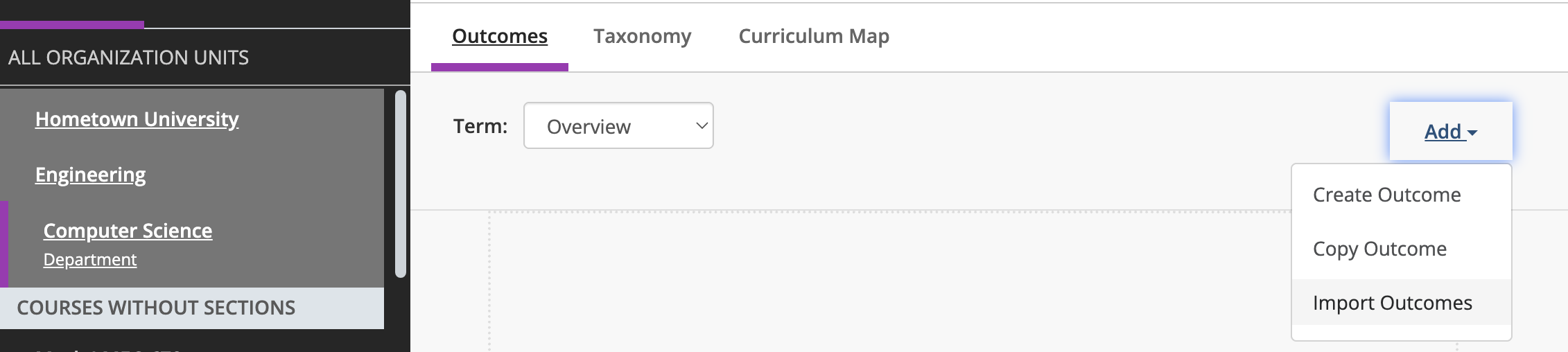
You can now import outcome statements into Outcomes from a CSV file, at any level of your institutional hierarchy, instead of creating them one at a time. Select Import Outcomes in the Add menu on any Outcomes list page.
Learn more about this feature on Importing Outcomes.
Why it matters
One of the most common requests we've heard from clients is the ability to bulk import outcome statements rather than creating them one at a time. Whether you're implementing Outcomes for the first time, expanding your use of the platform, or transitioning from another system, manually entering outcome statements can slow adoption.
Bulk Outcome Statement Import streamlines this process by allowing administrators to upload outcomes at any level of the institutional hierarchy. It reduces administrative effort, improves consistency, and helps institutions get up and running more quickly so they can focus on assessment and improvement rather than system setup.
How it works
From an Outcomes list page, select Add, then Import Outcomes.
Upload a CSV with the columns Identifier, Name, Statement of Learning, and Desired Degree of Learning: the same information you'd enter when creating an outcome manually.
The import applies to the organizational unit, academic year, and term you currently have selected.
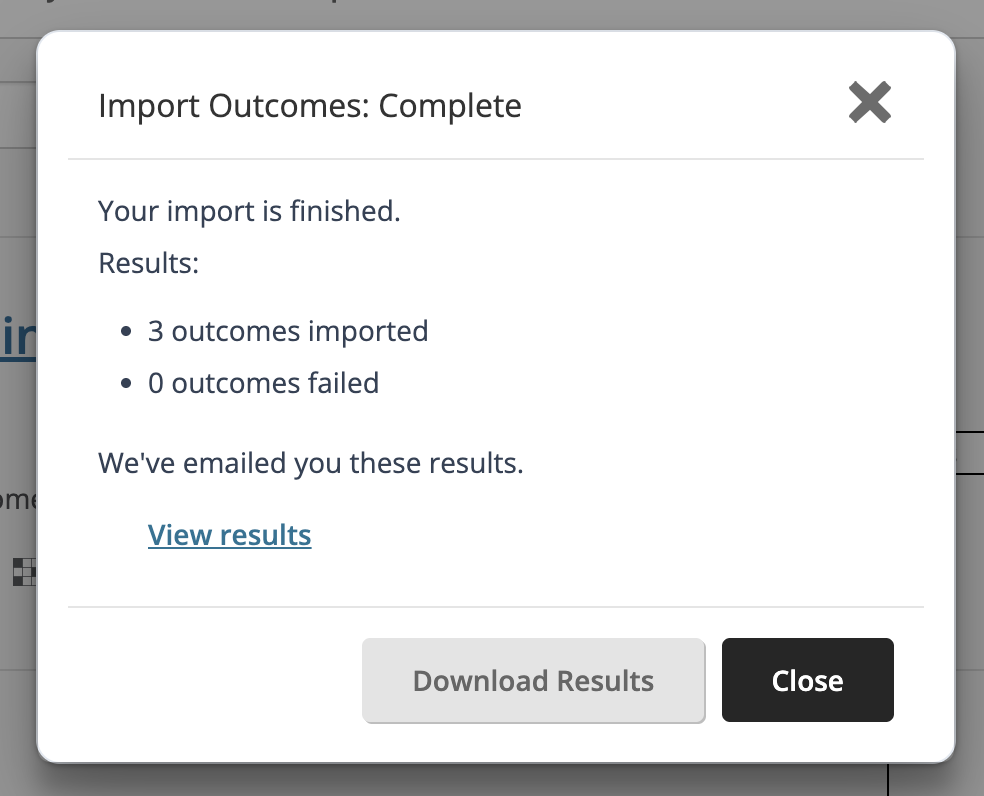
You can close the progress dialog and keep working. You'll receive an email when the import finishes as well as a results summary (with a downloadable results CSV).
Client interest
This feature responds directly to client requests submitted through the Blackboard Idea Exchange. Our thanks to Lone Star College and Owensboro Community College (KCTCS), whose early collaboration shaped the research to build this new functionality together.