Create an Account
Before you can enroll in a course, you must have a Course Catalog account and be signed in. You can create an account from any screen.
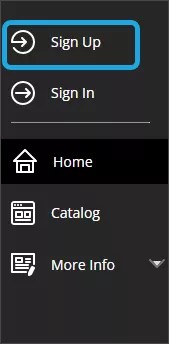
Select Sign up from the navigation menu on any Course Catalog screen.
Fill in the Create Account form. Fields marked with a red asterisk are required.
Select the Next button. A validation code will be sent to the email address you entered in the form.
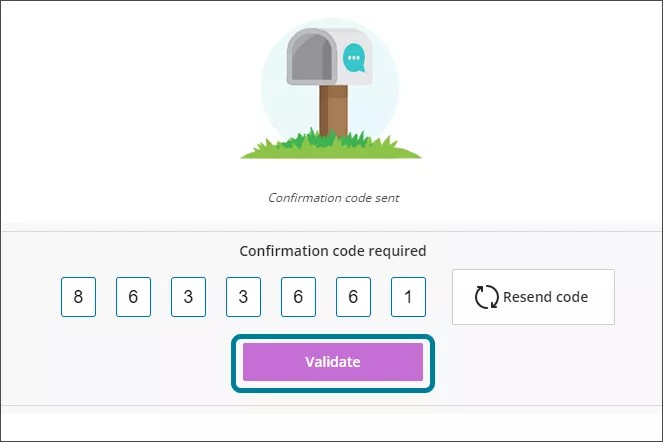
Retrieve the validation code from your email and type it into the Confirmation Code field on the Create Account panel.
Select Validate.
Select Sign In in the dialog window that appears to sign in. Your username will be the email address you entered in the form.