ORIGINAL Access Blackboard
You can log in to Blackboard on a web browser on your computer or on a mobile app.
Web browser
You need three pieces of information to access Blackboard:
The web address of your institution's Blackboard site
Your username
Your password
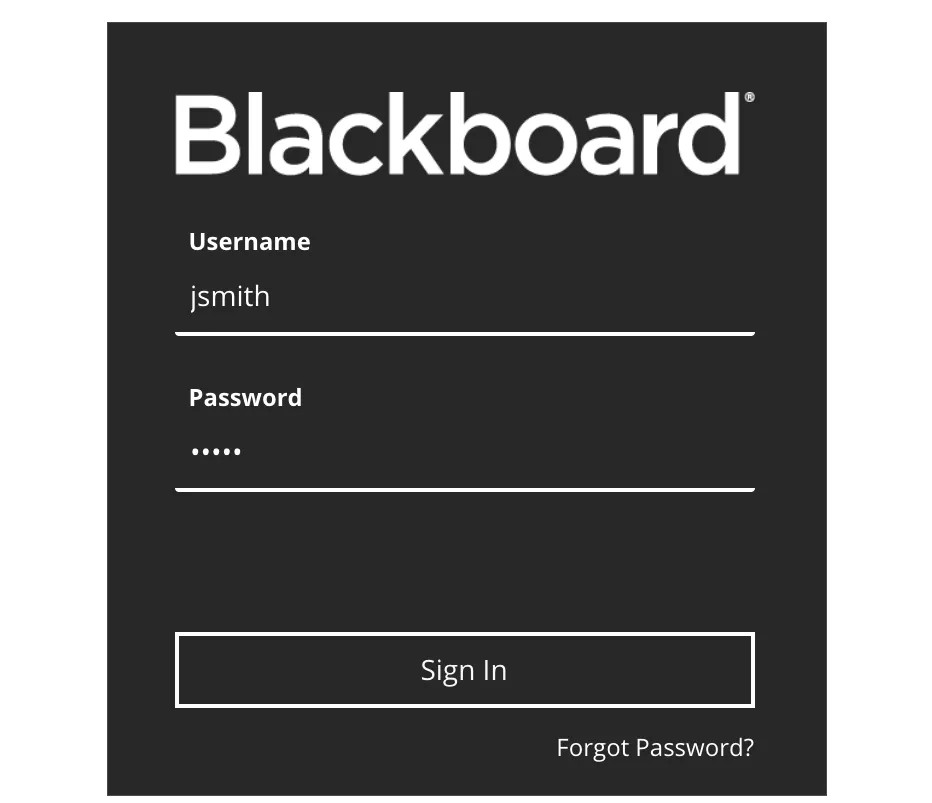
In most cases, the web address directs you to the login page. If you're directed to another location, look for a login button or a special portal area.
Note
If you can't find your institution's site, search the web for your institution's name + Blackboard, or contact your IT help desk.
What happens after I log in?
New users see a welcome page that invites them to create a profile. Before you create a profile, you must accept the Blackboard Profiles Terms of Service in the pop-up window. If you don't agree to the terms of service, you won't be granted access to some tools. You can choose to create a profile later.
Existing users see the My Institution tab. From this tab, you can access the courses where you're enrolled.
Mobile app
Tip
Receive mobile updates about your courses, take assignments and tests, and view your grades. Only courses where you're enrolled as a student show in this app.