Groups
Instructors can create groups of students within courses. Groups usually consist of a small number of students for study groups or projects.
Your instructor places you in a group or allows you to select the group you want to join. Your instructor chooses which communication and collaboration tools are available to your group.
Navigate Groups page
Instructors can create group assignments, tests, and discussions where you can collaborate with other students.
Your instructor can enroll you in groups or ask you to join groups.
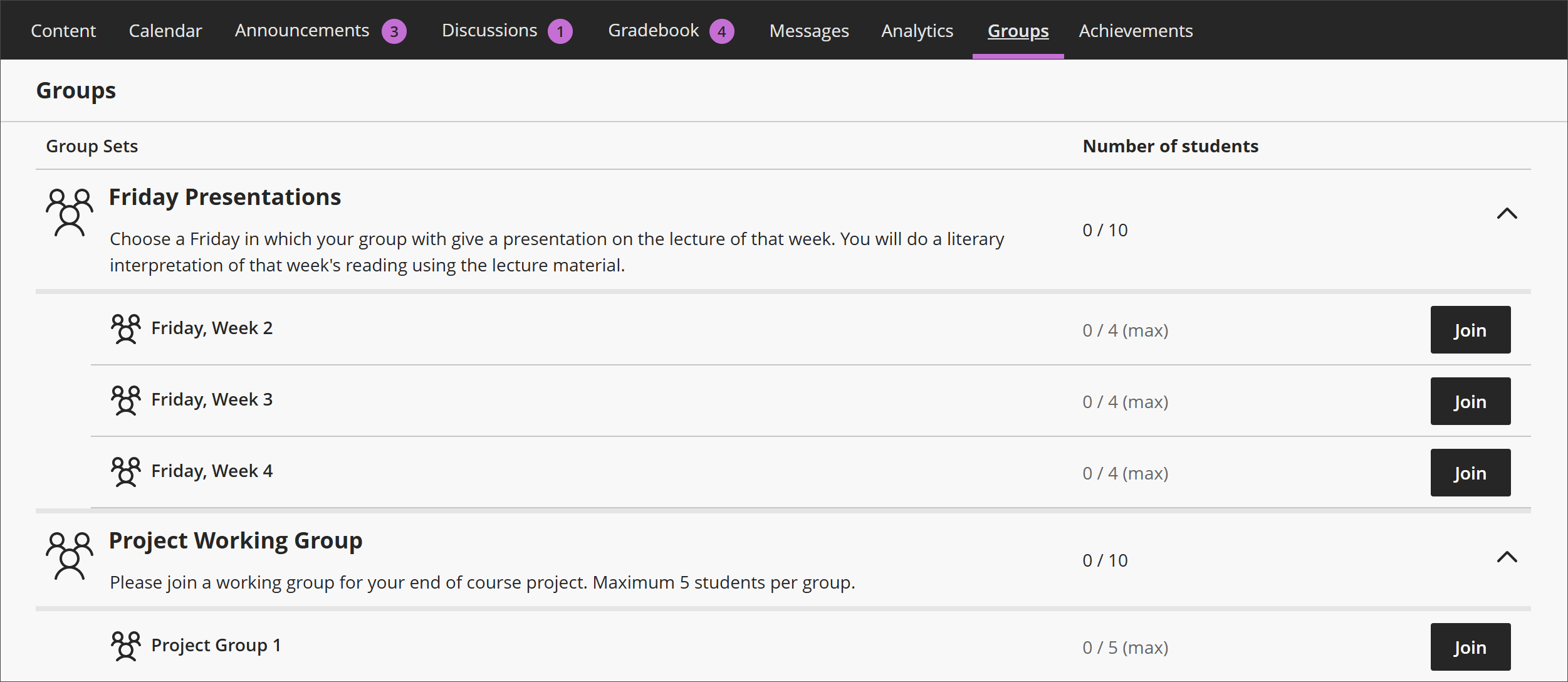
Go to the Groups page by selecting Groups on your course's main page. Your group name is listed under the associated group set's name. Select the arrow beside the group set's name to expand the list of groups.
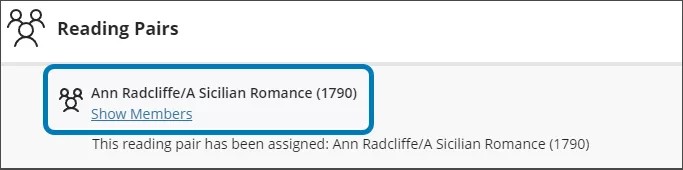
Select Show Members underneath your group's name to display the names of other group members. You can select Send message to send a message to all your group members.
Select your group's name to enter your Group Space.
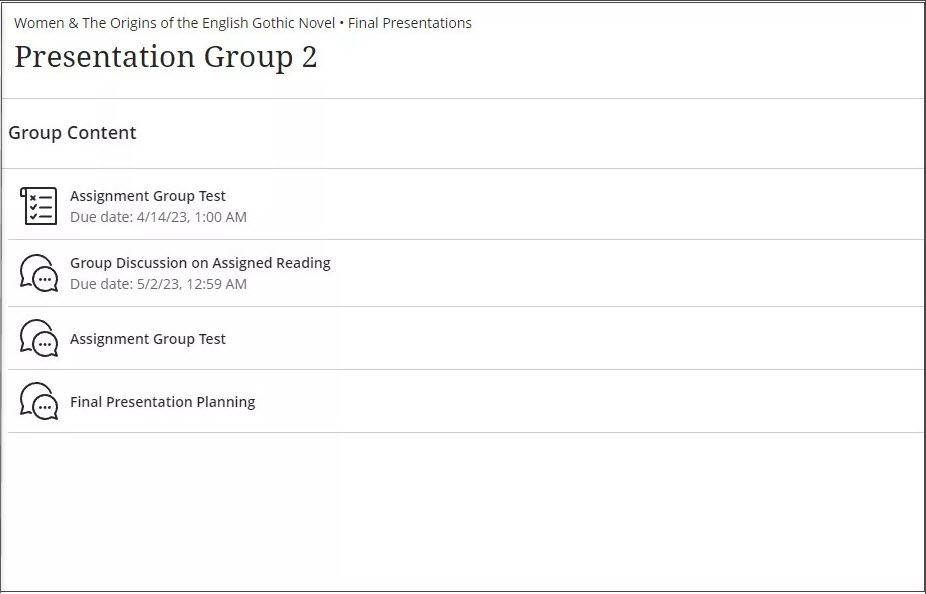
The Group Space has a list of all your assignments.
You can also go to your Group Space by selecting your group's name beneath the assignment on the Course Content page.
If Join appears on your Groups page, select the link to choose a group.
Using Group enrollment
On the Groups page, you can view the groups you've been enrolled in and join groups that require self-enrollment. Groups with an enrollment period appear first so you don't miss them. Your instructor may add a description to help you choose a group.
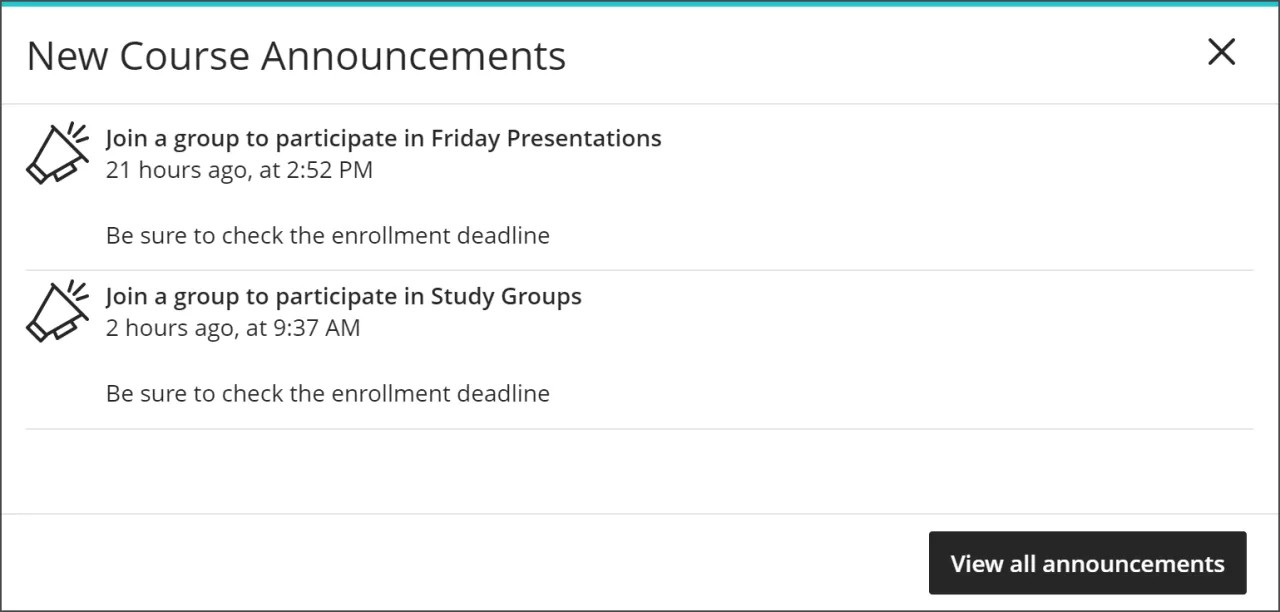
Course announcements appear when you need to join one or more groups.
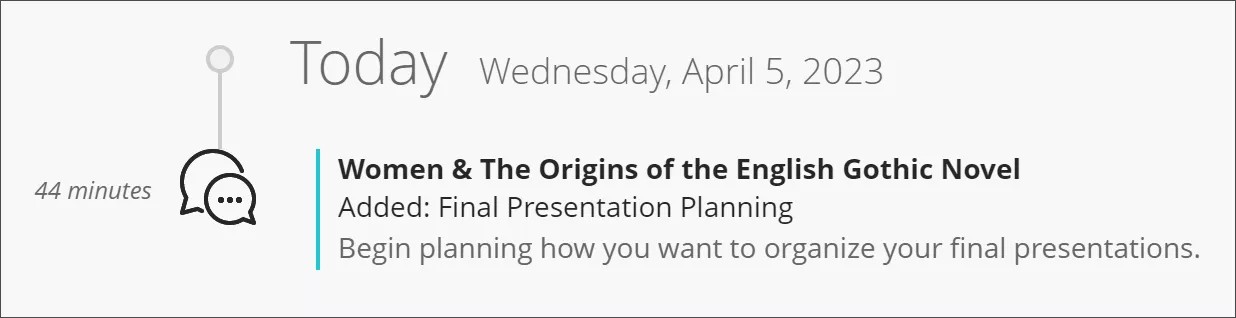
You'll also see a notification in your activity stream when you need to join a group.
If you don't choose a group by the end of the enrollment period, you're enrolled automatically.
After you join a group, you can move to another group until the enrollment period ends.
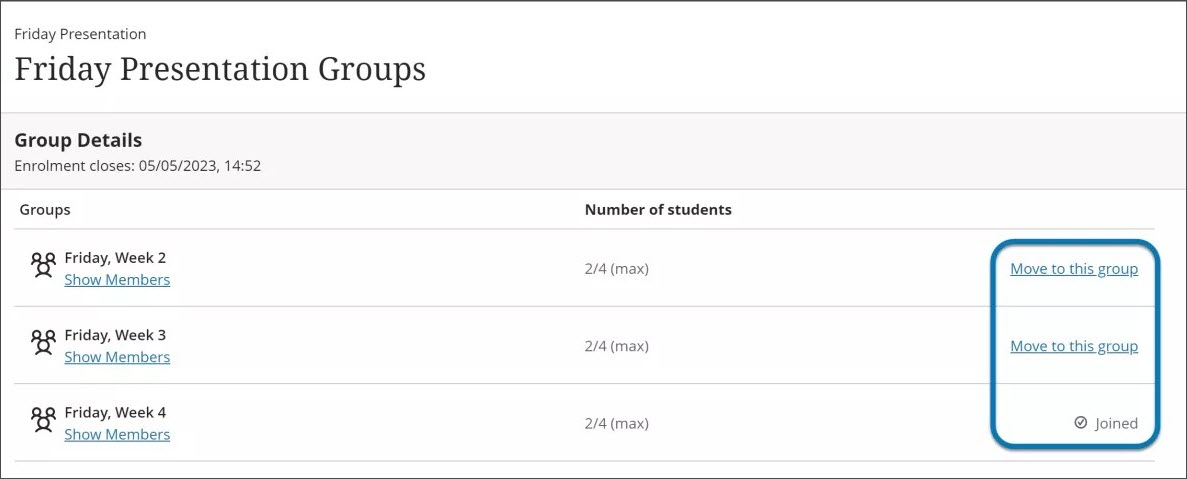
Your instructor chooses whether to hide members of groups you can join. Members are hidden in groups where your instructor assigns membership.
Note
Users whose accounts have been disabled are counted in the overall group enrollment total until the course membership or user is purged.
Video: Working in Groups
The following narrated video provides a visual and auditory representation of some of the information included on this page. For a detailed description of what is portrayed in the video, open the video on Vimeo.