Navigate Outside a Course
Easy navigation
After logging in, you have access to core features in the Base Navigation menu. This menu remains even when you are in a course.
When you select any link from Base Navigation, you can access all your courses. For example, Grades has all your grades organized by course.
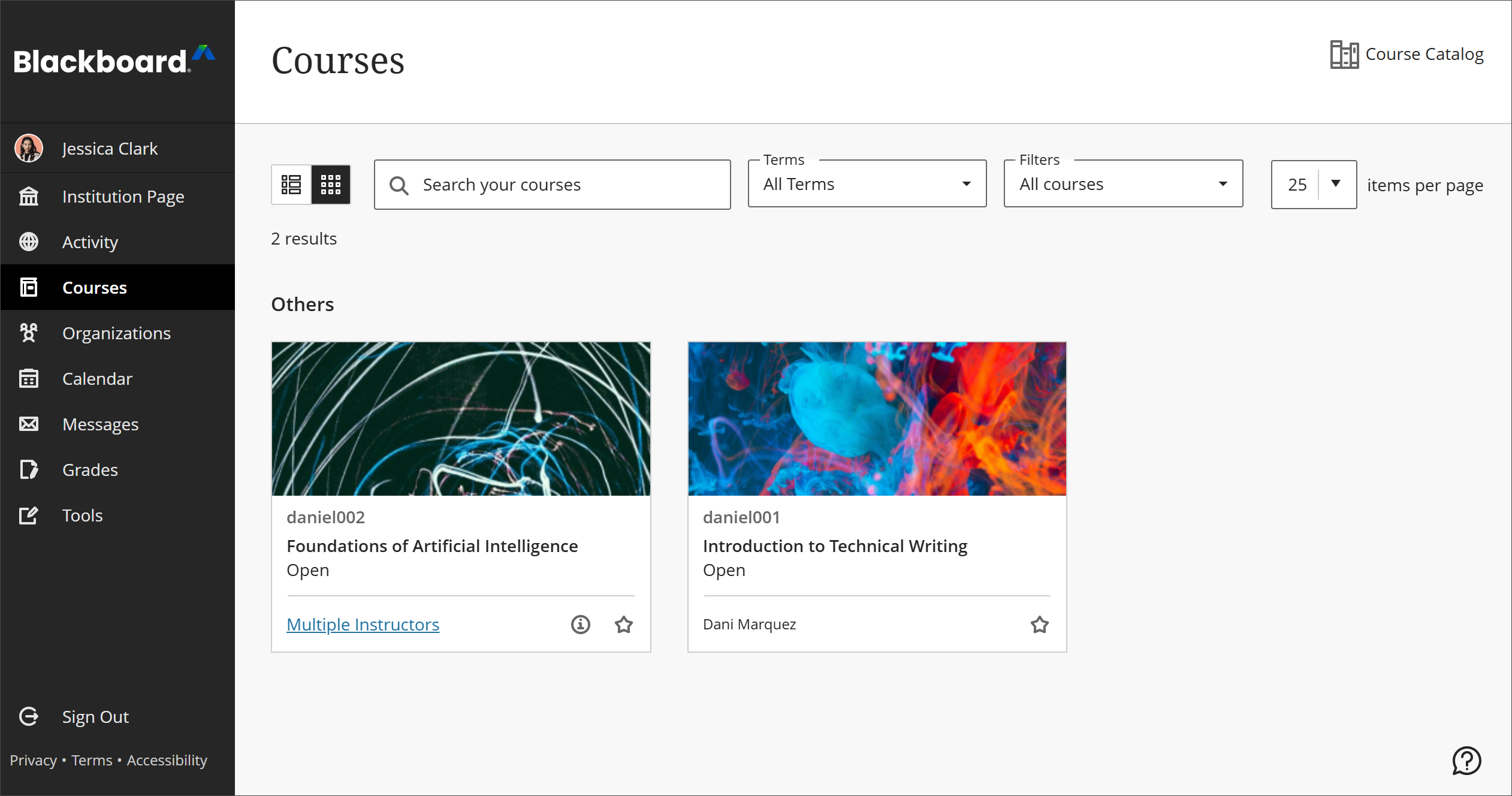
Base Navigation menu items include:
Institution Page: A customizable landing space where your institution shares announcements, resources, and links.
Profile: Manage your personal details, photo, and preferences that appear across Blackboard LMS.
Activity: A single feed that surfaces recent student activity and items needing your attention across every course you teach.
Courses: Navigate to past, present, and future courses and filter to access the courses you want to appear on the Courses page.
Organizations: Organizations are spaces for groups that extend beyond a single course, such as committees or student clubs. Organizations have the same capabilities as Course and are often used in place of Courses in non-higher educational settings (corporate, government, etc.)
Calendar: A consolidated view of due dates, events, and office hours across all your courses.
Messages: Access and send messages in all of your Ultra courses.
Grades: Check your grades for all courses.
Tools: Lists the global tools available to instructors and what each one does.