Course Section Attributes
A course section attribute is a 'tag' that can be imported and placed on a course section. Attributes are used for two features within Evaluate.
Pull course sections into an administration based on the attributes applied.
Create custom questions on any evaluation to be asked of all of the course sections that have been imported with a certain attribute.
A course section may have as many attributes as needed. Attributes are assigned to a course section via an import. Once these attributes have been assigned to course sections in the site, they will appear in the Course Section Attributes grid for your review.
Select Evaluations from the home page.
Select the evaluation you would like to access.
Select Edit Custom Questoins.
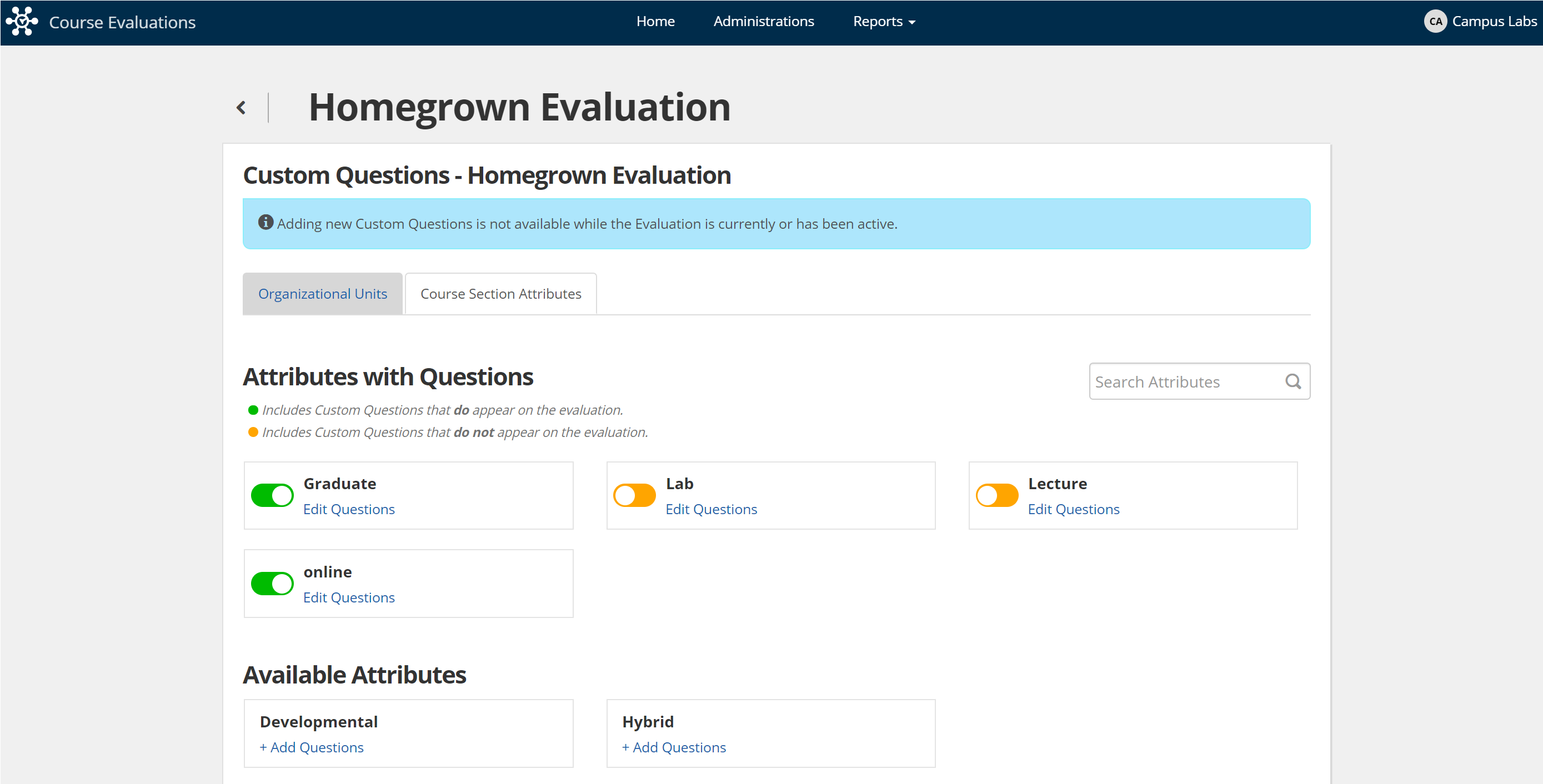
Select the Course Section Attributes tab.
To view the currently applied attributes on any given section, navigate to the sections details from the homepage > sections and they will be listed on the bottom right of the page.
Attribute custom questions can be applied to the uploaded attributes in order to assign questions to an evaluation in a more granular and specific way. The questions that you add to an attribute will only be asked of the sections that have that attribute applied.
For example, if you upload an attribute and label it "online" you can apply questions specific to distance learning that will only apply to the online sections that you specify in the initial upload.
Some additional information on the use of attributes:
To add Attribute Custom Questions refer to the article Building an Evaluation.
Attribute Custom Questions will appear on the evaluation in alphabetical order based on attribute name.
Questions can be toggled on or off within an evaluation by clicking the toggle next to the attribute name.
If attribute custom questions are to be used on multiple evaluations, they must be added to each evaluation separately.
 |