Faculty Evaluation Links and QR Codes
Blackboard Evaluate is pleased to introduce enhanced functionality that allows faculty members to easily share course evaluation access with their students through both direct links and QR codes.
Faculty members can now generate a unique direct link and QR code for each active course section, making it easier for students to access and complete course evaluations.
How it works
In the Faculty Experience, faculty members can view all active course section associated with their account. For each section, they can select View Evaluation Link.
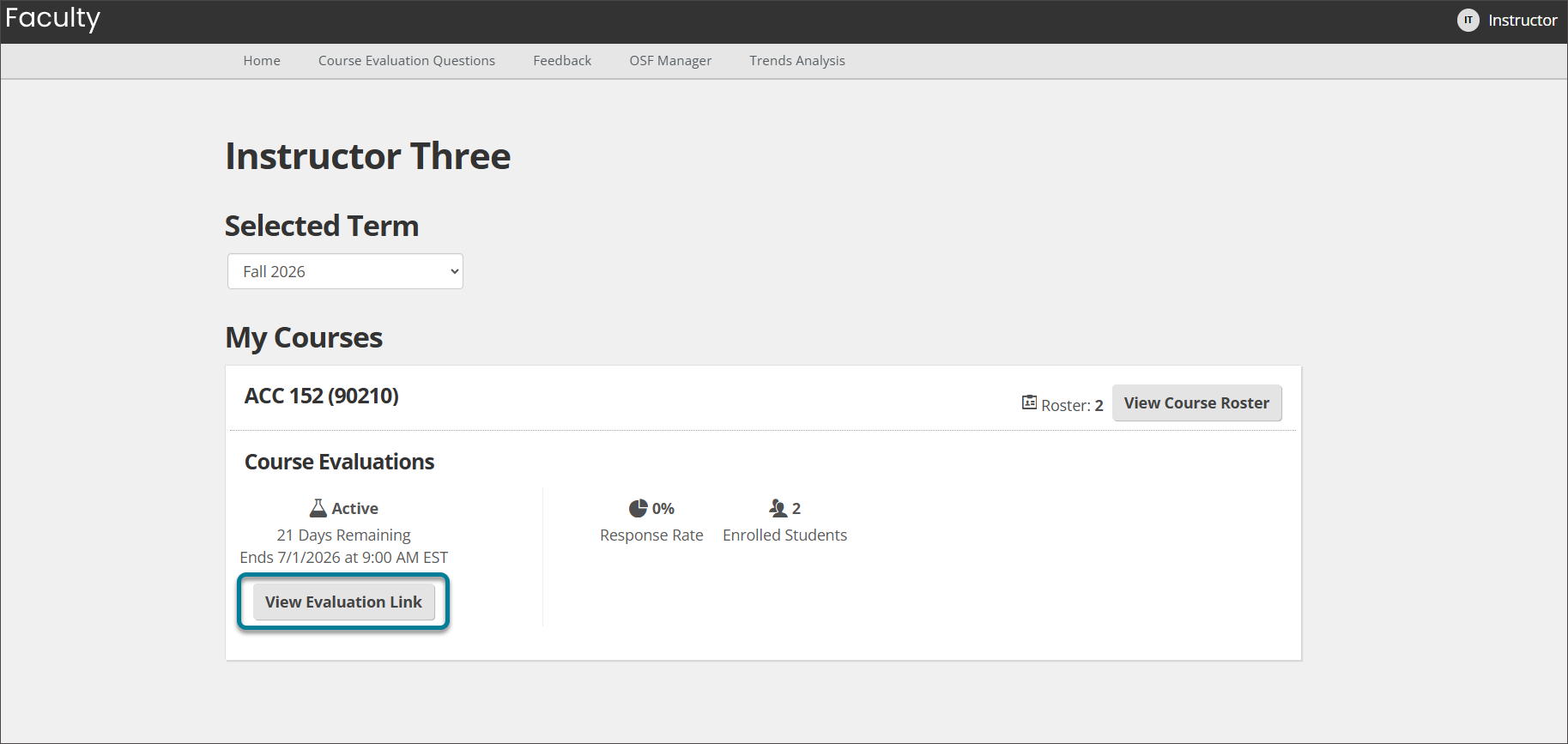
A window opens with the section's unique direct evaluation link.
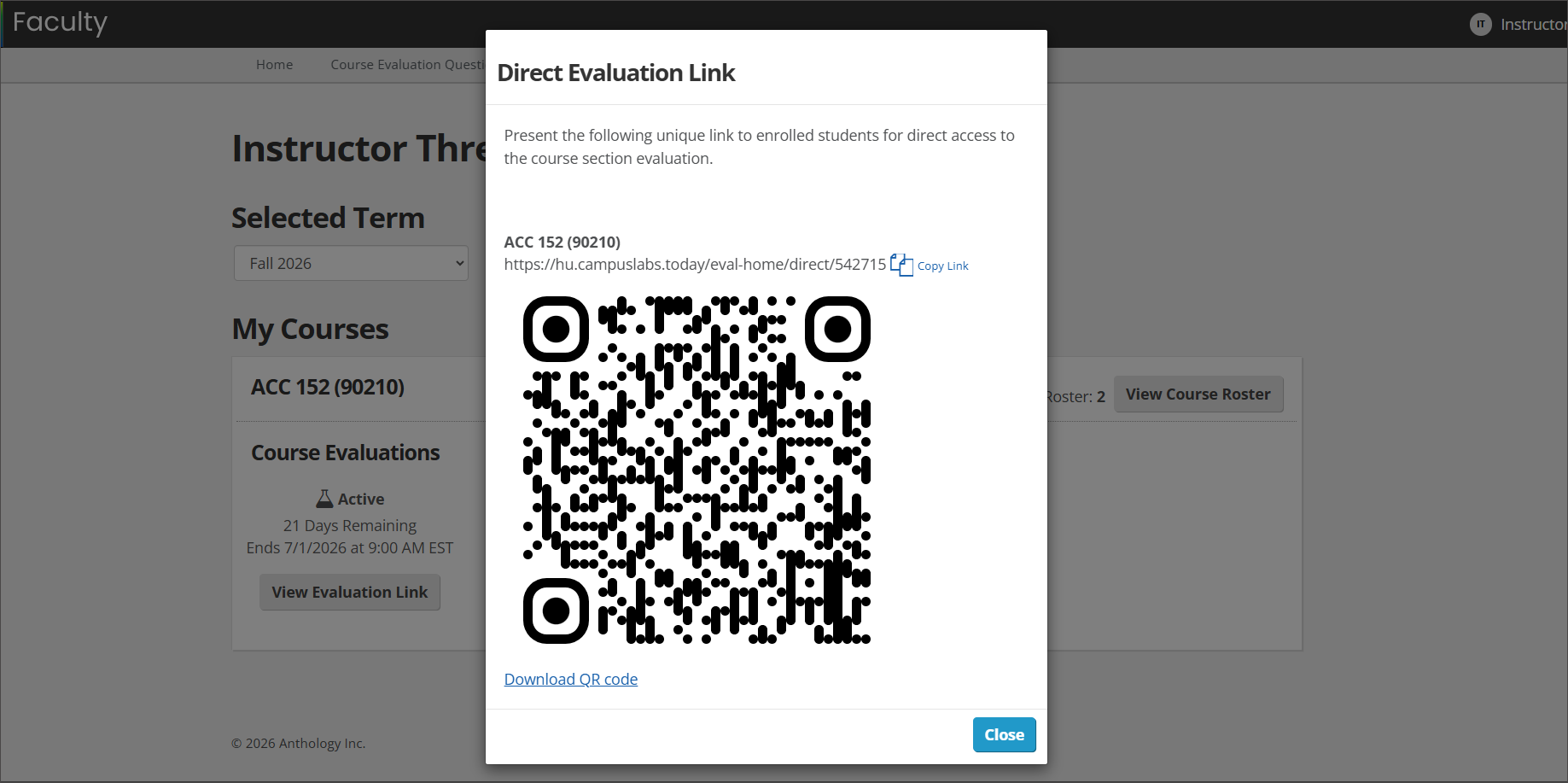
From there, faculty members can:
Copy the link to share through email, course announcements, or other communication channels.
Download a QR code that students can scan to access the evaluation directly.
Note
Students be authenticated through their institution before they can access and complete an evaluation. After logging in, they are directed to the appropriate course evaluation.