Group Spaces for Instructors
Notice
The reimagined Groups experience is available if your institution’s Blackboard LMS administrators have turned it on. The new Groups experience becomes the default for all courses in January 2027. In that experience you start a CSV import by selecting New group set on the Groups page, then Import from CSV. The steps below describe the previous Groups experience.
Group Spaces provide a list of all assignments for a specific group, as well as a place to view all group members.
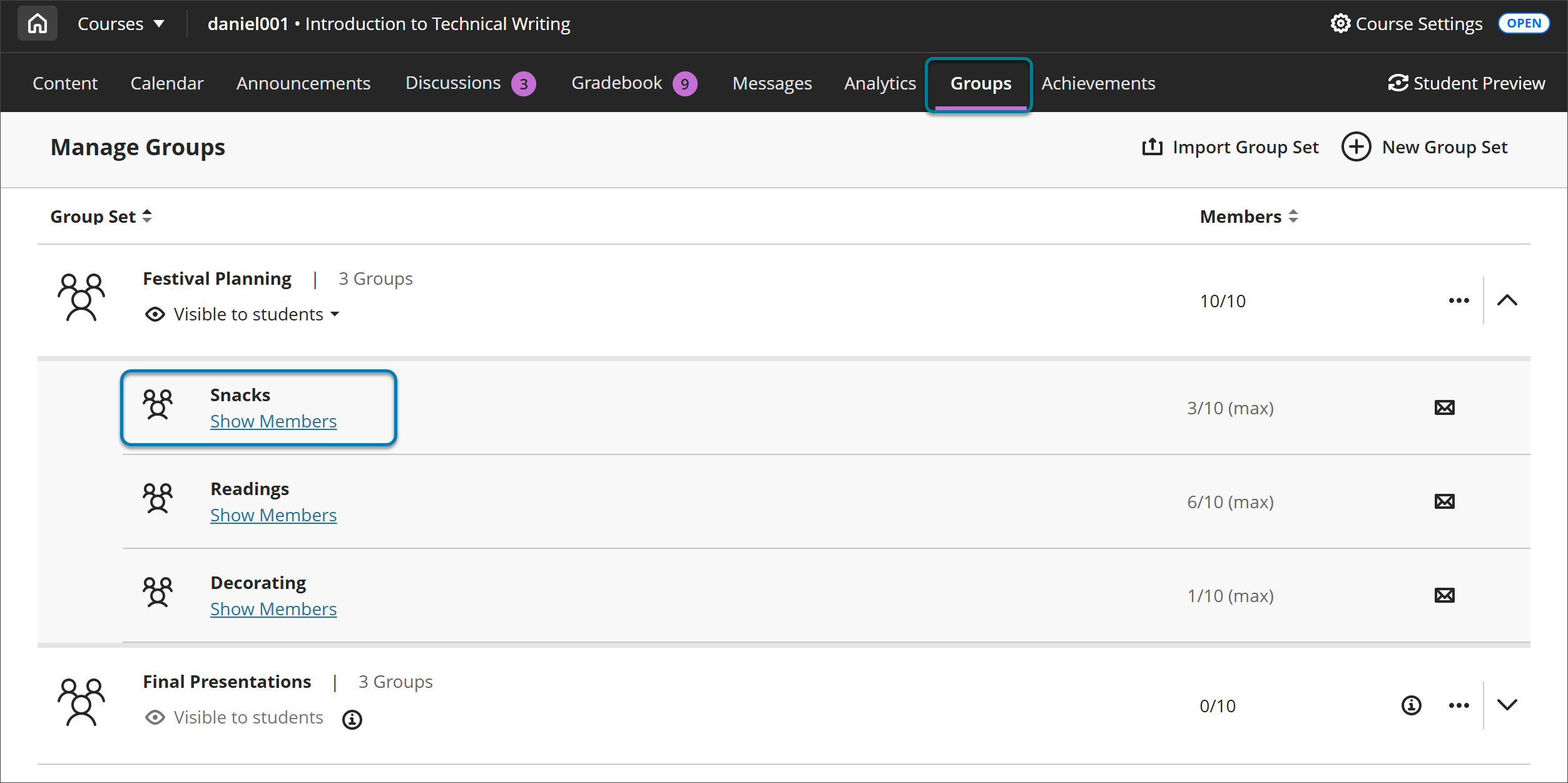
Go to your course's Groups page. Select the name of a group to go to the Group Space.
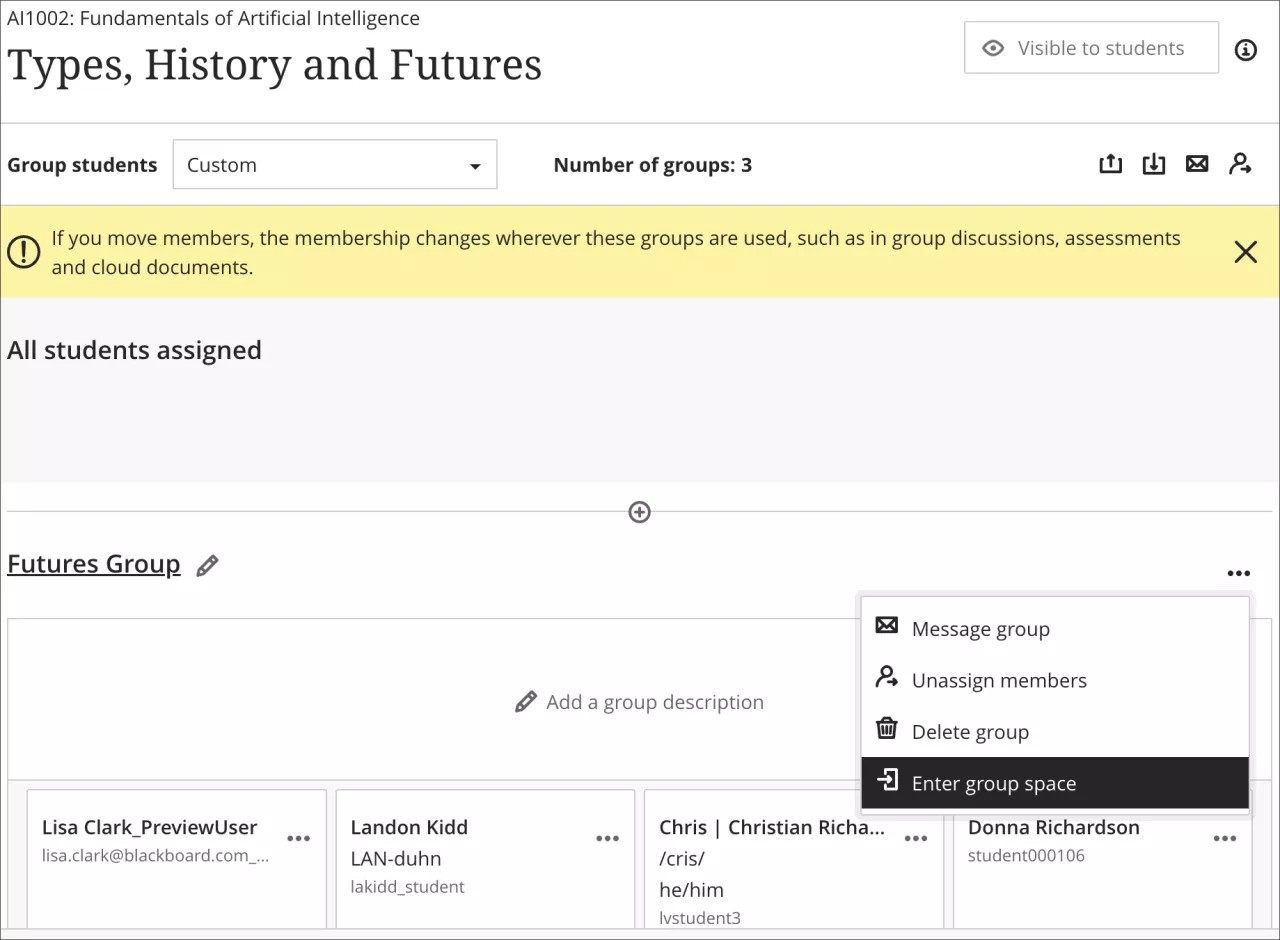
You can also get to a Group Space from the Group Management page. Select Enter Group Space from the group’s More Options menu (the three dots button).
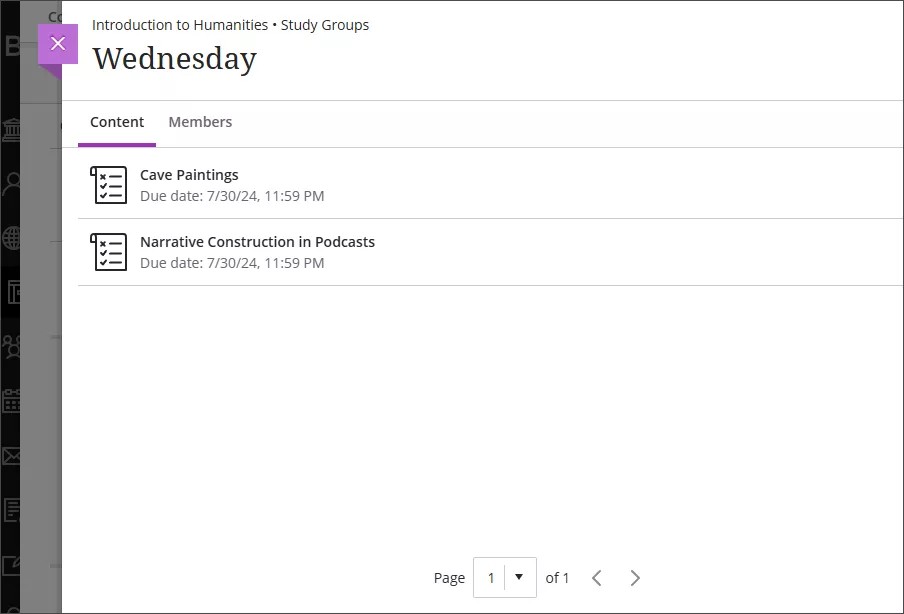
All assignments are displayed on the Content tab of the Group Space.
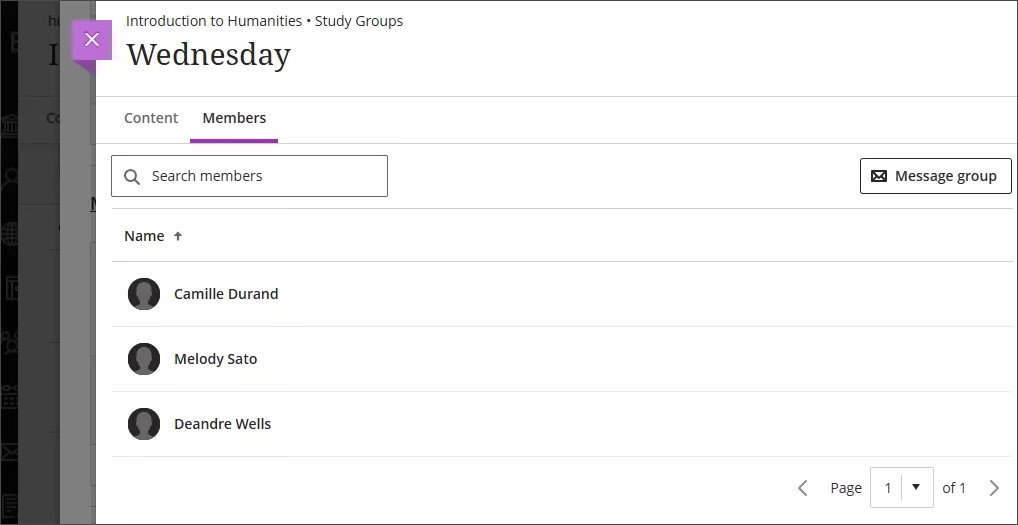
From the Members tab, you can view all group members and send a message to the group.
Students can access their Group Spaces by selecting the name of their group on the Groups page.