Student View of Alternative Formats

Blackboard LMS Original Course View

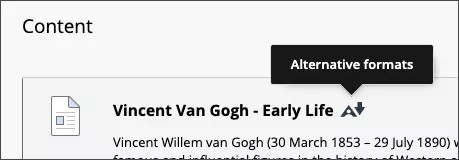
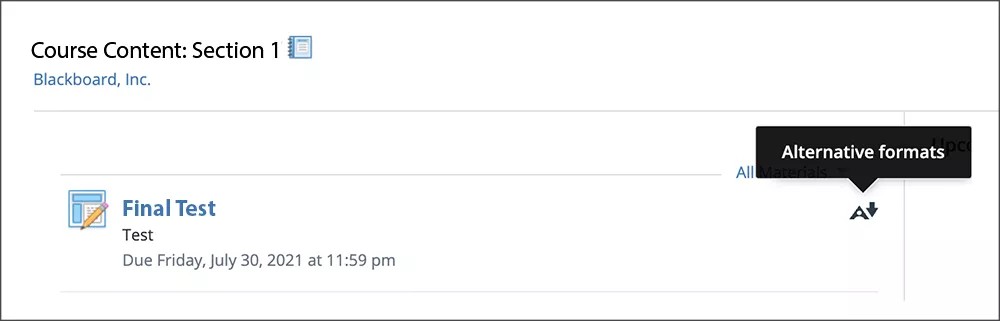
The Content page in a Blackboard Original course, with the Alternative Formats icon next to the file name and a tooltip reading "Alternative formats" above the icon.

Blackboard LMS Ultra Course View

The Course Content page in a Blackboard course, with the Alternative Formats icon to the right of the file name and a tooltip reading "Download Alternative Formats" to the left of the icon.

Blackboard App

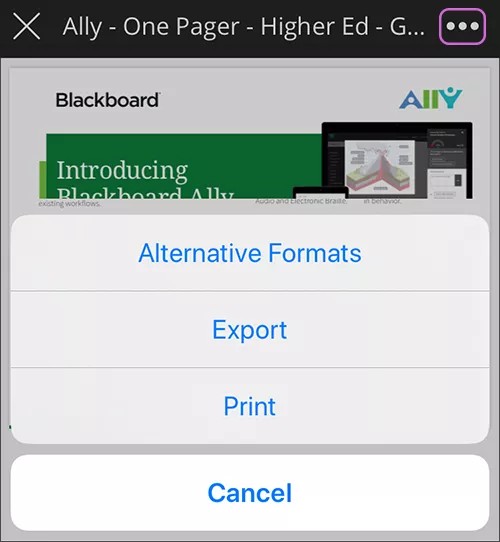
A menu on the Blackboard App with the options Alternative Formats, Export, Print, and Cancel.

Moodle

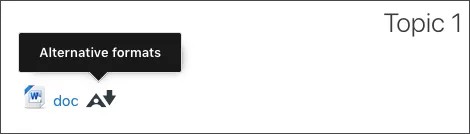
A file in Moodle with the Alternative Formats icon next to it and a tooltip reading "Alternative formats" above the icon

Instructure Canvas

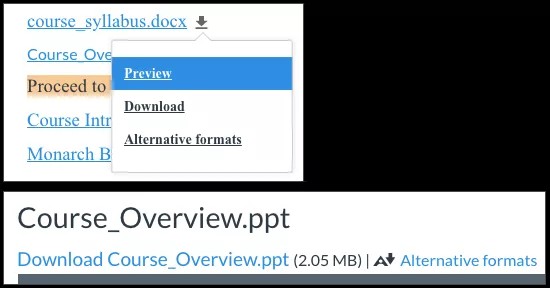
At the top, a file listed in Canvas with its menu expanded to show Preview, Download, and Alternative Formats. At the bottom, a file listed in Canvas with the Alternative Formats icon next to it with a link with the text "Alternative formats" beside it.

D2L Brightspace

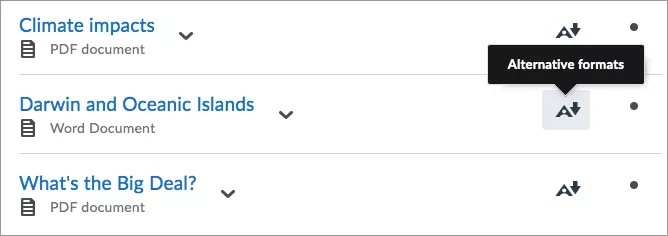
A list of three files in D2L Brightspace with the Alternative Formats icon to the right of them, with a tooltip reading "Alternative formats" above one of the icons.

Schoology

A file in Schoology with the Alternative Formats icon to the right and tooltip text reading "Alternative formats" above the icon.