Apply Visual Filters to Reports
Review and delete visual filters
A combination of visual filters can result in no data displaying. You can remove a visual filter to return data to the report.
Select the chart or table you want to review or delete the visual filters from.
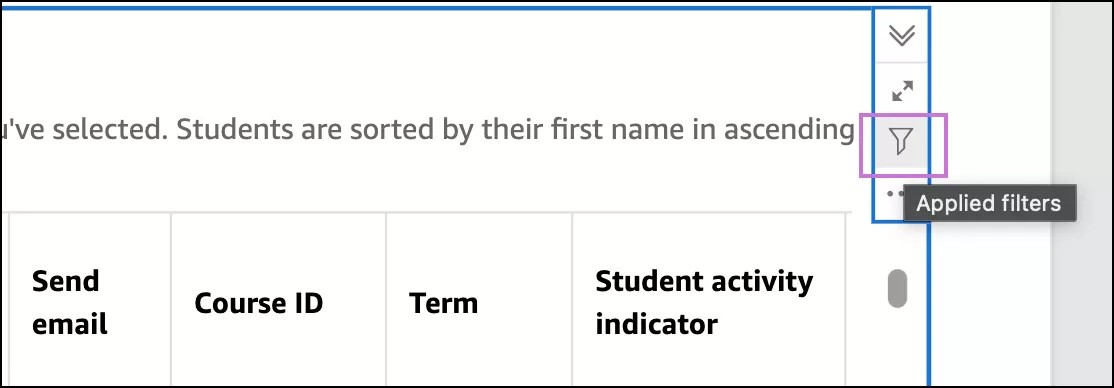
In the option menu, select the filter button.
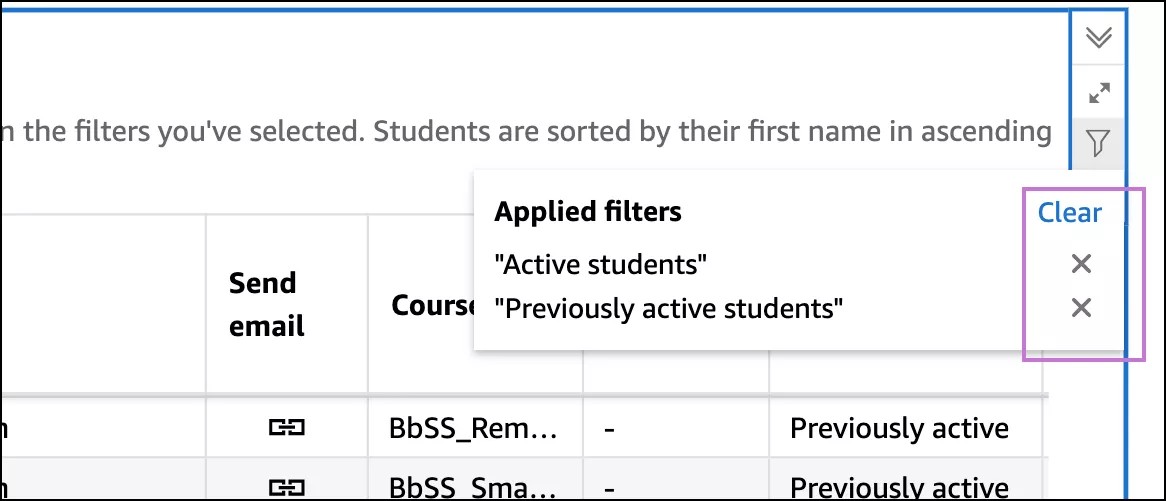
Select the Remove button next to the filter you want to remove.
Or, to clear all applied visual filters at one time, select Clear.
Maximize or minimize data visualizations
Inside a report tab, select the data visualization you want to maximize.
Select the Maximize button.
To minimize the visualization, select the Minimize button.