Access Reports
Note
このドキュメントは、AIを活用した機械翻訳によって翻訳されました。翻訳内容は「現状のまま」提供されており、その正確性については一切保証いたしません。このコンテンツの英語版が公式かつ権威ある情報源となります。
Log in to illuminate.blackboard.com.
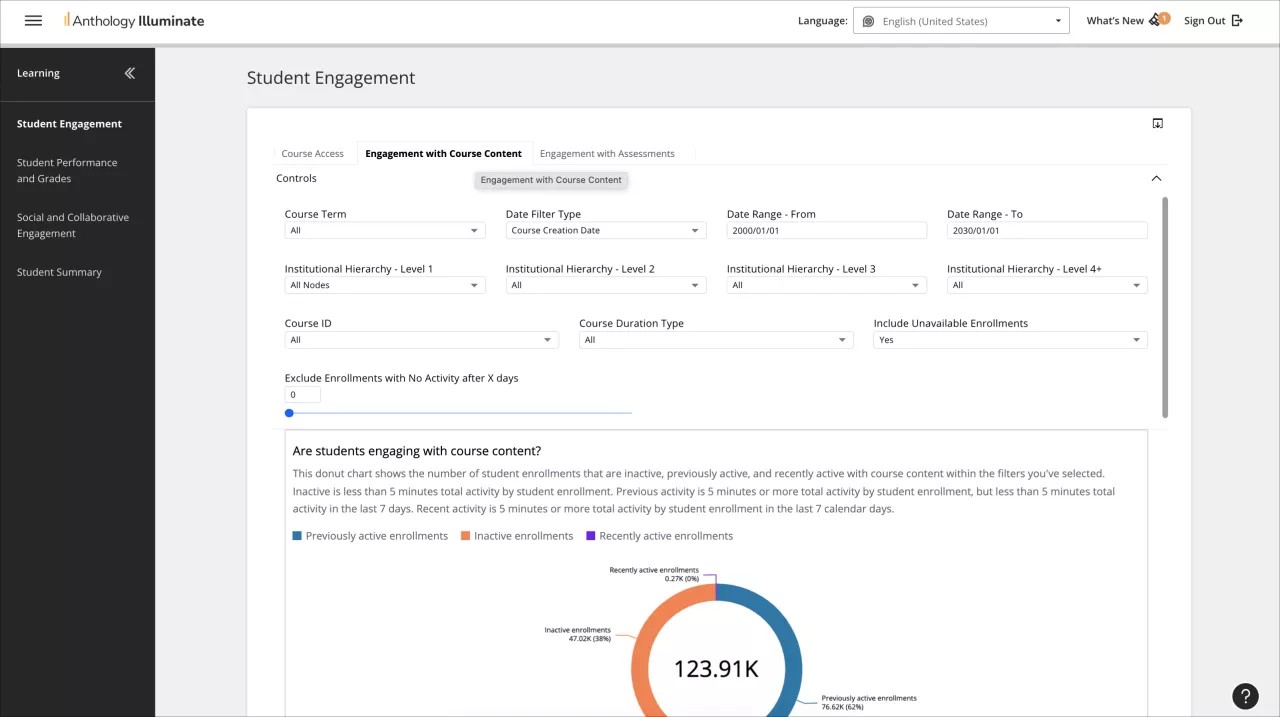
From the navigation bar, select the reporting area you want to access.
Each reporting area has a list of available reports and a description of the questions each report answers.
Select a report to access it.
Reports can have multiple tabs of information. Navigate through them to access all the available data.