Access Reports
Note
La presente documentazione è stata tradotta tramite traduzione automatica assistita dall'intelligenza artificiale. Le traduzioni sono fornite "così come sono", senza alcuna garanzia circa la loro accuratezza. La versione inglese di questo contenuto costituisce la fonte ufficiale e facente fede.
Log in to illuminate.blackboard.com.
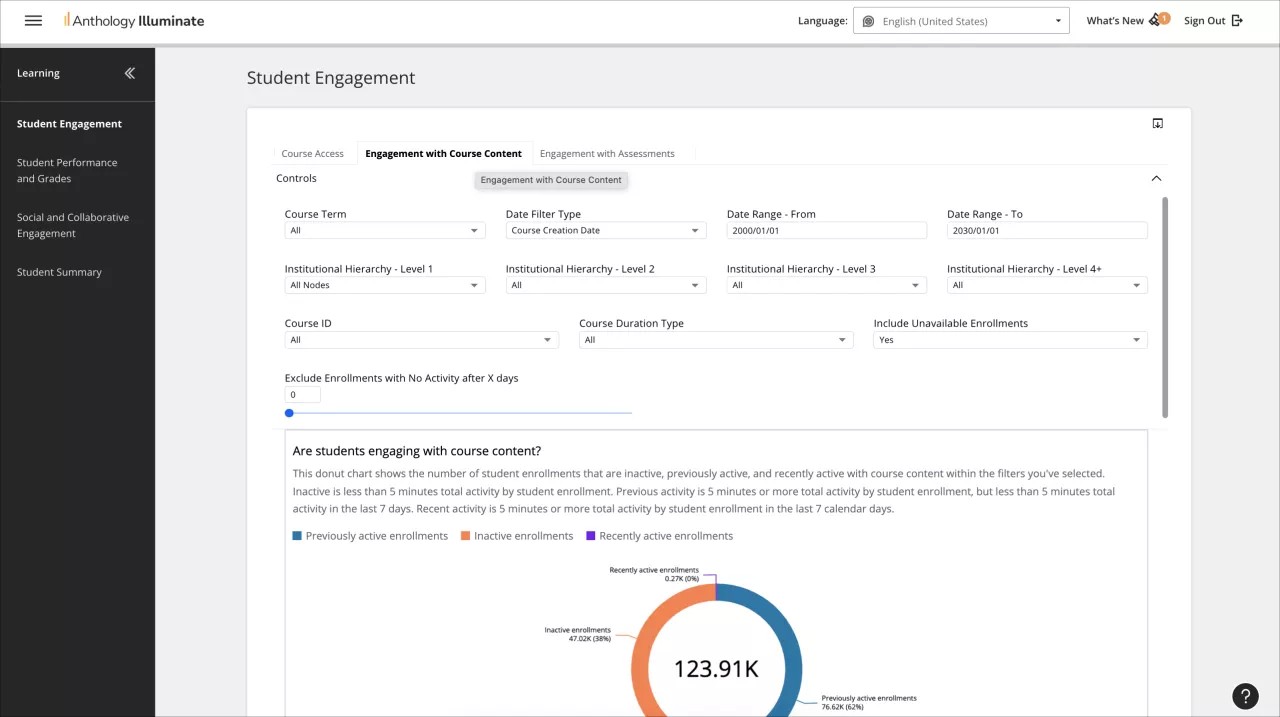
From the navigation bar, select the reporting area you want to access.
Each reporting area has a list of available reports and a description of the questions each report answers.
Select a report to access it.
Reports can have multiple tabs of information. Navigate through them to access all the available data.