The topic "Configure Channels" is not available in Version 1.1.0
The topic "Configure Channels" is not available in Version 1.0.0
Configure Channels
Select the Channels option in the Customer Administration Portal to configure the Digital Assistant for Web Chat and Live Assist chat.
Web Chat
If you are using the web chat variant of Digital Assistant (rather than the Live Assist variant), you need to configure the web Chat settings in the Customer Administration Portal.
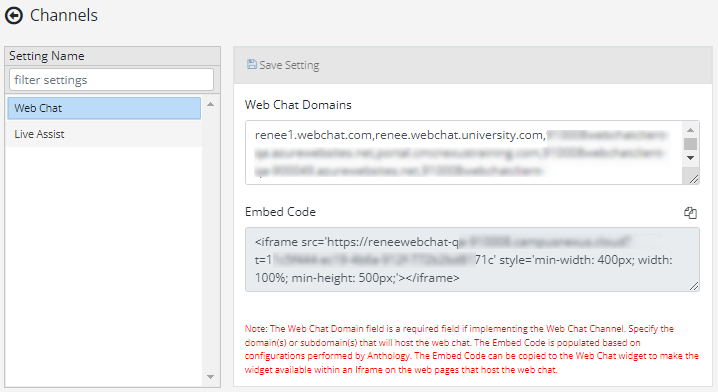
| Field/Control | Description |
|---|---|
| Web Chat Domains |
Specify the domain(s) or subdomain(s) that will host the web chat. This field needs to be populated to configure web chat for the Digital Assistant. For more information, see Web Chat Configuration. |
| Embed Code |
Click the copy icon ( The Web Chat Secret is configured in the Internal Administration Portal by Anthology staff. An automated process then populates the Embed Code in the Customer Administration Portal for the customer to copy. |
| Save Setting | Click the Save button after you have modified the settings. |
 ) to copy the IFrame tag from this field and add it to the web pages where you want the web chat to be enabled. For more information, see
 Live Assist
If you are using the web chat variant of Digital Assistant enabled with "Chat with an Agent" functionality for Anthology Reach, you need to configure the Live Assist settings in the Customer Administration Portal.
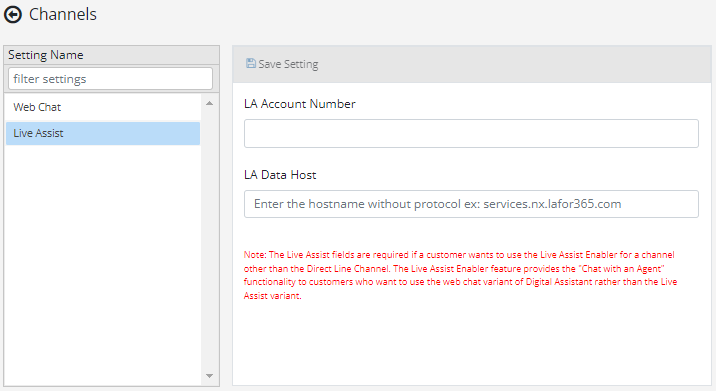
| Field/Control | Description |
|---|---|
| LA Account Number | Specify the number of your Live Assist Dynamics 365 account. In can be found in the URL of the Live Assist Engagement Portal (see Live Assist Enabler Configuration). |
| LA Data Host | Specify the hostname of your Live Assist data services configured in Anthology Reach. Enter the hostname without protocol, for example: "services.nx.lafor365.com" (see Live Assist Enabler Configuration). |
| Save Setting | Click the Save button after you have modified the settings. |
Select the Channels option in the Customer Administration Portal to configure the Digital Assistant for Web Chat and Live Assist chat.
Web Chat
If you are using the web chat variant of Digital Assistant (rather than the Live Assist variant), you need to configure the web Chat settings in the Customer Administration Portal.
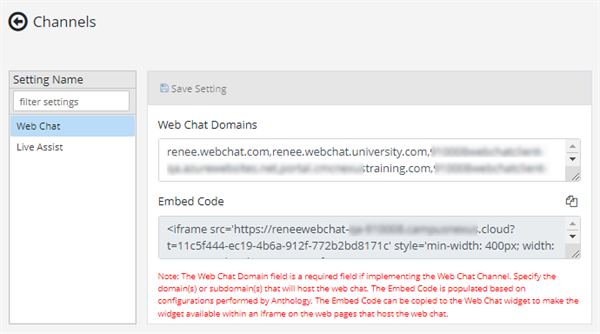
| Field/Control | Description |
|---|---|
| Web Chat Domains |
Specify the domain(s) or subdomain(s) that will host the web chat. This field needs to be populated to configure web chat for the Digital Assistant. For more information, see Web Chat Configuration. |
| Embed Code |
Click the copy icon ( The Web Chat Secret is configured in the Internal Administration Portal by Anthology staff. An automated process then populates the Embed Code in the Customer Administration Portal for the customer to copy. |
| Save Setting | Click the Save button after you have modified the settings. |
Live Assist
If you are using the web chat variant of Digital Assistant enabled with "Chat with an Agent" functionality for Anthology Reach, you need to configure the Live Assist settings in the Customer Administration Portal.
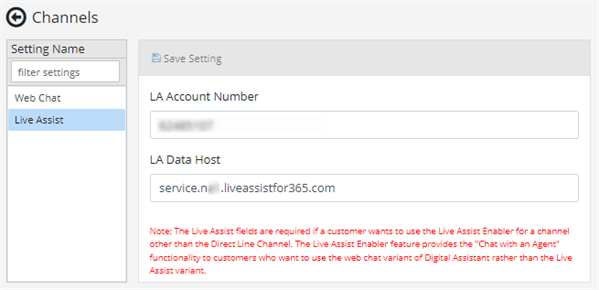
| Field/Control | Description |
|---|---|
| LA Account Number | Specify the number of your Live Assist Dynamics 365 account. In can be found in the URL of the Live Assist Engagement Portal (see Live Assist Enabler Configuration). |
| LA Data Host | Specify the hostname of your Live Assist data services configured in Anthology Reach. Enter the hostname without protocol, for example: "services.nx.lafor365.com" (see Live Assist Enabler Configuration). |
| Save Setting | Click the Save button after you have modified the settings. |
