Access Reports
Note
본 문서는 AI 지원 기계 번역을 사용하여 번역되었습니다. 번역본은 '있는 그대로' 제공되며 정확성에 대해 어떠한 보증도 하지 않습니다. 본 콘텐츠의 영문 버전이 공식적이고 권위 있는 원본입니다.
Log in to illuminate.blackboard.com.
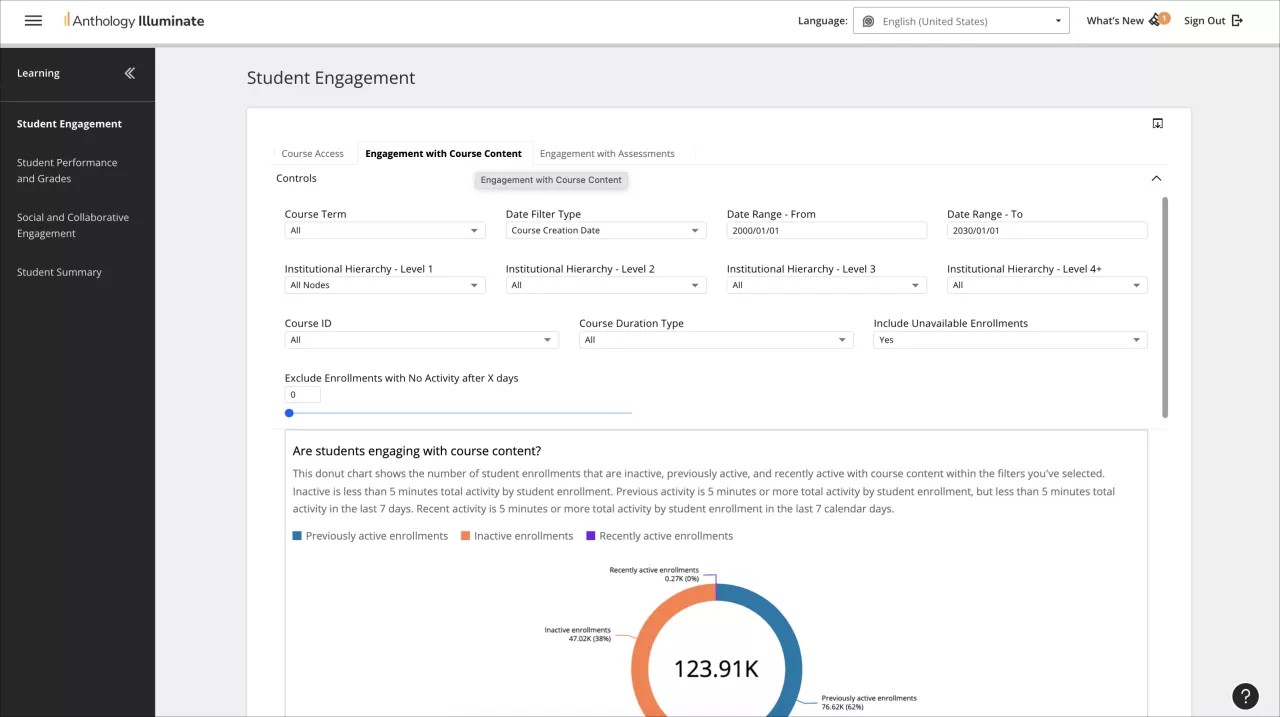
From the navigation bar, select the reporting area you want to access.
Each reporting area has a list of available reports and a description of the questions each report answers.
Select a report to access it.
Reports can have multiple tabs of information. Navigate through them to access all the available data.