Access Reports
Note
Bu belge, yapay zeka destekli makine çevirisi kullanılarak çevrilmiştir. Çeviriler, doğruluğu konusunda herhangi bir garanti olmaksızın “olduğu gibi” sunulmaktadır. Bu içeriğin İngilizce sürümü resmi ve geçerli kaynaktır.
Log in to illuminate.blackboard.com.
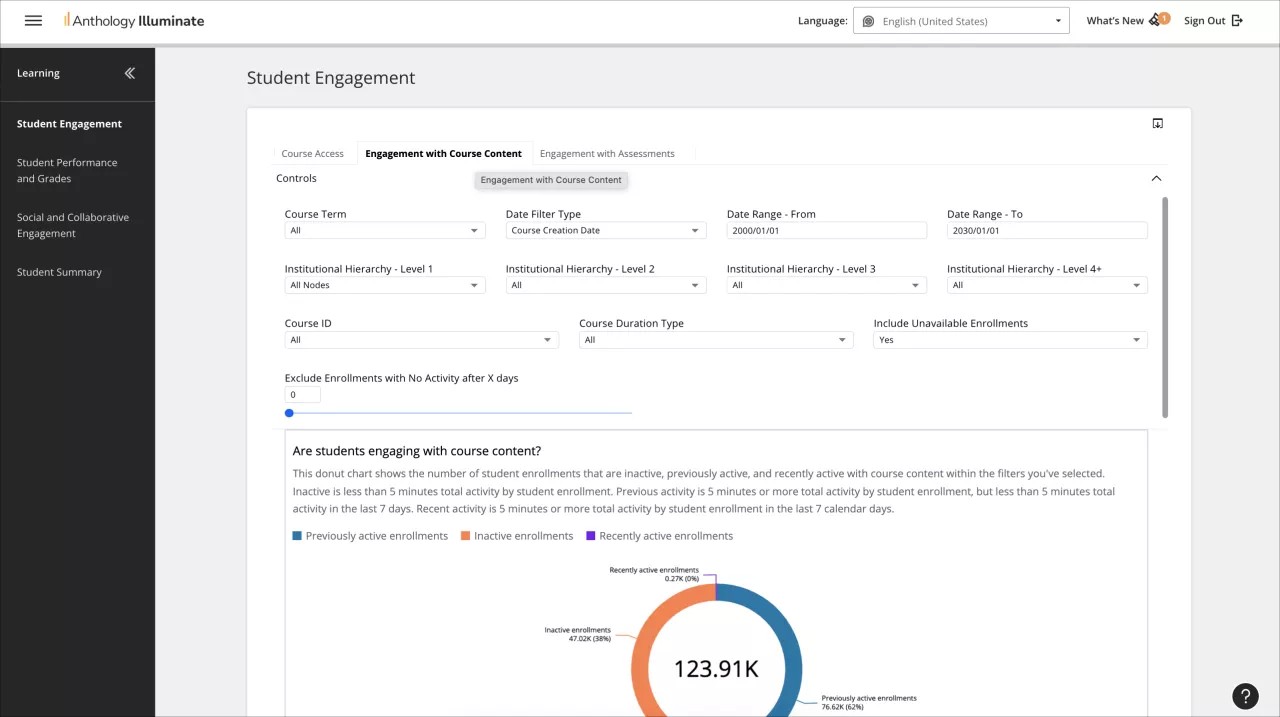
From the navigation bar, select the reporting area you want to access.
Each reporting area has a list of available reports and a description of the questions each report answers.
Select a report to access it.
Reports can have multiple tabs of information. Navigate through them to access all the available data.