Access Reports
Note
Diese Dokumentation wurde mithilfe einer KI-gestützten maschinellen Übersetzung übersetzt. Die Übersetzungen werden „wie besehen“ bereitgestellt, ohne Gewähr für ihre Richtigkeit. Die englische Version dieses Inhalts ist die offizielle und maßgebliche Quelle.
Log in to illuminate.blackboard.com.
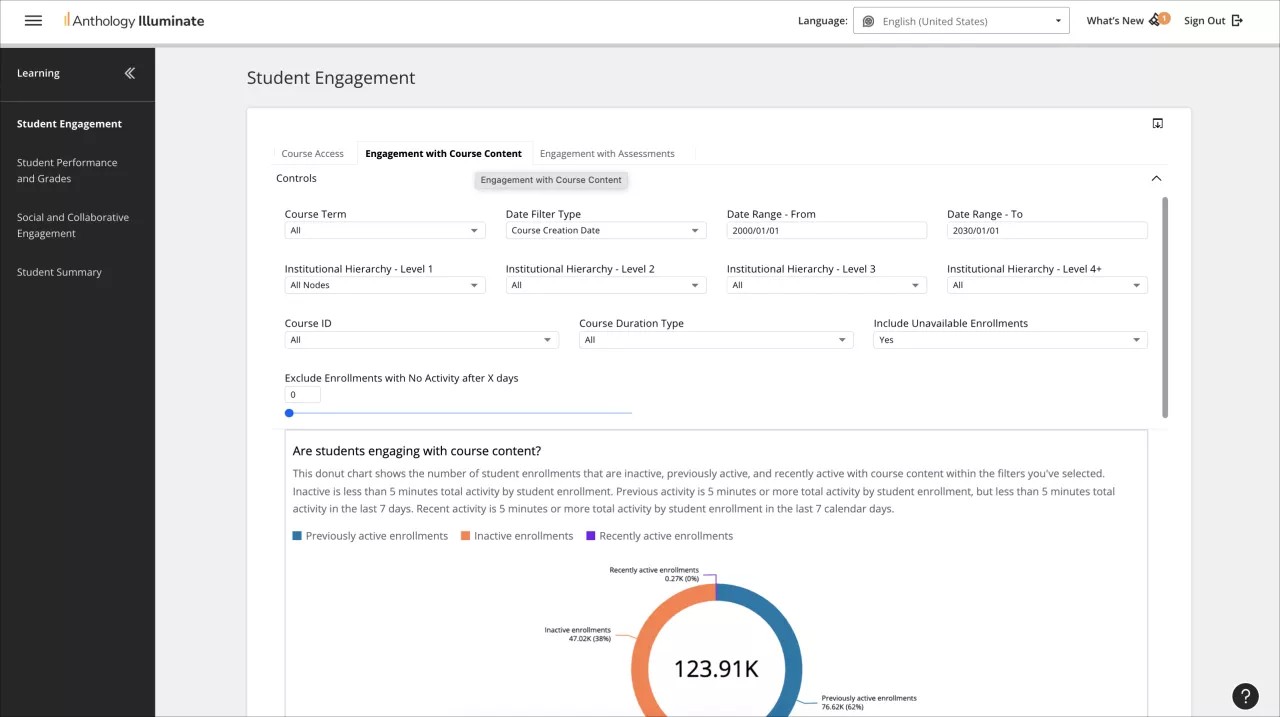
From the navigation bar, select the reporting area you want to access.
Each reporting area has a list of available reports and a description of the questions each report answers.
Select a report to access it.
Reports can have multiple tabs of information. Navigate through them to access all the available data.