Access Reports
Note
Cafodd y ddogfennaeth hon ei chyfieithu gan ddefnyddio cyfieithu peirianyddol gyda chymorth AI. Darperir cyfieithiadau 'fel y maent' heb unrhyw warant o'u cywirdeb. Fersiwn Saesneg y cynnwys hwn yw'r ffynhonnell swyddogol a thrylwyr.
Log in to illuminate.blackboard.com.
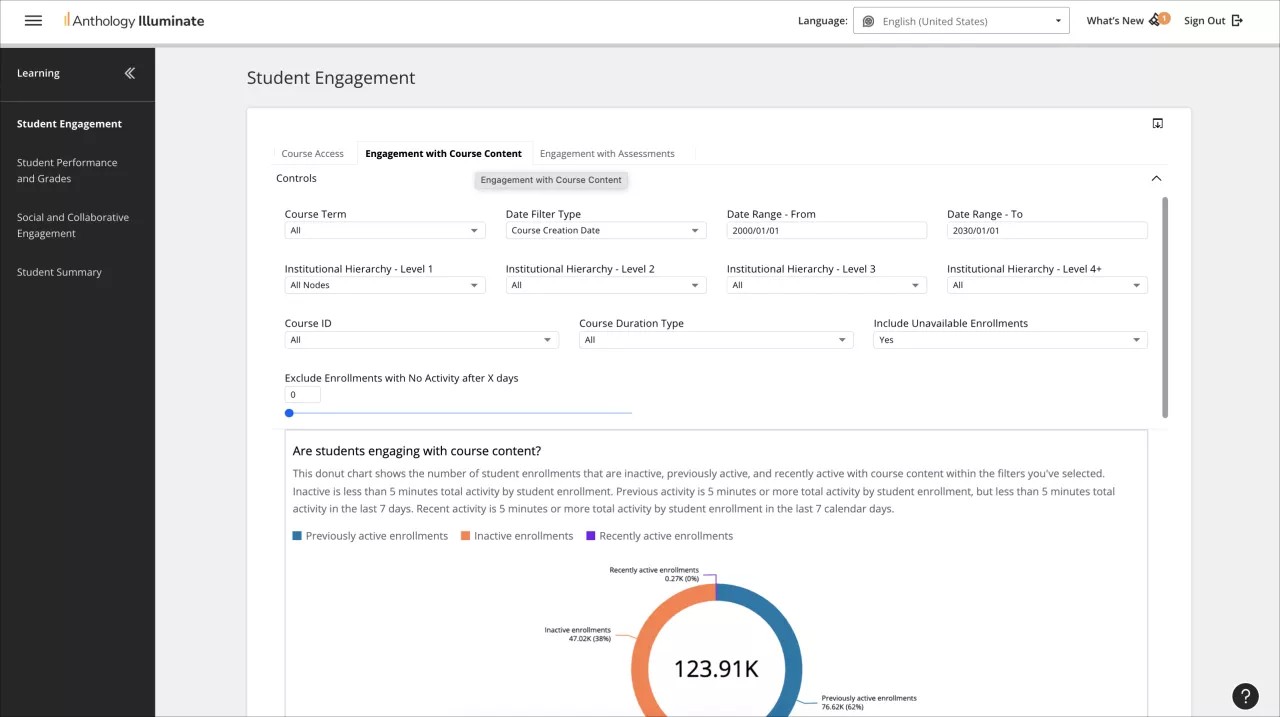
From the navigation bar, select the reporting area you want to access.
Each reporting area has a list of available reports and a description of the questions each report answers.
Select a report to access it.
Reports can have multiple tabs of information. Navigate through them to access all the available data.