Verification Self-Select
A student in the No Verification tile or a Comment Code only student may not have a Verification flag set on the ISIR, which means they are not selected for verification. A school may self-select a student for verification using the steps below. Before performing this process, the school must upload the student and their corresponding ISIR. For further information on V-Groups, see Verification Groups.
You may cancel students in No Verification status using the instructions in Cancel or Stop Student Verification.
Note: A student not selected for verification may have documents required. In most instances, this is due to the student record and ISIR import meeting a requirement configured in the ISIR Verification Document Requirements. Self-selecting a student with no verification will activate rules associated with V-groups and generate new documents in the required document list.
To complete this task:
-
Navigate to Verification > Dashboard.
-
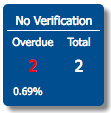
Select the No Verification tile.
-
Select the name of the student you would like to self-select for verification in the Student Name column.
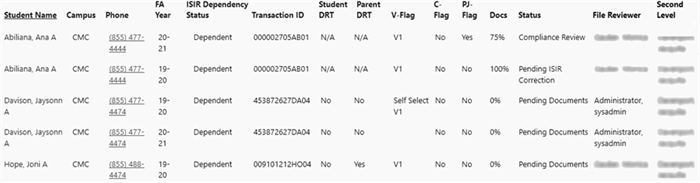
Before selecting a V-Group, the student record looks like the following, where they are in No Verification status, and they do not have a V-Group selected.

-
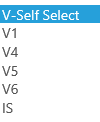
From the V-Self-Select list, select the appropriate V-Group for the student or IS for Institutional Self-Select Verification.
-
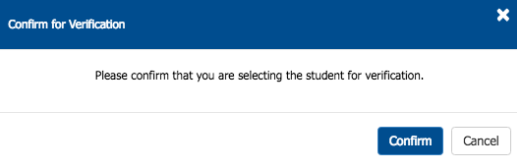
Select Confirm.
When a V-Group is selected, the student moves from No Verification to Pending Documents. Notice that the student's V-Group has changed and indicates verification is self-selected.

