Visitors
Ally creates alternative formats of content that are easier to use by everyone. Ally works within a website so it's available right where you need it.
Alternative formats include readable text for screen readers, pictures with captions, and easy-to-navigate content. Ally creates multiple alternatives from the original content on a site. You can download these alternative formats from any page.
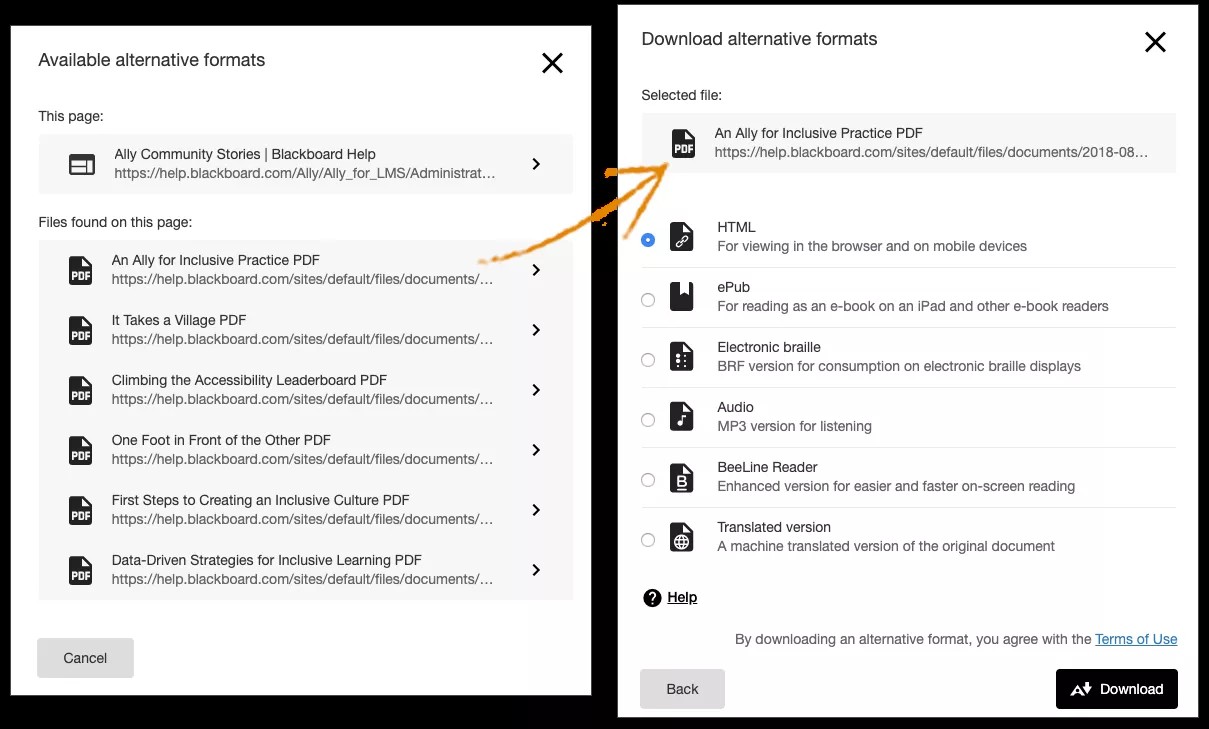
Choose the format you need
Ally creates alternative formats for the pages and files on a website with Ally installed. You can download the alternative formats from any page. Just choose the format that is best for your needs!
Find Ally on the page
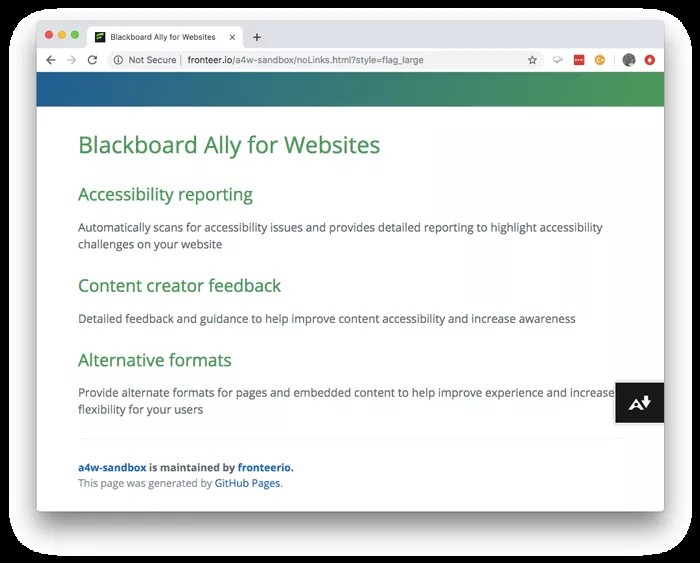
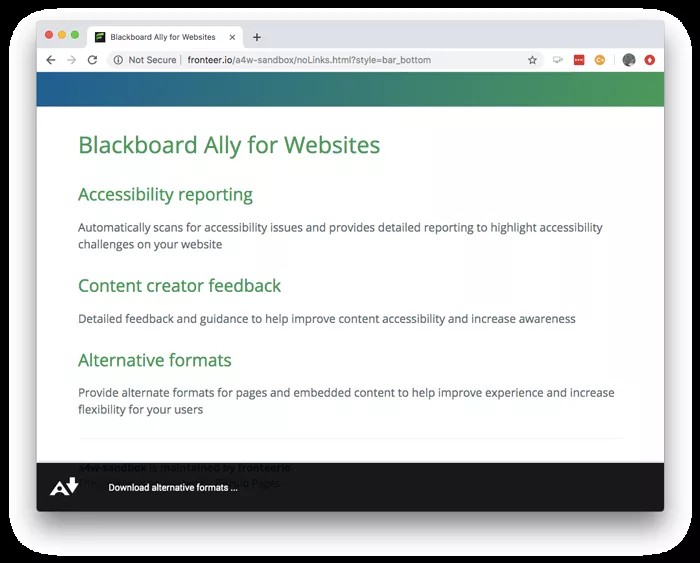
Locate for the Download Alternative Formats button. You'll find the button on the right side or along the bottom of the page.
Choose the format
Select a format for the whole page or for individual files on the page. Use as many formats as you want.
Tip
Need help choosing? More on alternative formats