Sign In
The Student Portal offers the ability to log in through Single Sign-On (SSO) or with a username/email address and password. A student logging in with a username and password will receive the "New ISIR Documents Notification" email. This email is managed by the institution and includes information to log in to the Student Portal.
Important: For first time users logging in to the Student Portal.
The account name is the email address at which the email is received, example john.doe@testschool.com.
The initial password is the first letter of the last name capitalized, the second letter of the last name in lowercase, the last 4 digits of the social security number, and an exclamation point and @ symbol, example Test Student would be St8787!@.
Important: If the user account is managed by SSO, the username and password is configured in an external system. The user would need to authenticate in the external (institution) system. The normal username and password process is not applicable to SSO users.
To sign in to the Student Portal:
-
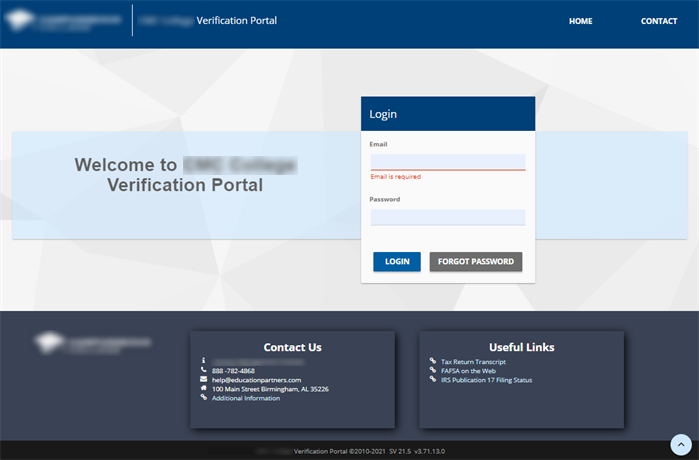
Navigate to the Student Verification Portal using the URL provided by the institution.
Note: The styling (colors, logo, etc.) of the Student Verification Portal will be different for each institution.
-
Enter your Email and Password.
-
Select the LOGIN button.
