The Dependent Option Set Manager
The Dependent Option Set Manager includes a framework where global and entity-based option sets can be mapped, i.e., values in a parent field can be mapped to specific values in a child field.
These configurations that will then be applied to forms will enable users to select options in a child field based on the option selected in a parent field.
For example:
- In the Student Alert entity, options in the Alert Reason parent field and its child field Alert Reason Details can be built using this framework.
OR
- Country, State/Province and County global option set mappings are built and shipped out-of-the-box using this framework. Institutions can clone the web resource of these mappings in their solutions.
 Launching the Dependent Option Set Manager
-
Click
 . The Dependent Option Set Manager will be displayed: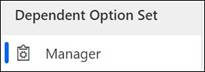
Working With Web Resources
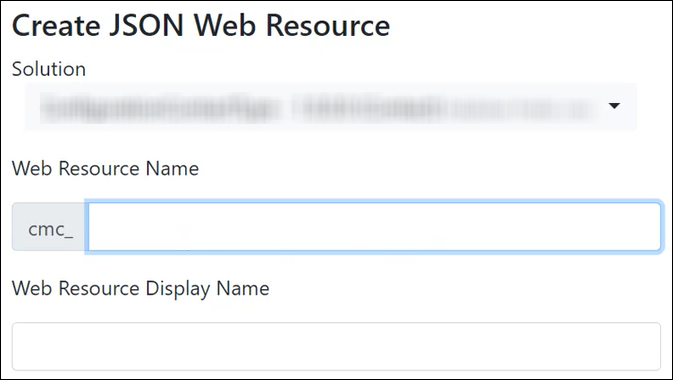
You can create or clone web resources:
| Create a Web Resource in your Solution | Clone a Web Resource in your Solution |
|---|---|
|
Clone a web resource from an out-of-the box solution into an unmanaged solution in which you want to copy its mappings.
Administrators will need to select the following:
On cloning the web resource, its mappings will be available in the target solution. |
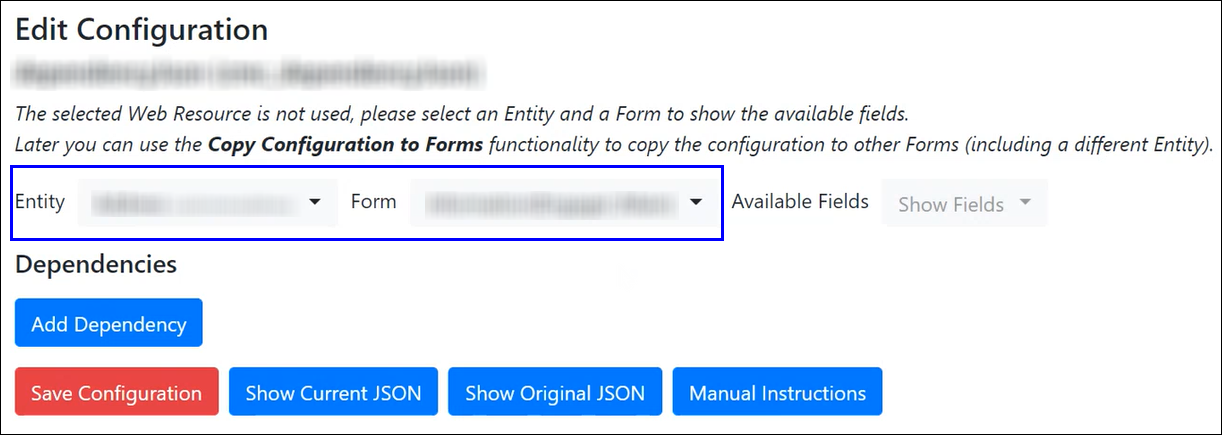
After either of the above procedures, the Edit Configuration page will be displayed.
On this page, the configuration (i.e., the solution and its associated web resource) will need to be:
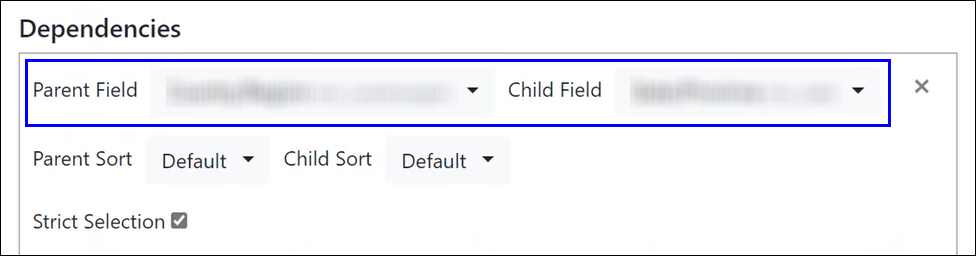
By default, the Strict Selection check box is selected. Clear it to associate the same value in the child field with multiple values of the parent field. |
|
 .
.
Administrators can copy the configuration to another form of the same entity. For instance, the configuration applied on the <Entity>Main form can be copied to the quick create form (<Entity>Quick Create).
The Dependent Option Set Manager includes the following menu options:
-
Show Configuration
-
Edit Configuration
-
Copy Configuration to Forms
-
Remove Configuration from Forms
-
Create JSON Web Resource
-
Clone JSON Web Resource
-
Delete JSON Web Resource
-
Show Entities and Form Fields
Notes:
- Click
 to add another layer of dependencies in which the user can select specific options based on the option selected in the configured child field.
 - For more information and contextual help about the Dependent Option Set Manager, click
 .
.
