Faculty Directory
The Faculty Directory contains contact information of all faculty members at the campus.
To view faculty information:
-
Navigate to Campus Info > Faculty Directory. The Faculty Directory page is displayed.
-
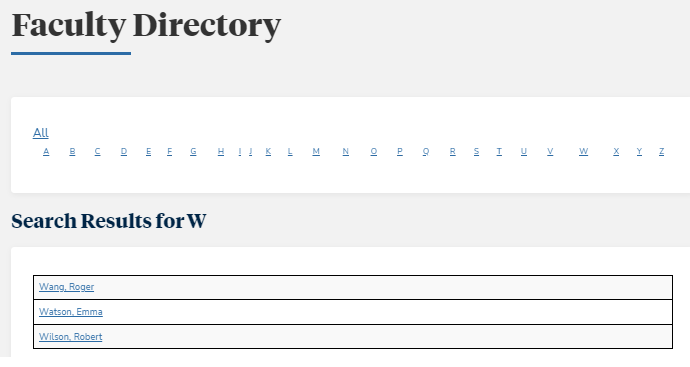
Select ALL to view details of all faculty members.
— OR —
Select a letter to view details of faculty members whose last name starts with the letter.
— OR —
Use the Faculty Search fields.
-
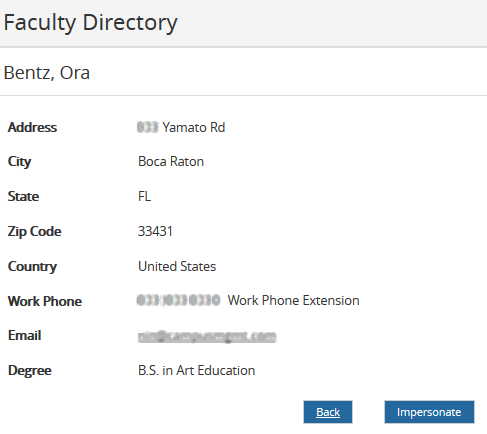
In the search results, select the name of a faculty member. The contact details of the faculty member are displayed.
-
If you are part of an Impersonation Group and your campus is configured to allow impersonation of staff members, the Faculty Directory detail page will display an Impersonate button.
-
Select Impersonate to perform tasks on behalf of another staff member, for example, post attendance, upload grades, upload documents, etc.
-
While you are impersonating a staff member, the header of the Portal Home page will indicate: (Impersonating) <Name> !
-
To stop impersonating a staff member, log out of Portal and log back in with your own credentials.
-
-
Select Back to return to the previous page.
