Quick Add
If you already know the Course Code and Section of a course you wish to register for, use the Quick Add feature to quickly add a course to your Selected Courses panel.
-
Enter the course code in the Course Code field.
-
Enter the section number in the Section field.
-
Select Add.
-
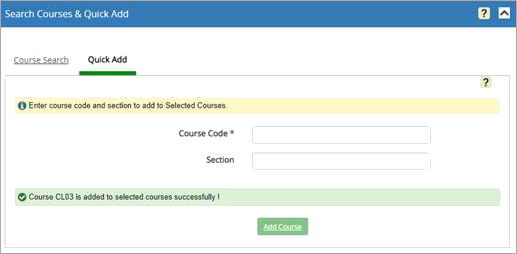
If the Course Code and Section are found and all applicable prerequisites or corequisites are met, a confirmation message is displayed, and the course section is added to the Selected Courses grid.
-
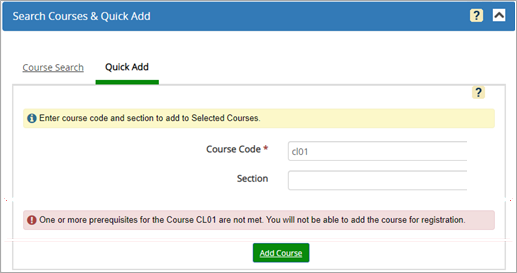
If any prerequisite and/or corequisite requirements are not met, a message indicates why registration is not allowed.
-
