Review Your Application
You can review your online housing application in the Student Portal. You can also review the lease details of the housing facility if your campus accepts your housing application.
-
Select My Housing > Review Your Application. The Housing Application On File page is displayed.
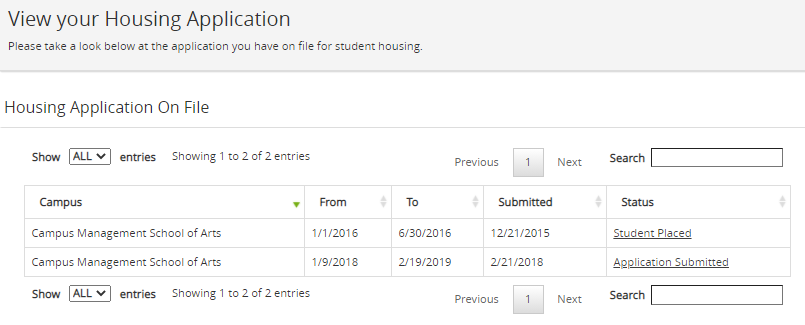
Use the Show _entries drop-down list to set the number of rows displayed in the grid. Use the Search option to locate specific items within the grid.
-
Select the Status of a housing application.
-
Details of the application are displayed in the Application Detail tab.
-
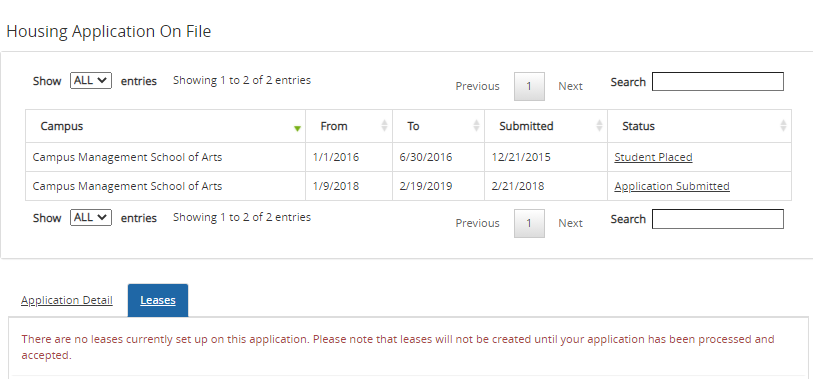
If your application is accepted, review the lease details for the housing facility in the Leases tab.
-
