Create Time from Rotation
Introduction
This procedure generates time transactions from workers with shifts and rotations. Time generated this way is automatically approved for processing into earning transactions.
Note: This pay process is only applicable to hourly workers or workers on a rotation.
Procedure
To create time from rotation:
-
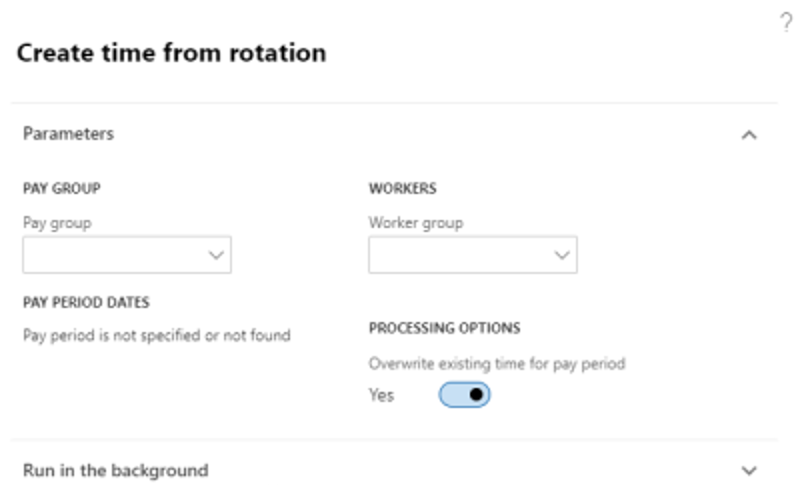
In the navigation pane of the Anthology Payroll module, select Periodic > Pay Period > Create time from rotation to open the Create time from rotation pane.
-
Specify the Pay group to process.
-
Optional: Specify a Worker group to run this process only for a subset of workers in the group for this pay group. This requires worker groups to be configured.
-
Select the Overwrite existing time for pay period option to clear out any unprocessed time transactions in the current pay period if this process has been run before.
-
Select OK to create time records from rotations.
After running, an alert message appears with a summary of the time records created.
